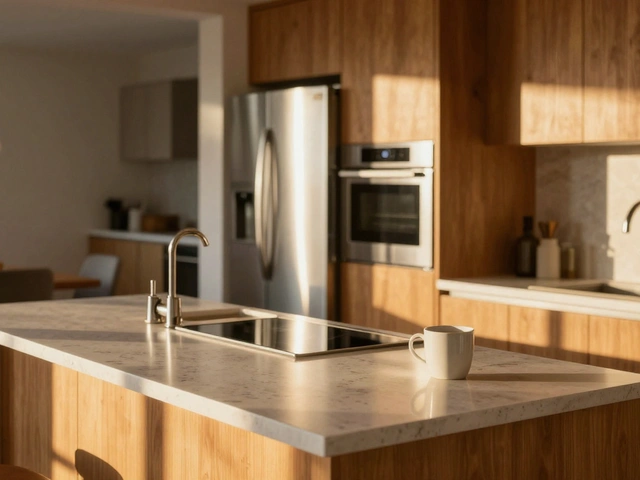
You know that feeling when you walk into a listing photo and the walls look like they're leaning over on top of you? It’s not just an aesthetic annoyance; it kills buyer confidence. A crooked kitchen makes a home feel unstable, even if the foundation is rock solid. In Real Estate Photography, getting your vertical lines perfectly straight isn't optional-it's the baseline for professionalism. Most agents will scroll past a tilted image before they even check the price tag. So, how do you guarantee every shot stands tall without spending hours fixing perspective in post-production?
The Physics of Perspective and Why You Can’t Just "Fix It" Later
Let’s talk about what actually happens when you hold your camera at chest height. If you point the lens slightly up to capture a high ceiling or down to show a large floor area, you introduce convergence. The parallel lines of the walls start to meet at a vanishing point above or below the frame. This is natural human vision behavior, but cameras don't process it the same way our brains do. When you try to correct this heavily in software like Lightroom or Photoshop, you are essentially stretching pixels. You lose resolution at the corners, and often, you end up with weird distortions where windows look trapezoidal.
Tilt-Shift Lenses exist specifically to solve this by moving the optical axis relative to the sensor, keeping the film plane parallel to the subject. But let’s be real-they cost thousands of dollars and require a serious learning curve. For most real estate photographers, especially those shooting volume work, relying on gear alone isn't scalable. You need a workflow that prevents the problem at the source. That starts with understanding that a level horizon doesn't mean level verticals. You can have a perfectly flat horizon line while your walls still lean inward. These are two different problems requiring two different solutions.
Choosing the Right Tripod Head for Speed and Precision
Your tripod head is your primary tool for control. If you’re using a standard ball head, you’re fighting physics every time you shoot. Ball heads are great for quick adjustments in landscape or street photography, but they lack the fine-tuning needed for architectural shots. When you loosen a ball head to adjust one axis, the other axes shift too. You spend more time chasing the bubble than composing the shot.
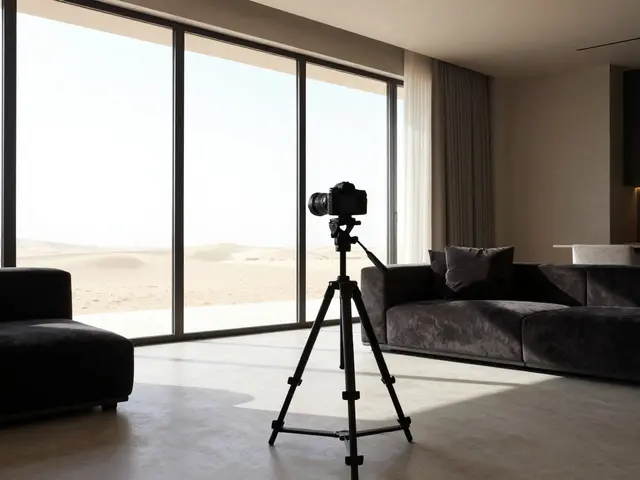
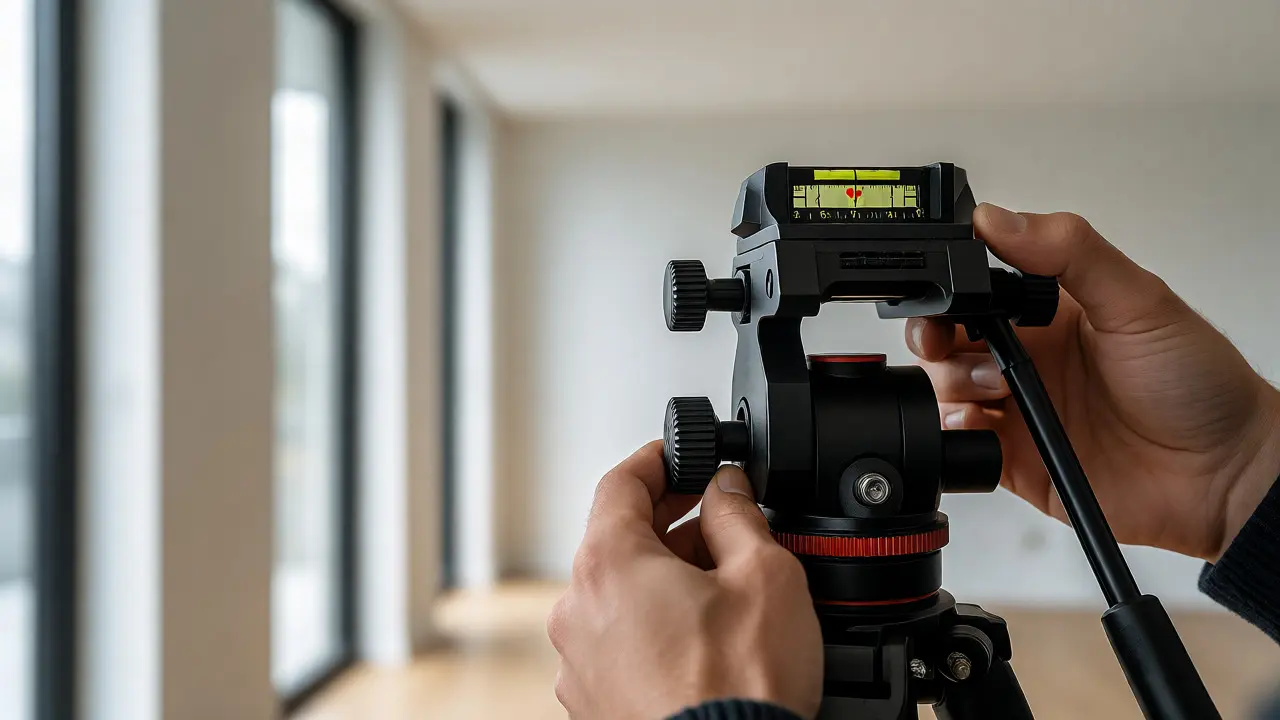
Switch to a Pan-Tilt Head. Unlike a ball head, a pan-tilt head isolates movements. You have separate knobs for panning (left-right), tilting (up-down), and rolling (rotation). This separation allows you to lock your horizontal alignment first, then adjust your vertical alignment independently. Look for heads with built-in dual-axis spirit levels. Brands like Manfrotto or Really Right Stuff offer models specifically designed for architecture. The key feature you want is a smooth drag system. You should be able to make micro-adjustments without jerking the camera. If your head has loose tolerances, gravity will pull your composition off-center as soon as you extend the center column.
| Head Type | Vertical Control | Speed | Best Use Case |
|---|---|---|---|
| Ball Head | Poor (all axes move together) | Fast | Candid shots, interiors with low ceilings |
| Pan-Tilt Head | Excellent (isolated axes) | Moderate | Standard room compositions, exteriors |
| Geared Head | Perfect (millimeter precision) | Slow | High-end luxury listings, complex geometry |
The Bubble Level Myth: Why Digital Levels Are Better
Every tripod comes with a small circular bubble level. Do not trust it. Those bubbles are calibrated for rough alignment, not architectural precision. Even if the bubble is dead center, your camera might be rotated around its optical axis (roll), causing the entire image to skew diagonally. This is the most common error beginners make. They get the horizon flat but ignore the roll, resulting in images that look subtly wrong to anyone who looks closely.
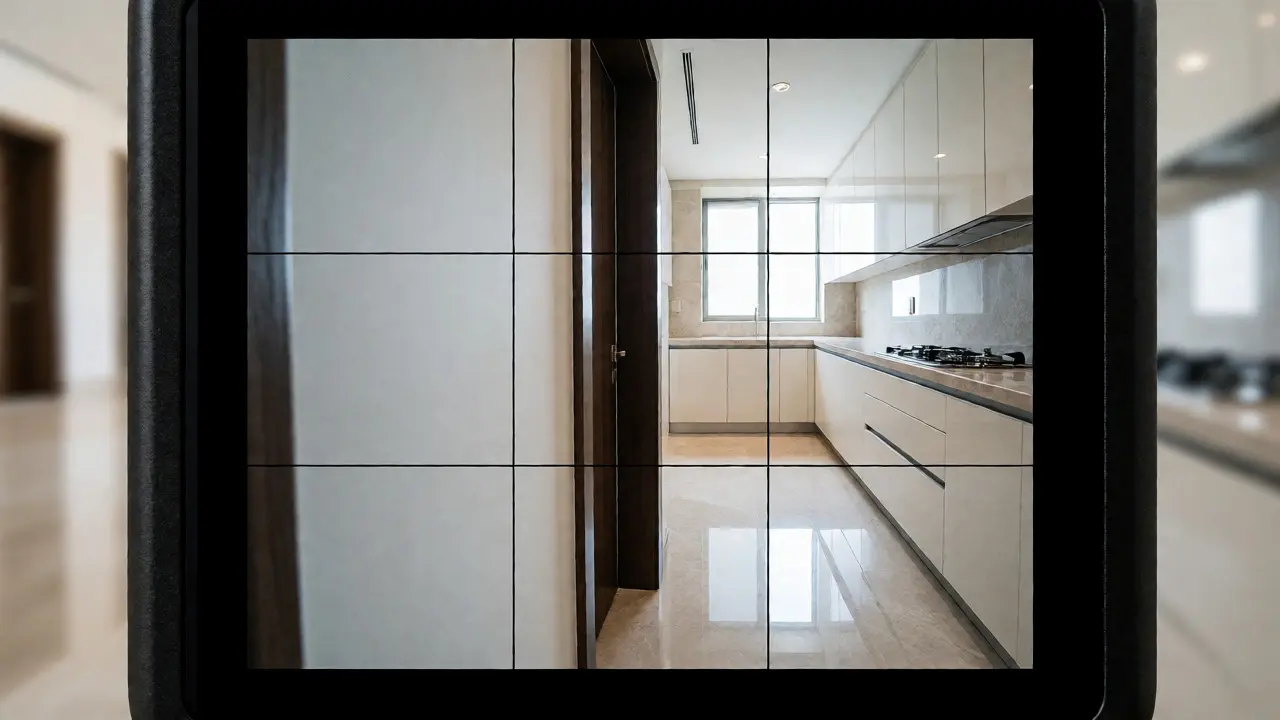
Modern mirrorless cameras have excellent digital level indicators. Turn them on. Set your grid overlay to display both horizontal and vertical lines. Before you press the shutter, zoom in 100% on a vertical edge-like a doorframe or window trim-and ensure it aligns perfectly with the grid line. If you don't have a digital level, use the live view grid. It’s free, instant, and far more accurate than a physical bubble. Remember, the goal is parallelism between the camera sensor and the wall surfaces, not just a flat ground plane.
Camera Height and Lens Selection Matter More Than You Think
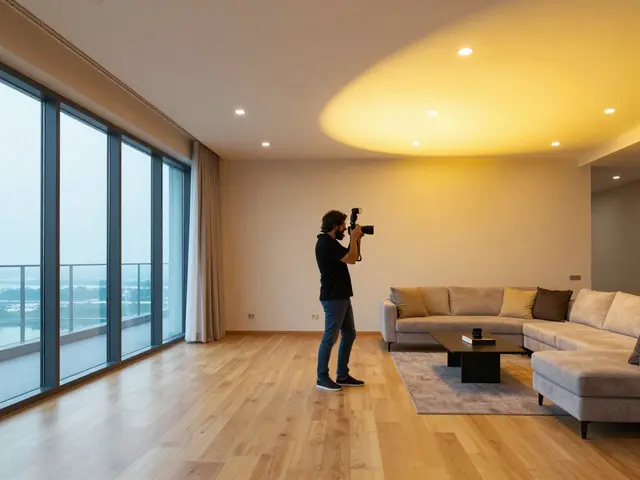
Where you place the tripod changes everything. Shooting from eye level (5'6") often forces you to tilt the camera down to see the floor or up to see the ceiling. This tilt creates the convergence we discussed earlier. In real estate, the industry standard has shifted toward lower angles, typically between 36 and 42 inches. This height mimics the perspective of someone sitting in a chair or standing casually, which feels inviting rather than imposing.
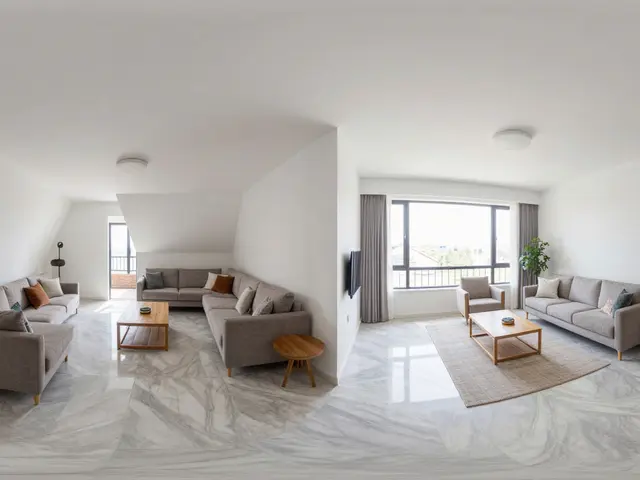
Pair this lower height with a wide-angle lens, usually between 16mm and 24mm on a full-frame camera. Wider lenses exaggerate depth, making rooms feel larger, but they also amplify distortion if not leveled correctly. Here is the rule of thumb: keep the camera back-to-back with the longest wall in the room. This maximizes the visual depth of the space while keeping the main vertical elements perpendicular to the sensor. If you must shoot across a diagonal corner, be extra vigilant about checking your verticals on both sides of the frame.
Using Live View and Grid Lines for Instant Feedback
Stop guessing. Use your camera’s tools. Enable the 3x3 or 6x6 grid in your viewfinder or LCD screen. When composing, find strong vertical lines in the scene-door frames, cabinet edges, lamp posts outside the window. Align these lines with the grid. If the grid lines are parallel to the object lines, you are likely level. If they diverge, rotate your camera body left or right until they match.
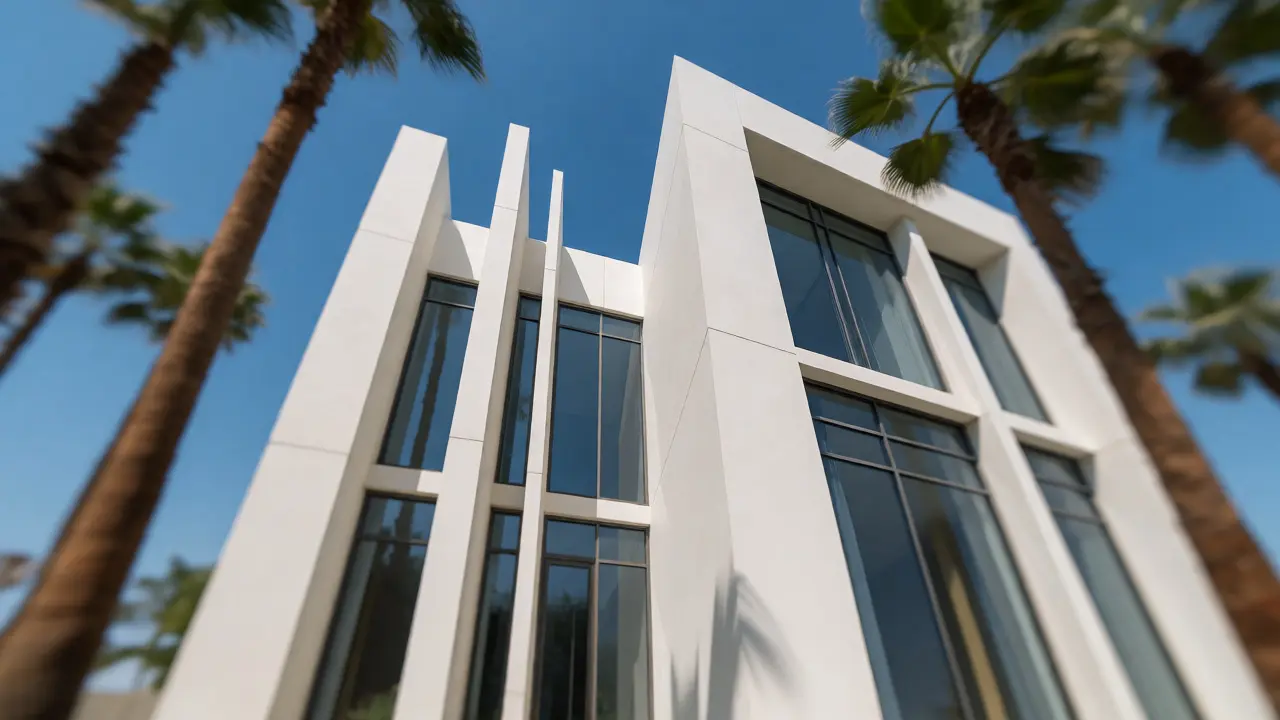
For exteriors, this is critical. Trees, fences, and utility poles provide perfect reference points. If your fence post leans away from the grid line, your camera is rolled. Adjust the tripod legs or the head until the post runs straight up along the grid. This technique works faster than any software correction because you are capturing the truth in-camera. Buyers subconsciously detect skewed horizons and distorted structures, interpreting them as poor maintenance or structural issues. Don't give them that excuse.
Post-Processing: The Safety Net, Not the Crutch
Even with perfect setup, minor imperfections happen. Maybe the floor was uneven, or you had to shoot quickly during a busy open house. This is where post-processing saves the day. In Adobe Camera Raw or Lightroom, use the Transform panel. Start with the "Auto" button, but rarely accept it blindly. Manually adjust the vertical sliders. Drag the top corners of the bounding box until the vertical lines snap to the grid.
Be careful with cropping. Aggressive perspective correction crops out significant portions of the image, especially at the corners. If you find yourself cropping more than 10% of the frame to fix verticals, go back and reshoot. It’s faster to take ten seconds to adjust a tripod leg than to spend five minutes fixing a distorted window frame in Photoshop. Also, watch out for curved lines. Wide-angle lenses cause barrel distortion. While you can fix straight lines easily, curved objects like archways or round tables can look odd if corrected too aggressively. Keep corrections subtle.
Common Pitfalls and How to Avoid Them
- Relying on Auto-Level: Many cameras have electronic stabilization that shifts the sensor to compensate for movement. Turn this off for static architectural shots. It can introduce micro-jitter that softens details.
- Ignoring the Floor: Sometimes you level for the walls but forget the floor tiles. If the grout lines don't run parallel to the bottom of the frame, the image feels off-kilter. Check both horizontal and vertical references.
- Uneven Terrain: On exteriors, grass slopes. Extend one tripod leg further than the others to bring the head level. Don't rely on the tripod's built-in leg locks to handle extreme angles; they slip. Use a leveling base plate if necessary.
Mastering the tripod and leveling process transforms your portfolio. It signals attention to detail, which translates directly to perceived property value. Buyers trust photos that look stable and clear. By investing time in proper setup-choosing the right head, trusting digital grids, and respecting camera height-you eliminate the biggest distraction in real estate imagery. Your photos won't just document the house; they will sell the lifestyle within it, free from the subconscious unease caused by crooked lines.
Do I really need a specialized tripod head for real estate photography?
While you can technically use a ball head, a pan-tilt head is highly recommended. Ball heads move all axes simultaneously, making it difficult to isolate vertical alignment. Pan-tilt heads allow independent adjustment of tilt and roll, ensuring precise vertical lines without compromising horizontal stability. This saves significant time in post-production.
What is the ideal camera height for interior shots?
The industry standard is typically between 36 and 42 inches (91-107 cm) from the floor. This height provides a balanced perspective that shows enough floor space to define the room layout while keeping vertical lines relatively straight. Eye-level shots often require excessive tilting, leading to converging verticals.
How do I fix tilted buildings in exterior photos?
First, ensure your camera is physically level using a digital level or grid overlay. Align vertical structures like doorframes or columns with the vertical grid lines in your viewfinder. If slight tilt remains, use the transform tools in software like Lightroom to manually adjust the vertical sliders, but avoid heavy cropping which reduces image quality.
Does lens choice affect vertical lines?
Yes. Wide-angle lenses (16-24mm) exaggerate perspective distortion. If the camera is not perfectly parallel to the walls, the convergence effect is much stronger with wider lenses. Using a moderate wide-angle and keeping the camera back-to-back with the longest wall helps minimize this distortion naturally.
Can I fix bad verticals entirely in post-production?
You can correct minor tilts, but severe perspective errors require aggressive warping and cropping, which degrades resolution and aspect ratio. It is always better to fix the issue in-camera by adjusting the tripod height, angle, or position. Post-production should be a refinement step, not a rescue mission.