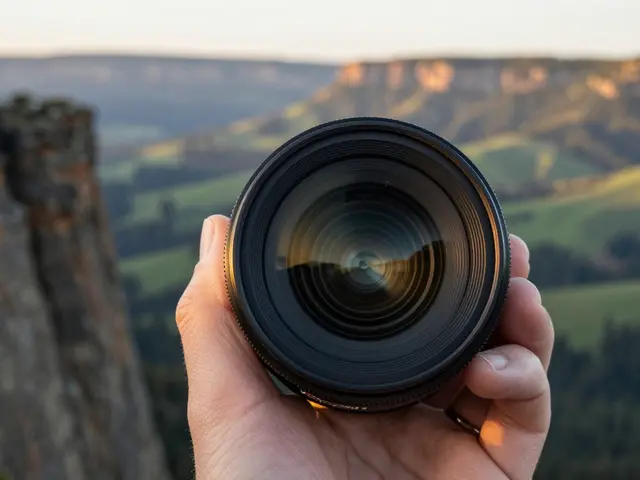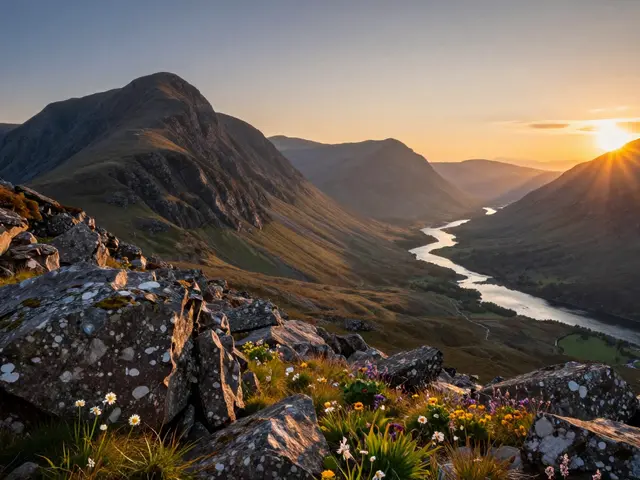
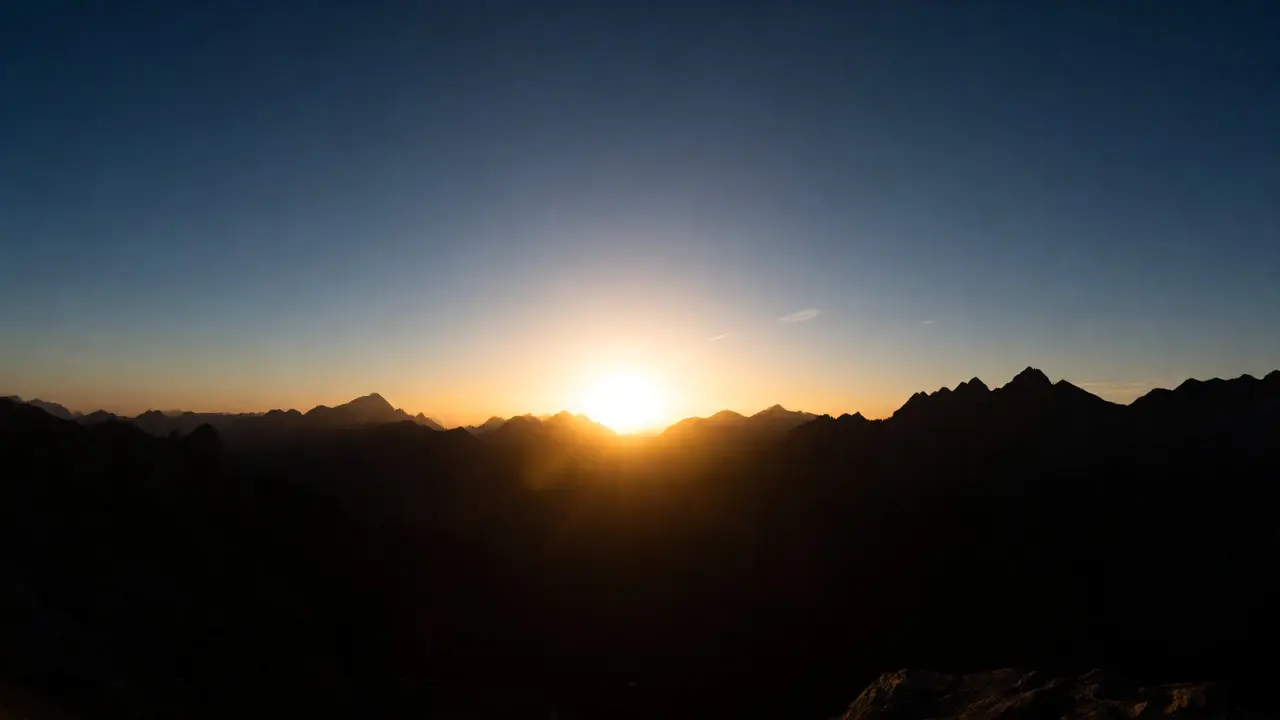
You’re standing on a cliff edge at sunset. The sky is ablaze with orange and purple, but the land below is darkening into shadow. You raise your camera, take a shot, and get either a blown-out white sky or a pitch-black foreground. Standard Graduated Neutral Density (GND) filters usually solve this by darkening the top half of the frame. But what happens when the brightest part of your scene isn’t at the very top? What if there’s a mountain peak, a tall building, or a distant cloud formation right in the middle of the sky that’s glowing brighter than the clouds above it?
This is where standard GNDs fail you. They assume the brightness gradient starts from the top edge. When the light source is central, using a normal GND creates an ugly dark band across the upper sky while leaving the actual hot spot overexposed. Enter the Reverse Graduated Filter. This specialized tool flips the script on traditional exposure balancing, offering photographers a precise way to handle complex lighting scenarios.
What Exactly Is a Reverse Graduated Filter?
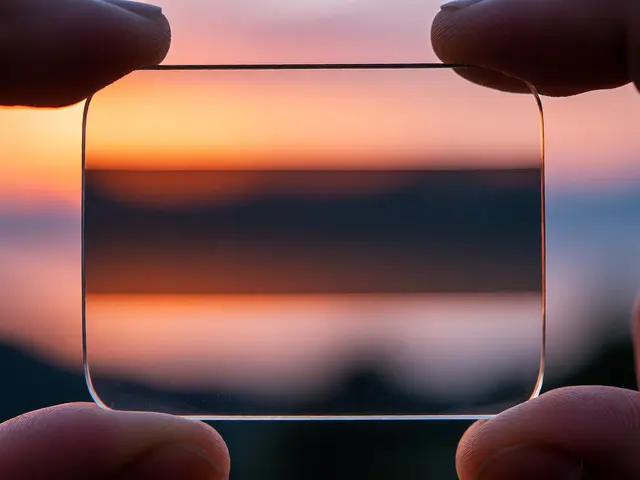
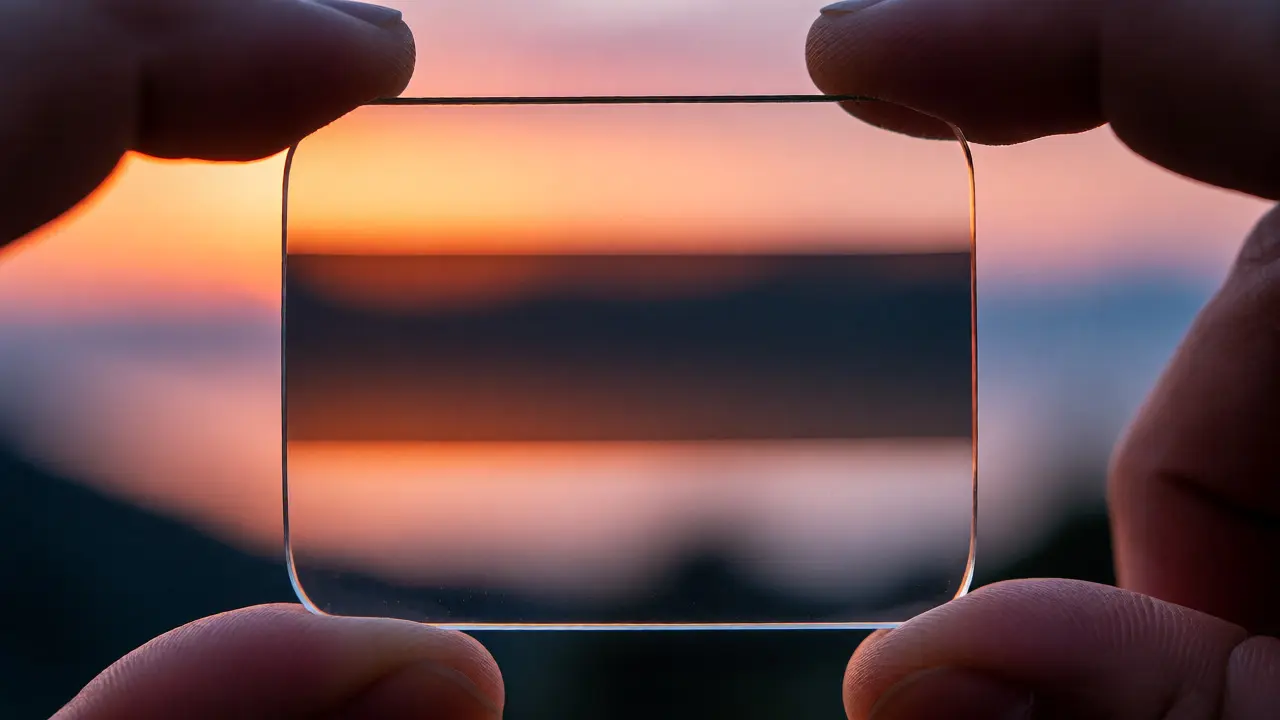
To understand the reverse filter, you first need to grasp how its standard cousin works. A standard GND filter is a rectangular piece of glass or resin that transitions from clear at the bottom to dark gray at the top. It reduces light entering the top portion of the lens, allowing for a more balanced exposure between a bright sky and a darker foreground.
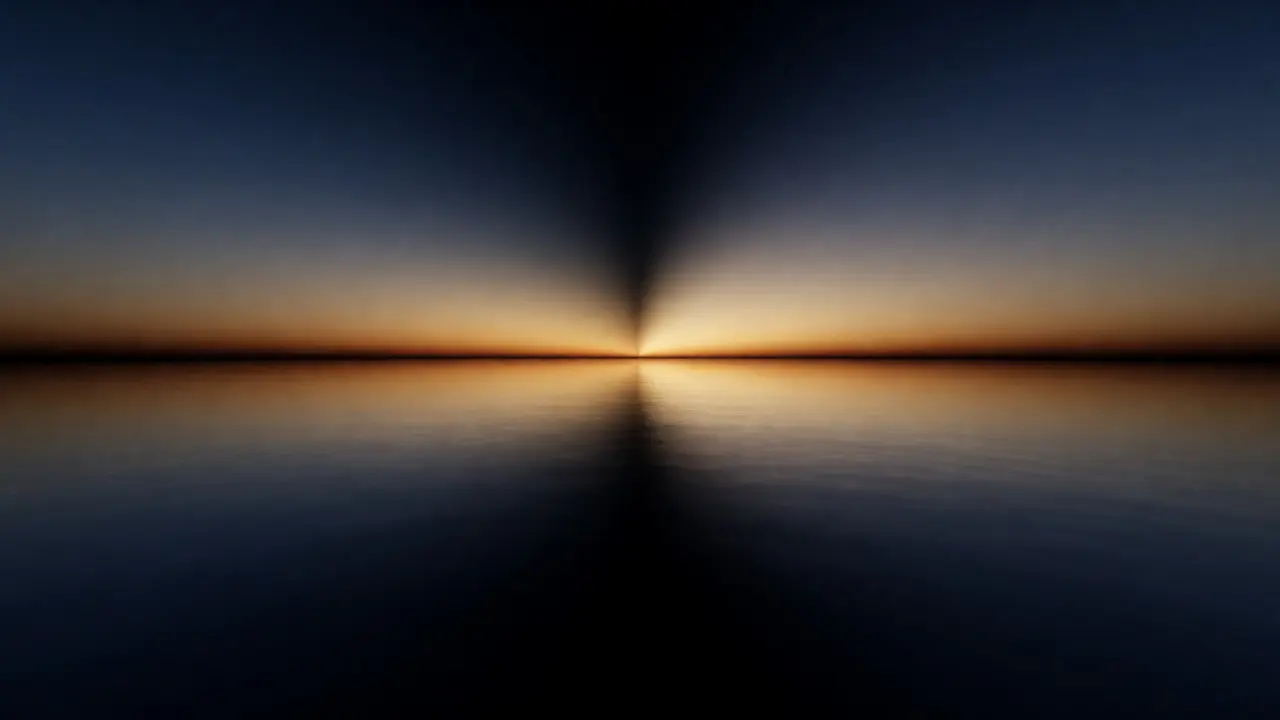
A reverse graduated filter does the opposite in terms of density placement. It features a clear section at the very top, becomes darkest just below the center line, and then fades back to clear toward the bottom. Think of it as a "donut" shape cut in half vertically. The densest part of the filter sits roughly one-third down from the top edge. This specific design targets the area where the sun or brightest light often sits during sunrise and sunset-just above the horizon but not at the zenith.
Why does this matter? Because our eyes adapt to contrast differently than cameras. Cameras struggle with high dynamic range scenes. If the sun is setting directly behind a mountain range, the sky immediately around the sun is blindingly bright, while the sky higher up might be darker blue. A standard GND would darken the entire upper third, including the already dark blue sky, creating an unnatural vignette effect. A reverse GND leaves the top clear and only suppresses the intense glow near the horizon line.
When Should You Use One?
Not every landscape needs a reverse filter. In fact, using one incorrectly can make photos look muddy. You should reach for this tool in three specific scenarios:
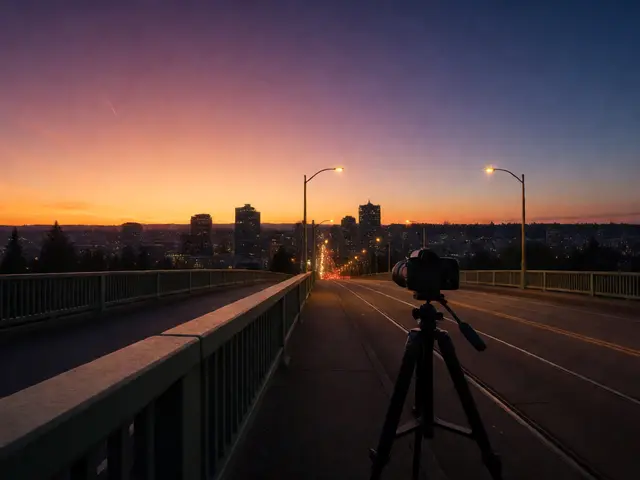
- Sunsets and Sunrises with Central Light Sources: When the sun is low on the horizon, the brightest point is rarely at the top of the frame. It’s centered horizontally and vertically within the sky region. A reverse filter tames this hotspot without darkening the upper atmosphere unnecessarily.
- Tall Objects Against Bright Skies: Imagine photographing a skyscraper, a lighthouse, or a tall tree against a bright sky. The object itself might be silhouetted, but the sky immediately surrounding its peak is intensely bright. A standard GND would cut off the top of the object or leave the sky around it too bright. The reverse filter allows you to keep the top of the object and the sky above it properly exposed while managing the glare around the mid-section.
- Reflective Surfaces Near the Horizon: Water bodies like lakes or oceans often reflect the brightest part of the sky near the horizon line. This reflection can blow out details in the water. By placing the dense part of a reverse filter over the horizon line, you can balance the reflection without affecting the deeper parts of the water or the sky above.
If you are shooting a flat field with a uniformly cloudy sky, stick to a standard soft or hard GND. The reverse filter is a precision instrument for non-uniform gradients.
Choosing Between Hard and Soft Transitions
Just like standard filters, reverse graduated filters come in different transition types. Understanding these differences is crucial for getting natural-looking results.
| Feature | Hard Edge Reverse | Soft Edge Reverse |
|---|---|---|
| Transition Zone | Narrow, abrupt change from clear to dark | Wide, gradual blend from clear to dark |
| Best For | Flat horizons (ocean, desert), sharp lines | Mountains, trees, irregular skylines |
| Risk | Visible line if misaligned; halo effects | Less noticeable errors; softer look |
| Typical Strength | 3-stop or 4-stop reduction | 2-stop or 3-stop reduction |
Hard Edge filters have a distinct line where the darkness begins. These are ideal for ocean shots where the horizon is perfectly straight. If you tilt the camera even slightly, the line will be visible in the photo. They provide strong contrast control but require precise alignment.
Soft Edge filters have a gradual fade. These are much more forgiving. If you’re shooting mountains with jagged peaks, a hard edge filter would create a weird dark band cutting through the mountains. A soft edge blends the darkness gradually, matching the natural fall-off of light. Most beginners should start with a soft-edge reverse filter because it hides mistakes better.
How to Position the Filter Correctly
Positioning is everything. Unlike a standard GND where you slide the filter until the dark part covers the sky, a reverse filter requires careful vertical alignment. Here is a step-by-step approach to nailing it:
- Compose Your Shot: Frame your image so the brightest part of the sky (the sun or its immediate glow) falls roughly one-third down from the top edge of your viewfinder.
- Identify the Hotspot: Look for the area of highest luminance. In many sunset shots, this is just above the horizon line.
- Align the Dense Band: Slide the filter holder up or down until the darkest part of the reverse filter aligns with that hotspot. The clear top part of the filter should cover the darker upper sky, and the fading bottom part should cover the foreground.
- Check for Halos: Take a test shot. Zoom in on the screen. If you see a dark line cutting through a mountain peak or a tree branch, your filter is positioned too high. Lower it slightly. If the sky still looks blown out, raise it.
- Adjust Exposure: Once aligned, meter for the foreground or use histogram tools to ensure neither the shadows nor highlights are clipped.
Pro Tip: Use Live View mode on your camera. Many modern cameras allow you to see the exposure simulation in real-time. This lets you adjust the filter position while watching the histogram react instantly, saving you from chimping after every shot.
Common Mistakes to Avoid
Even experienced shooters fumble with reverse filters occasionally. Here are the pitfalls that ruin otherwise great images:
- Misalignment with Irregular Horizons: Using a hard-edge reverse filter on a mountainous landscape is a recipe for disaster. The hard line will cut across peaks, making them look artificially darkened compared to the valleys. Always switch to a soft-edge or skip the filter entirely for rugged terrain unless you are skilled at blending multiple exposures.
- Over-Darkening the Sky: Reverse filters typically offer 3 to 4 stops of reduction. If the difference between the sun and the rest of the sky is only 1 stop, using a heavy filter will make the sky look unnaturally gray. Assess the dynamic range first. If the gap is small, consider bracketing instead.
- Vignetting Issues: Stacking a reverse filter with a polarizer or another ND filter can cause vignetting, especially on wide-angle lenses (wider than 24mm on full-frame). Ensure your filter holder system supports slim mounts or remove unnecessary filters.
- Ignoring Color Casts: Cheap resin filters can introduce color casts, turning neutral grays into magenta or green hues. High-quality glass filters from brands known for optical clarity minimize this. If you notice a cast, correct it in post-processing using white balance adjustments, but prevention is better.
Alternatives to Physical Filters
Physical filters aren’t the only way to handle bright horizons. Modern technology offers digital solutions that mimic or surpass what glass can do.
HDR Bracketing: Shooting three to five exposures and merging them in software like Adobe Lightroom or Photomatix gives you perfect dynamic range control. You can mask exactly which areas need darkening. The downside? Movement. Wind-blown grass or moving water creates ghosting artifacts that require manual cleanup.
Digital Gradients in Post-Production: Tools like the Radial Gradient or Linear Gradient masks in Lightroom allow you to simulate a reverse filter digitally. You can draw a gradient that darkens the center-top area. This is incredibly flexible and non-destructive. However, it relies heavily on RAW file data. If you shoot JPEG, you might lack the latitude to recover highlight details effectively.
So, why buy physical filters? Speed and authenticity. A well-placed reverse filter captures the light correctly at the moment of exposure. There’s no need to merge files, no risk of ghosting, and the resulting RAW file has cleaner noise profiles in the shadows because you didn’t underexpose and lift them later. For purists and fast-moving environments, glass remains king.
Final Thoughts on Gear Selection
If you’re serious about landscape photography, adding a reverse graduated filter to your kit expands your creative options significantly. Start with a single high-quality soft-edge reverse filter, likely a 3-stop version. This versatile tool handles most sunset scenarios without being overly aggressive.
Test it extensively before relying on it for critical shoots. Practice aligning it quickly. Learn to recognize when the light gradient matches the filter’s profile. Over time, you’ll develop an instinct for when to reach for this specific piece of glass versus a standard GND or no filter at all. It’s not about owning every type of filter; it’s about knowing exactly which one solves the problem in front of you.
Can I use a standard GND upside down to act as a reverse filter?
No, flipping a standard GND upside down simply places the dark part at the bottom, which darkens the foreground. A true reverse filter has a specific density profile with the darkest point located below the center, not at the edge. Flipping a standard filter won't replicate the targeted suppression of the horizon glow.
Do reverse graduated filters work with mirrorless cameras?
Yes, they work identically with DSLRs and mirrorless systems. The main consideration is ensuring your filter holder system fits your lens diameter. Mirrorless lenses sometimes have shorter barrels, which can affect how far you can slide the filter up or down, but generally, compatibility is excellent.
Is a reverse filter necessary for night photography?
Rarely. Night scenes usually involve artificial lights or moonlight that don't follow the same predictable gradient pattern as daylight sunsets. Unless you are dealing with extreme city light pollution near the horizon, standard long-exposure techniques or digital masking are more effective.
What strength reverse filter should a beginner buy?
A 3-stop soft-edge reverse filter is the best starting point. It provides enough reduction to handle typical sunset contrasts without being too harsh. A 2-stop might be too weak for direct sun, while a 4-stop can be difficult to blend naturally for those new to the technique.
Can I stack a reverse filter with a polarizer?
Yes, but be cautious of vignetting, especially on wide-angle lenses. A circular polarizer attached to the lens combined with a square reverse filter in a holder can cause corner darkening. Test this combination beforehand and consider using slim-mount holders to mitigate issues.