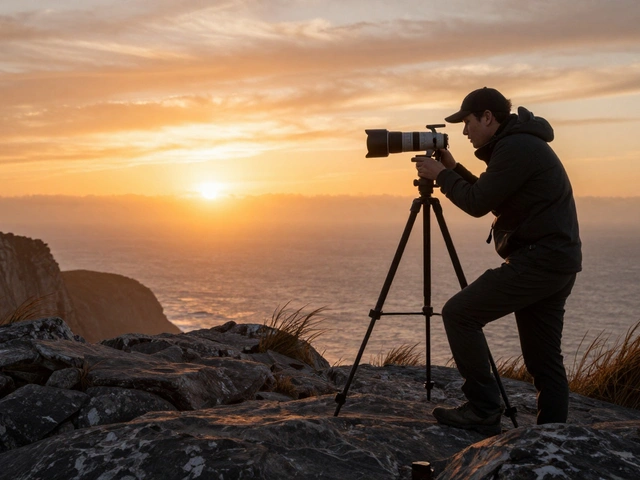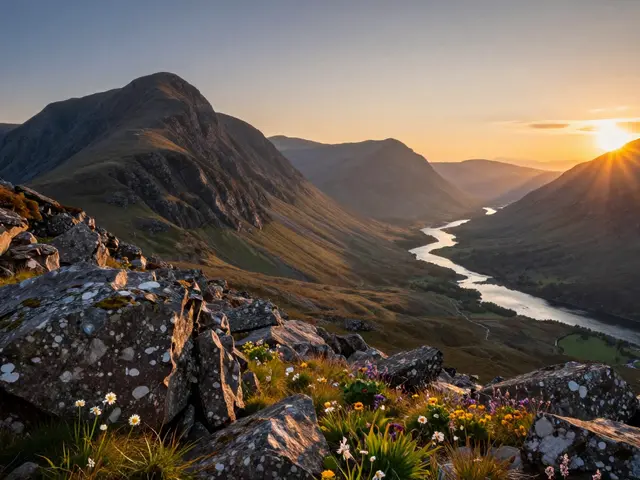
Standing on a cliff edge at sunset, you raise your camera and realize the sky is blowing out to pure white while the foreground looks like a shadow box. This is the classic dynamic range problem in landscape photography. You have two main tools to fix it: physical graduated neutral density filters is a glass or resin disc with a smooth transition from dark to clear that reduces light in only part of the frame. Alternatively, you can use HDR blending is a digital technique where multiple exposures are combined in post-processing to create a single image with extended tonal range. Which one should you pick? It depends on whether you value speed in the field or precision in the editing suite.
The Physics of Light and Exposure Limits
To understand why these tools exist, we need to look at how sensors capture light. A modern full-frame sensor has a dynamic range of roughly 12 to 14 stops. However, a dramatic sunset scene often spans 15 to 18 stops of brightness difference between the brightest cloud edge and the darkest rock crevice. When the difference exceeds your sensor's capability, you lose detail in either the highlights or the shadows. This is where exposure balancing becomes critical.
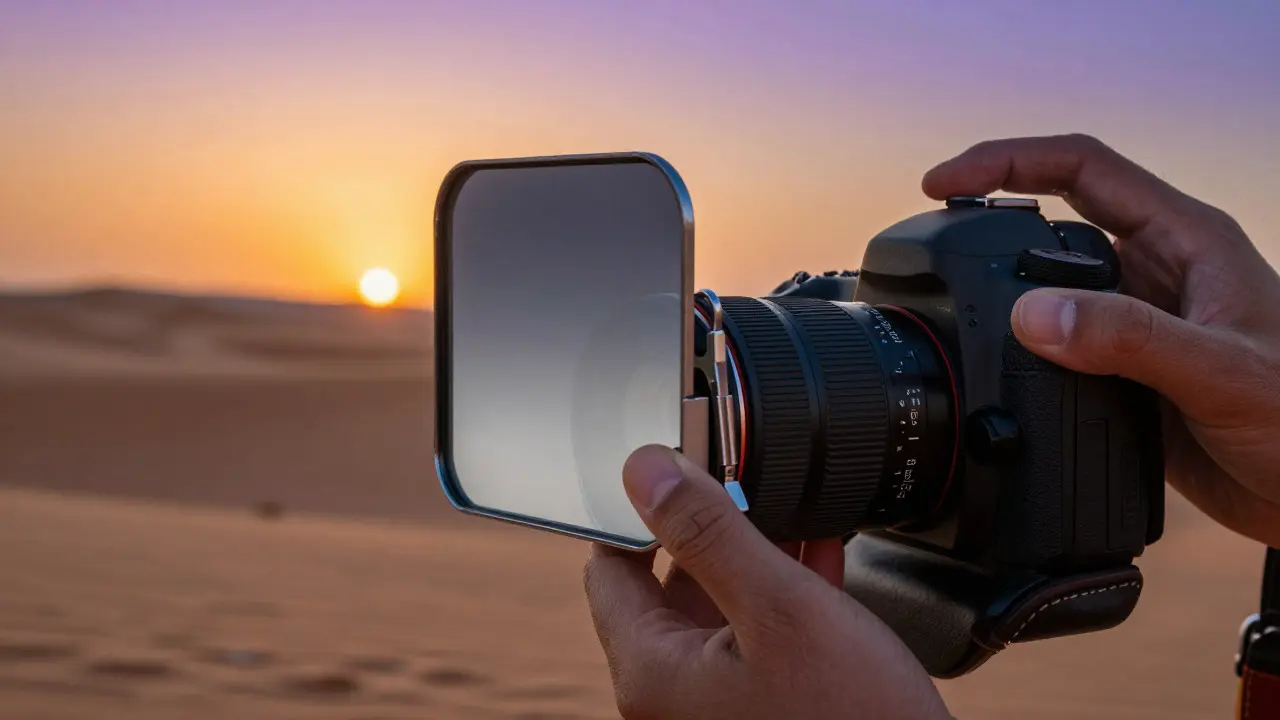
Neutral Density (ND) filters are accessories that reduce the amount of light entering the lens without affecting color. Standard ND filters darken the entire frame, but graduated versions apply this darkness only to the top half or a specific portion of the view. The most common types are hard-edge and soft-edge. Hard-edge filters have a distinct line where the dark section meets the clear section, making them ideal for flat horizons like seas or deserts. Soft-edge filters have a gradual fade, which works better for uneven terrain like mountains or forests where the horizon line isn't straight.
How Graduated Filters Work in the Field
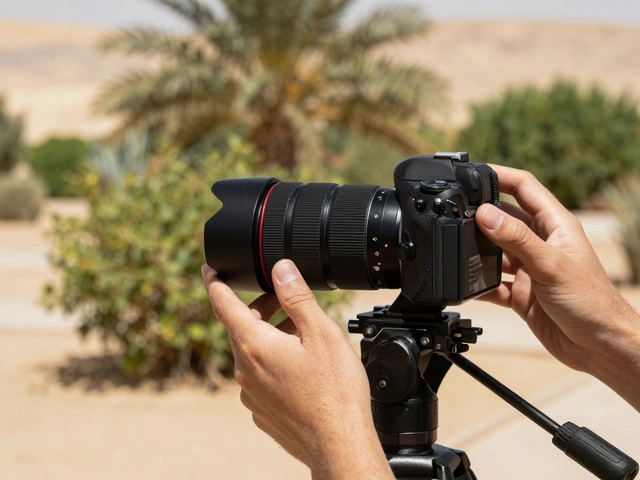
Using a graduated filter is an optical solution. You screw a holder onto your lens, slide the filter into place, and adjust its height until the transition line sits exactly where the sky meets the land. The advantage here is immediacy. What you see through the viewfinder is what you get on the memory card. There is no post-processing risk of halos or ghosting artifacts that often plague bad HDR merges.
However, there are trade-offs. Glass introduces potential reflections, especially if the filter surface is dirty or if you are shooting against bright backlight. Resin filters, which are cheaper and lighter, can suffer from color casts, particularly magenta tints in strong sunlight. Furthermore, if the horizon moves due to camera tilt, you must physically re-adjust the filter. For a tripod-based landscape shooter, this is manageable. For a handheld photographer chasing action, it adds friction.
The Digital Approach: HDR Blending Mechanics
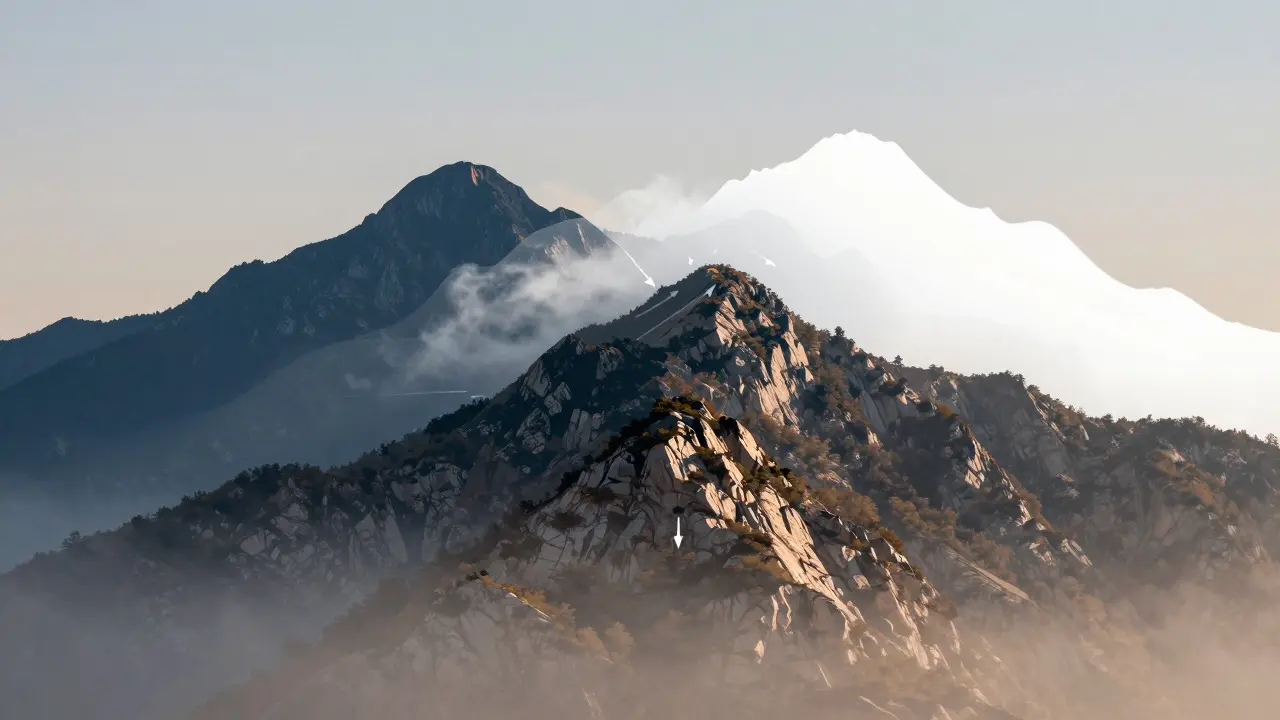
HDR blending takes a different route. Instead of controlling light optically, you control it digitally. You take three or more photos at different exposure settings-typically underexposed, correctly exposed, and overexposed-and merge them using software like Adobe Lightroom or Photoshop. The algorithm identifies pixels that retain detail in at least one of the source images and combines them into a final file.
This method offers unparalleled flexibility. If you missed the perfect exposure bracket, you can still salvage the shot by merging available frames. It allows you to recover details in both the deepest shadows and the brightest highlights simultaneously. However, it requires stability. Any movement between shots-whether from wind shaking the tripod or a subject moving in the foreground-can result in misalignment. Modern algorithms handle minor shifts well, but significant motion creates "ghosting," where double images appear around moving objects like leaves or water.
Comparing Speed, Cost, and Workflow
Let’s break down the practical differences. In terms of cost, a high-quality set of graduated filters can range from $100 for resin options to $300+ for premium glass systems. An HDR workflow costs nothing extra beyond the software you likely already own. In terms of time, filters save hours in post-production because the exposure balance is locked in during the capture phase. HDR requires careful bracketing and subsequent processing time, which can be tedious if you are shooting hundreds of landscapes.
Consider the scenario of a fast-moving storm front. With a graduated filter, you can quickly adjust the density and shoot a single frame. With HDR, you need to wait for a moment of relative stillness to ensure clean alignment. Conversely, if you are photographing a complex forest interior with dappled light, a single graduated filter might not cover all the necessary transitions, whereas HDR can handle the multi-directional lighting variations more effectively.
| Feature | Graduated Filters | HDR Blending |
|---|---|---|
| Workflow Stage | In-camera (Optical) | Post-processing (Digital) |
| Horizon Requirement | Must be relatively straight | No specific requirement |
| Motion Tolerance | High (Single shot) | Low (Requires static scene) |
| Cost Impact | $100 - $300+ upfront | Software subscription only |
| Artifact Risk | Color cast, reflections | Ghosting, halos |
| Flexibility | Limited to pre-set densities | Unlimited tonal adjustment |
When to Choose One Over the Other
There is no universal winner. The choice depends on the specific conditions of your shoot. Use graduated filters when:
- The horizon is flat and clearly defined (oceans, plains).
- You are working with tight deadlines and want to minimize post-processing.
- You prefer a natural, film-like look without the artificial sharpness sometimes associated with HDR.
- You are using wide-angle lenses where vignetting from stacking multiple filters is a concern.
Choose HDR blending when:
- The terrain is uneven, such as mountain ranges or city skylines.
- The scene has complex lighting with multiple light sources.
- You need maximum dynamic range beyond what a single filter can achieve.
- You are comfortable with detailed post-work and have stable tripod support.
Hybrid Approaches and Pro Tips
Many professional landscape photographers use a hybrid approach. They might use a mild graduated filter to tame the brightest highlights slightly, reducing the extreme contrast before taking their bracketed sequence. This gives the HDR algorithm a better starting point, resulting in cleaner merges with fewer artifacts. Additionally, using a polarizing filter in conjunction with a graduated filter can help manage reflections on water or foliage, though you must be aware that polarizers cut light by about two stops, requiring slower shutter speeds.
Remember that technology is evolving. Newer cameras feature dual-gain sensors that offer higher native dynamic range, potentially reducing the need for aggressive correction techniques. Yet, the artistic choice remains. Some photographers intentionally leave parts of the sky blown out for a minimalist aesthetic, while others push the boundaries of detail. The tool you choose should serve your vision, not dictate it.
Frequently Asked Questions
Do graduated filters affect image quality?
Yes, potentially. Lower-quality resin filters can introduce color casts or reduce sharpness. High-end glass filters with multi-coating minimize these issues. Always test your specific filter setup to check for vignetting or haze.
What is the best number of brackets for HDR?
Three brackets (EV-2, EV0, +2) are usually sufficient for most scenes. For extreme contrast, five brackets (EV-3 to +3) provide more safety. Ensure your camera supports silent shutter to avoid vibration between frames.
Can I use a graduated filter with a zoom lens?
Yes, but be cautious. As you zoom in, the field of view changes, which may require adjusting the position of the filter within the holder to keep the transition line aligned with the horizon. Wide-angle focal lengths are generally easier to work with.
Which is better for moving water?
Graduated filters are better for moving water if you want a long exposure effect, as they allow a single shot. HDR is risky with moving water because the flow will change between frames, causing ghosting unless you mask the water area in post-processing.
Does HDR make photos look unnatural?
It can, if overdone. Poorly merged HDR images often show halos around edges and excessive local contrast. Subtle blending preserves natural tones. Many photographers prefer the organic look of optical filtering over digital manipulation for this reason.