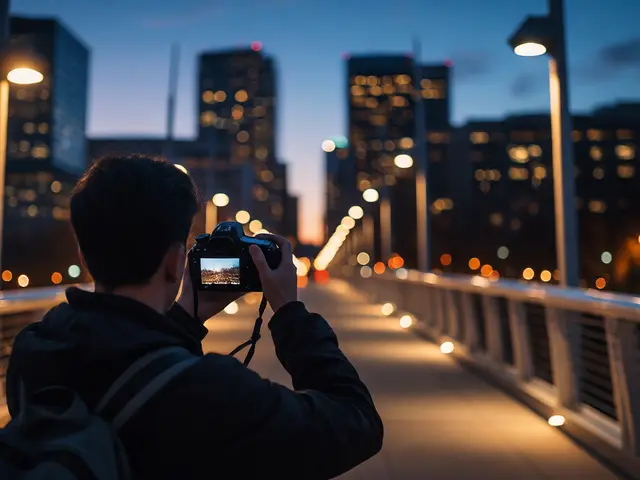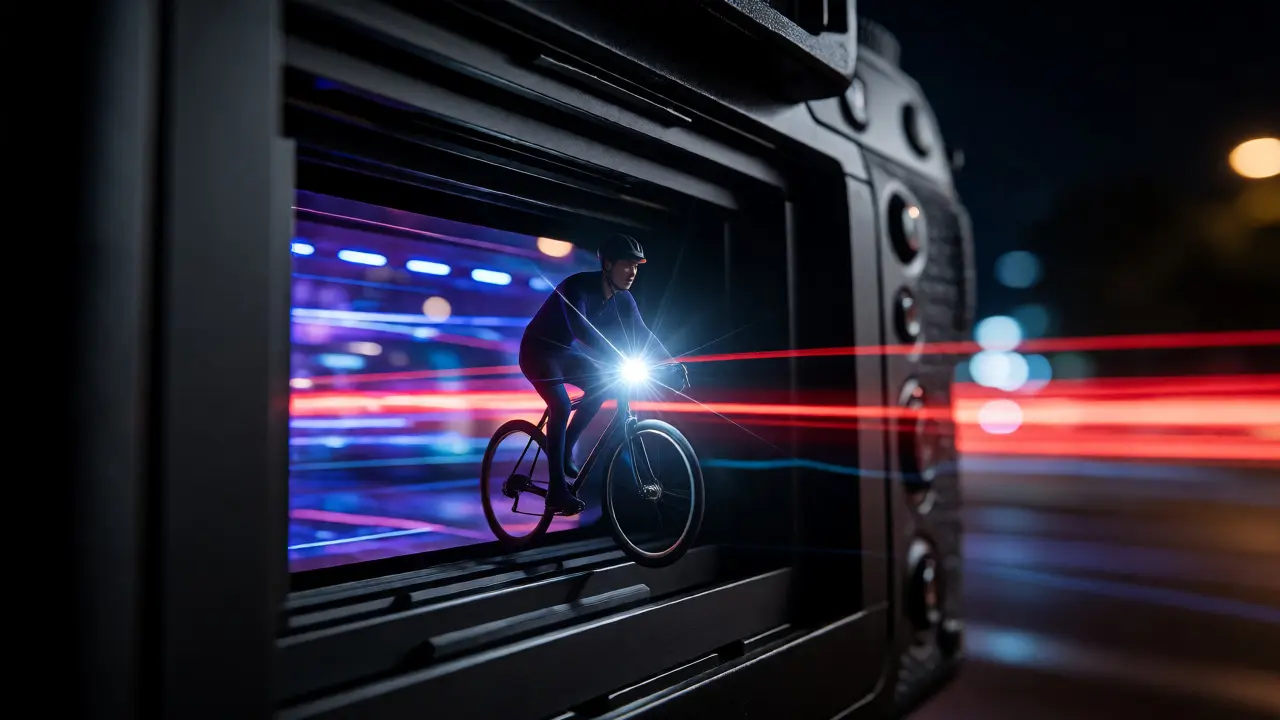
You know that weird feeling when you take a photo of someone walking at night with a flash, and the blur looks like it’s dragging in front of their face? It makes people look like they’re being dragged backward by an invisible hand. That’s because your camera fired the flash the instant the shutter opened (front-curtain sync), froze the subject, and then let the rest of the exposure capture the movement trailing behind them. If you want those cool light streaks to flow naturally behind the subject, making them look sharp while the world blurs into motion, you need Rear-Curtain Sync a flash timing mode where the flash fires just before the shutter closes, rather than immediately after it opens.
This technique is the secret sauce for dynamic night portraits and urban street shots. It separates the static subject from the kinetic environment in a way that feels physically correct to the human eye. But getting it right isn’t just about flipping a switch on your camera. It requires understanding how your shutter works, managing ambient light, and choosing the right lens. Here is how you can stop fighting the darkness and start using it.
How Your Camera Actually Takes a Picture
To understand why rear-curtain sync matters, you have to forget the idea that the shutter is a single door that swings open. In most digital cameras, the shutter is actually two curtains: a first curtain that starts the exposure and a second curtain that ends it. When you shoot at fast speeds, these curtains move across the sensor almost instantly. But at night, when you are dealing with low light, you often need slower shutter speeds-maybe 1/15th of a second or even a full second-to let enough ambient light hit the sensor.
In standard Front-Curtain Sync the default flash mode where the flash fires as soon as the first shutter curtain opens, the sequence goes like this:
- The first curtain opens.
- The flash fires immediately, freezing the subject.
- The sensor continues to collect ambient light for the remainder of the exposure time.
- The second curtain closes.
If your subject moves during that remaining time, their body records multiple positions on the sensor. Because the sharp image was made at the very beginning, the blurry trail appears ahead of the sharp subject, pointing in the direction of travel. This creates a visual disconnect. Our brains expect motion blur to trail behind moving objects, not lead them.
Rear-Curtain Sync also known as second-curtain sync, delays the flash until just before the second shutter curtain closes changes this order. The first curtain opens, ambient light begins recording, the subject moves creating a blur, and then-right before the shutter slams shut-the flash fires. This freezes the subject at their final position. Now, the motion trail flows behind them, exactly where physics dictates it should be.
Why Front-Curtain Sync Fails at Night
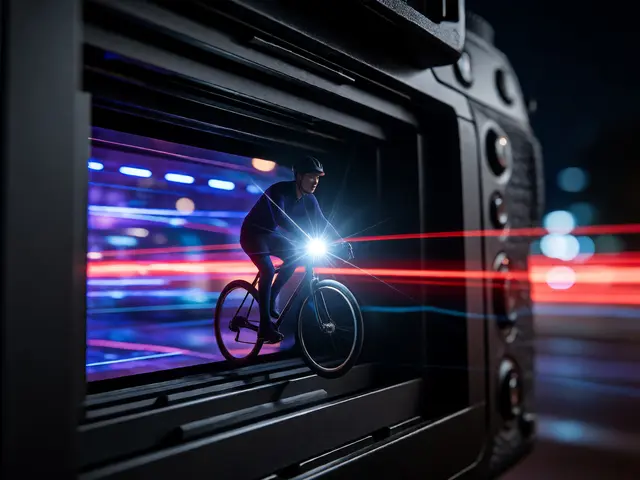
It’s tempting to think front-curtain sync is always safer. After all, if you miss focus or the subject blinks, you still have a sharp frame captured at the start. But at night, this safety net becomes a liability. Imagine shooting a cyclist speeding down a dark street. With front-curtain sync, you get a sharp rider at point A, followed by a ghostly smear extending toward point B. It looks messy. It looks accidental.
Worse, front-curtain sync struggles with intentional camera movement (ICM). If you pan with a subject, the flash freezes the scene relative to the camera, but the background streaks forward. Since the flash happened at the start, the sharp background elements appear to be flying away from the subject. It destroys the sense of speed.
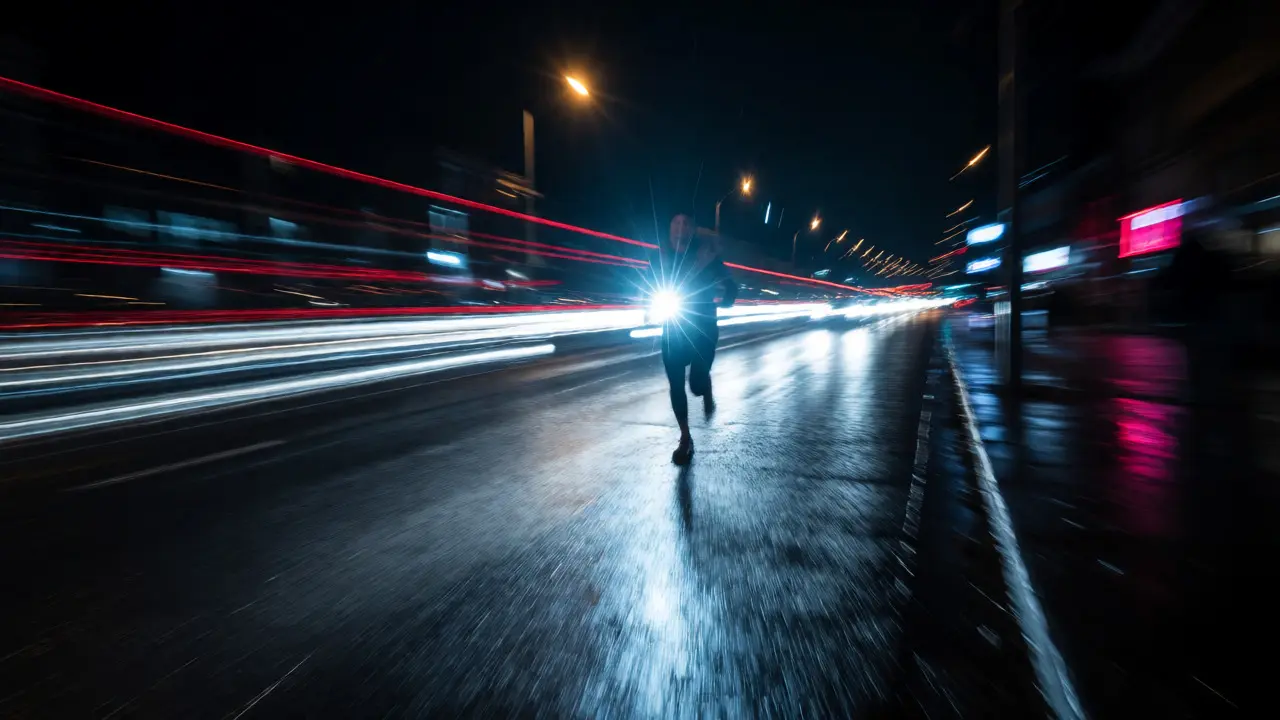
Rear-curtain sync solves this by anchoring the sharp moment to the end of the action. When you pan with a runner, the background blurs throughout the exposure. Then, the flash pops. You get a sharp runner against a blurred background, with the streaks flowing backward from the runner. It conveys velocity without sacrificing clarity.
Setting Up Your Gear for Success
You don’t need expensive gear to make this work, but you do need control. Not every camera has a dedicated button for rear-curtain sync; sometimes it’s buried in the menu under "Flash Control" or "Shutter Curtain." Check your manual. On many mirrorless cameras, it’s labeled "Second Curtain Sync."
Your external flash must also support this feature. Most modern speedlights (like the Godox V860II or Canon EL-1) handle it fine via TTL or Manual modes. Avoid cheap, fixed-output flashes unless they explicitly state support for second-curtain triggering.
Lens choice plays a huge role here. Wide-angle lenses exaggerate perspective and motion trails, making the effect more dramatic. A 35mm or 50mm prime is ideal for environmental night portraits. Telephoto lenses compress the background, which can make the motion trails look shorter and less impactful, though they isolate subjects well.
| Feature | Front-Curtain Sync | Rear-Curtain Sync |
|---|---|---|
| Flash Timing | Immediately after shutter opens | Just before shutter closes |
| Motion Trail Direction | Ahead of subject (unnatural) | Behind subject (natural) |
| Best For | Freezing fast action, fill-flash daylight | Night portraits, panning, creative blur |
| Camera Shake Risk | Lower (flash happens early) | Higher (longer exposure before freeze) |
| Subject Awareness | Subject knows when shot is taken | Flash surprises subject at end |
The Technical Sweet Spot: Shutter Speed and Aperture
Here is where many photographers stumble. They switch to rear-curtain sync but keep their shutter speed at 1/60th of a second. At that speed, there isn’t enough time for significant ambient light to register, so you barely see any motion trail. The effect vanishes.
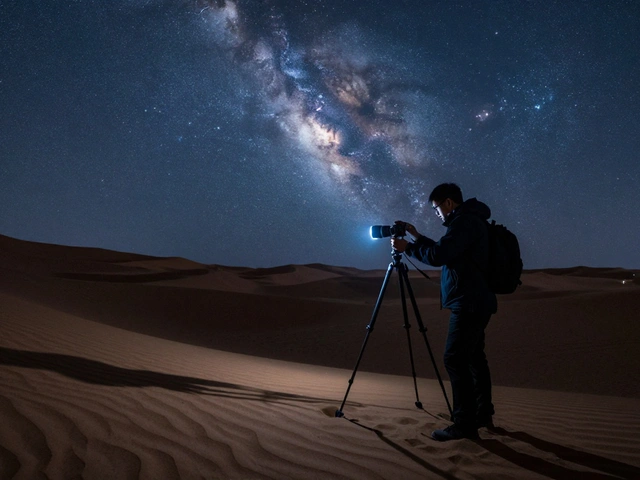
To get visible trails, you need a slow shutter speed. Start around 1/15th of a second. This gives the sensor enough time to record the background lights and the subject’s movement before the flash hits. If you want longer streaks, drop to 1/4th or even 1 second. Just remember: the slower the shutter, the more shaky your hands become. You’ll likely need a tripod or a very steady brace.
Aperture controls the brightness of the flash-lit subject. Since the flash duration is extremely short (often 1/1000th of a second or faster), aperture doesn’t affect the flash exposure directly in the same way it does with continuous light. However, it does control depth of field and how much ambient light enters the lens. A wider aperture (f/2.8 or f/4) lets in more ambient city glow, helping to separate the subject from a pitch-black background. If the background is too dark, the motion trails disappear into nothingness.
ISO is your third lever. Keep it moderate (ISO 400-1600) depending on your camera’s noise performance. High ISO helps brighten the ambient shadows, making the scene feel alive rather than void-like. But don’t crank it to 6400 if you don’t have to; the flash will overpower the noise anyway, and clean files edit better.
Dealing with the "Blackout" Problem
One quirk of rear-curtain sync is the delay between pressing the shutter and hearing the click. With front-curtain sync, the flash fires instantly, giving immediate feedback. With rear-curtain sync, if you are shooting at one-second exposures, there is a full second of silence before the flash pops. This can confuse subjects. They might hold their pose for the first half-second, relax, and then get frozen mid-relaxation when the flash finally fires.
Communicate with your model. Tell them to keep moving or holding their pose until you say "stop," not when they hear the shutter sound. Alternatively, use a wireless trigger setup where you can fire the flash manually after the exposure ends, giving you total control over the timing. This is advanced, but it allows for precise artistic placement of the freeze-frame.
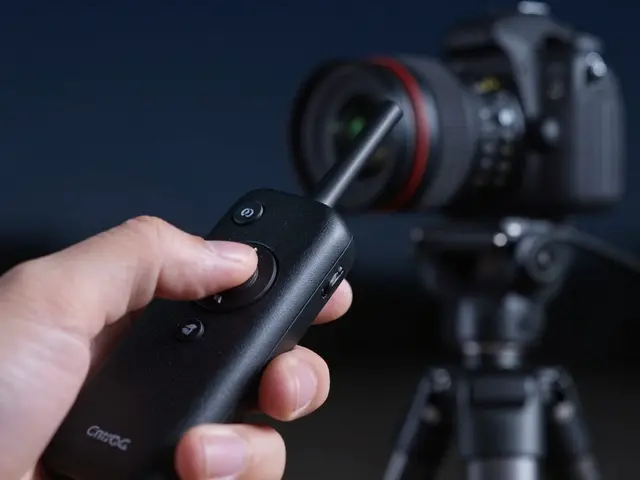
Another issue is camera shake. Because the sharp part of the image happens at the very end, any jitter during the long exposure ruins the entire frame. The blur is recorded continuously, but the sharp freeze relies on the camera being perfectly still at the moment of the flash. Use a remote shutter release or the 2-second timer to eliminate vibration from your finger hitting the button.
Creative Applications Beyond Portraits
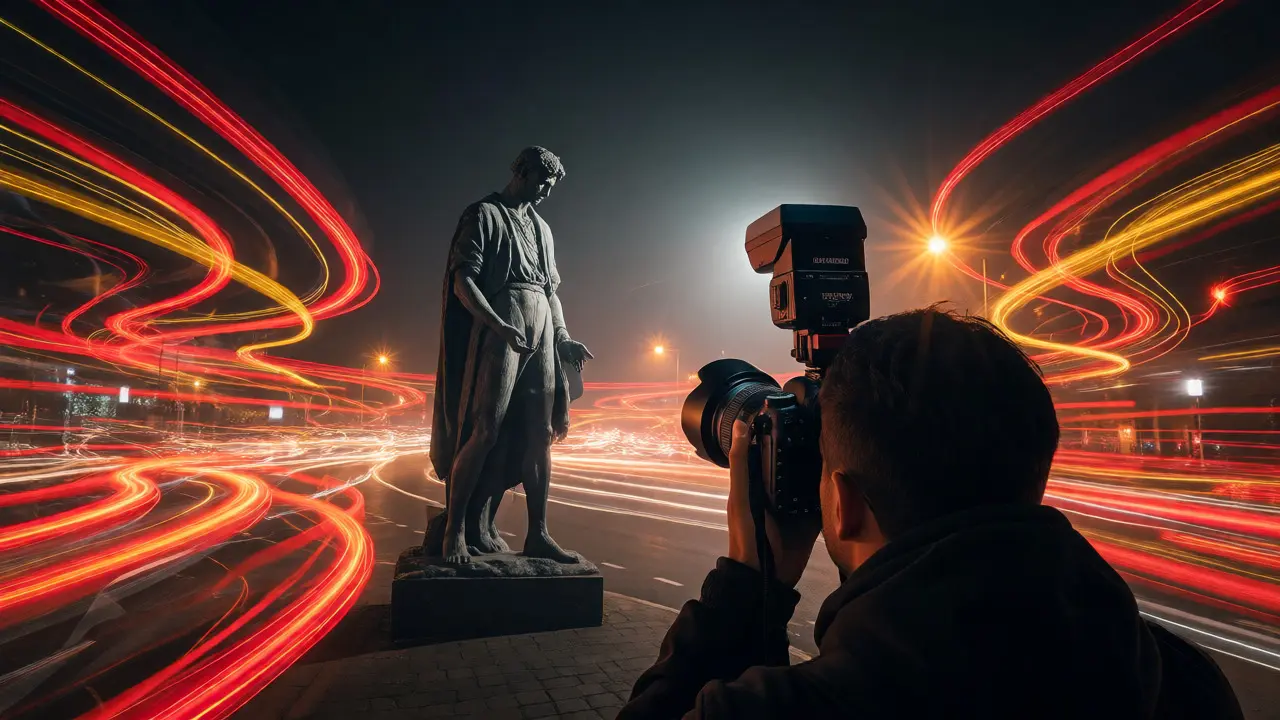
While night portraits are the classic use case, rear-curtain sync shines in other scenarios. Consider urban landscapes with traffic. Set up a tripod, compose your shot of a busy intersection, and set your shutter to 2 seconds. The car headlights create red and white ribbons across the frame. If you add a small flash burst aimed at a static element-like a street sign or a statue-you can highlight that detail sharply while keeping the traffic flowing behind it.
Fireworks are another candidate. Instead of relying solely on long exposures, some photographers use rear-curtain sync to capture a foreground silhouette sharply while the fireworks explode in the sky during the ambient portion of the exposure. It’s tricky because you need to predict the peak of the explosion, but when it works, it’s stunning.
Finally, try it with intentional camera movement. Hold your camera loosely and rotate or zoom slightly during a 1/10th second exposure. The background stretches into radial lines. Then the flash fires, locking the subject in place. It creates a surreal, comic-book-style energy that feels impossible to achieve with Photoshop alone.
Do I need an external flash for rear-curtain sync?
Yes, in most cases. While some built-in pop-up flashes support it, they are often weak and lack the range needed for meaningful night shots. An external speedlight provides the power and angle control necessary to light a subject effectively against a dark background.
Why is my subject blurry even with rear-curtain sync?
This usually happens if the subject moves significantly during the final fraction of a second before the flash fires. Even though the flash freezes them, if they are in motion when the flash triggers, the light captures them mid-move. Ask subjects to pause briefly at the end of their action, or increase your shutter speed slightly to reduce the window of opportunity for movement.
Can I use rear-curtain sync with video lights?
No, rear-curtain sync is specific to strobe-based flash units. Continuous LED lights cannot synchronize with the shutter curtain mechanism in the same way. They provide constant illumination, so the concept of "timing" the light pulse doesn't apply.
What is the best shutter speed for starting out?
Start with 1/15th of a second. It is slow enough to show some motion trails and ambient light but fast enough to minimize severe camera shake. Once you master stability, experiment with 1/4th or 1/2 second for more dramatic effects.
Does rear-curtain sync affect battery life?
Not significantly compared to front-curtain sync. The power consumption depends on the flash output level and recycling time, not the timing of the trigger within the exposure cycle.