You know that feeling when you have a beautiful single product shot, but it feels lonely? Or worse, your website looks like a cluttered garage sale because every item sits in its own isolated box? That’s where multiple product arrangements come in. It’s not just about throwing five items on a table and hoping for the best. It’s about storytelling through composition, creating value perception, and guiding the viewer’s eye exactly where you want it.
If you’re selling skincare, tech accessories, or home goods, you’ve probably realized that individual images don’t always convert. Customers need context. They need to see how the shampoo bottle fits next to the conditioner, or how the phone case matches the earbuds. This is the art of the group shot. Done right, these images boost average order value by showing complementary products together. Done wrong, they look messy and confuse the buyer. Let’s break down how to nail this without losing your mind.
Why Single Shots Aren’t Enough Anymore
Think about the last time you bought a bundle online. Did you buy it because the price was slightly lower? Probably not. You bought it because the image showed you exactly what you were getting as a cohesive kit. A single hero shot shows detail. A collection shot shows utility and lifestyle.
When you arrange multiple products, you’re doing three things simultaneously:
- Establishing scale: Placing a small lipstick next to a large perfume bottle helps the customer understand size instantly.
- Demonstrating compatibility: Showing a camera lens attached to a body proves they work together.
- Creating desire: A curated set looks like a gift. A single item looks like a purchase.
The psychological impact is real. Shoppers perceive grouped items as higher value if the arrangement suggests a complete solution rather than random parts. If you sell coffee beans, showing them with a mug, a spoon, and a bag of sugar tells a story of morning ritual. Just the bag tells a story of inventory.
The Core Principles of Visual Balance
Before you start moving props around, you need a plan. Random placement leads to chaos. Successful product styling relies on geometric balance and visual weight.
Imagine each product has a "weight" based on its size, color intensity, and texture. A large, dark, matte object feels heavier than a small, bright, glossy one. Your goal is to distribute this weight so the image doesn’t feel like it’s tipping over.
The Triangle Method
This is the most reliable trick in the book. Arrange three main elements so their centers form a triangle. Why triangles? Because our eyes naturally follow lines, and a triangle creates movement while maintaining stability. If you have four items, create two overlapping triangles. If you have five, think of a star shape or a cluster.
Don’t place everything in a straight line unless you’re going for a very specific minimalist look. Straight lines can feel static and boring. Triangles add depth. Place the tallest item at the back, medium items in the middle, and smallest items in front. This creates layers, which adds dimension to a flat photo.
Negative Space Matters
Newbies often make the mistake of filling every inch of the frame. Don’t do that. Negative space-the empty area around your subjects-gives the viewer’s eyes a place to rest. If you cram ten products into a square frame, nothing stands out. Leave breathing room. If you’re using the image for an ad banner, leave extra space on one side for text overlay. Plan your layout before you shoot.
Lighting Strategies for Multiple Subjects
Lighting one object is easy. Lighting five objects so they all look good requires more finesse. The biggest enemy here is inconsistent shadows and hotspots.
You generally want soft, diffused light. Hard light creates sharp, distracting shadows that clash when multiple objects are present. Use a large softbox or bounce card to wrap the light around your products. This ensures that the front of the leftmost product and the front of the rightmost product receive similar illumination.
| Setup Type | Best For | Pros | Cons |
|---|---|---|---|
| Single Large Softbox (Front) | Uniform collections | Even lighting, simple setup | Can look flat; less drama |
| Two Softboxes (45-degree angles) | Textured items | Adds depth, highlights contours | Requires careful shadow management |
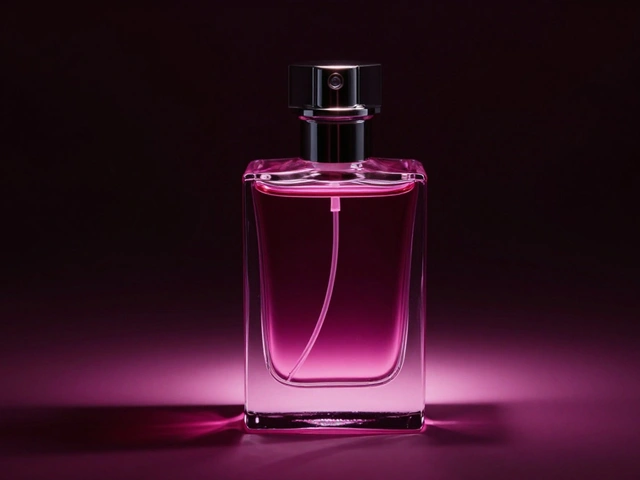
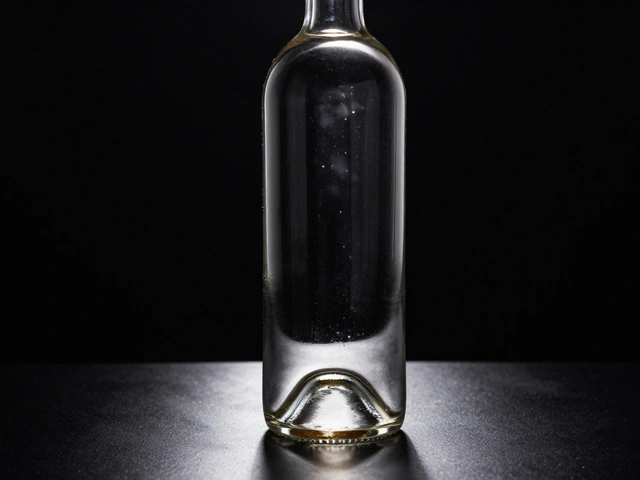
| Backlight + Fill Card | Glass or translucent items | Creates glow, separates from background | Risk of lens flare; tricky exposure |
A pro tip: Check your reflections. If you’re shooting shiny bottles or electronics, reflections will multiply across multiple surfaces. A reflection in one bottle might reflect another bottle, creating a confusing mess. Use polarizing filters on your lens to cut glare, or use black flags (foam core boards) to block unwanted reflections from appearing in your products’ surfaces.
Composition Techniques That Sell
Once your lights are set, focus on the arrangement itself. Here are three specific compositions that consistently perform well in e-commerce.
The Flat Lay (Top-Down)
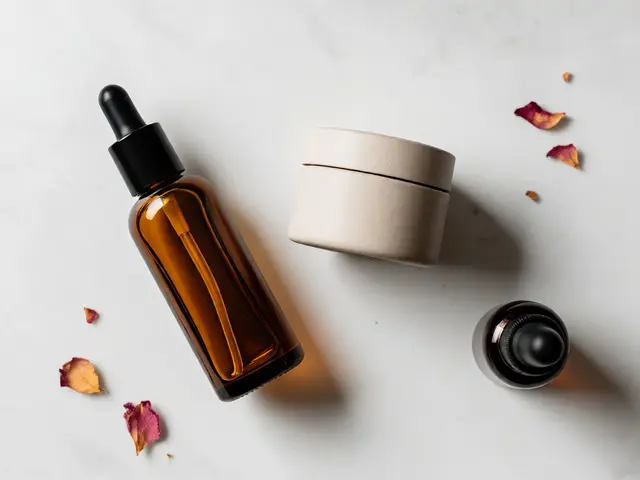
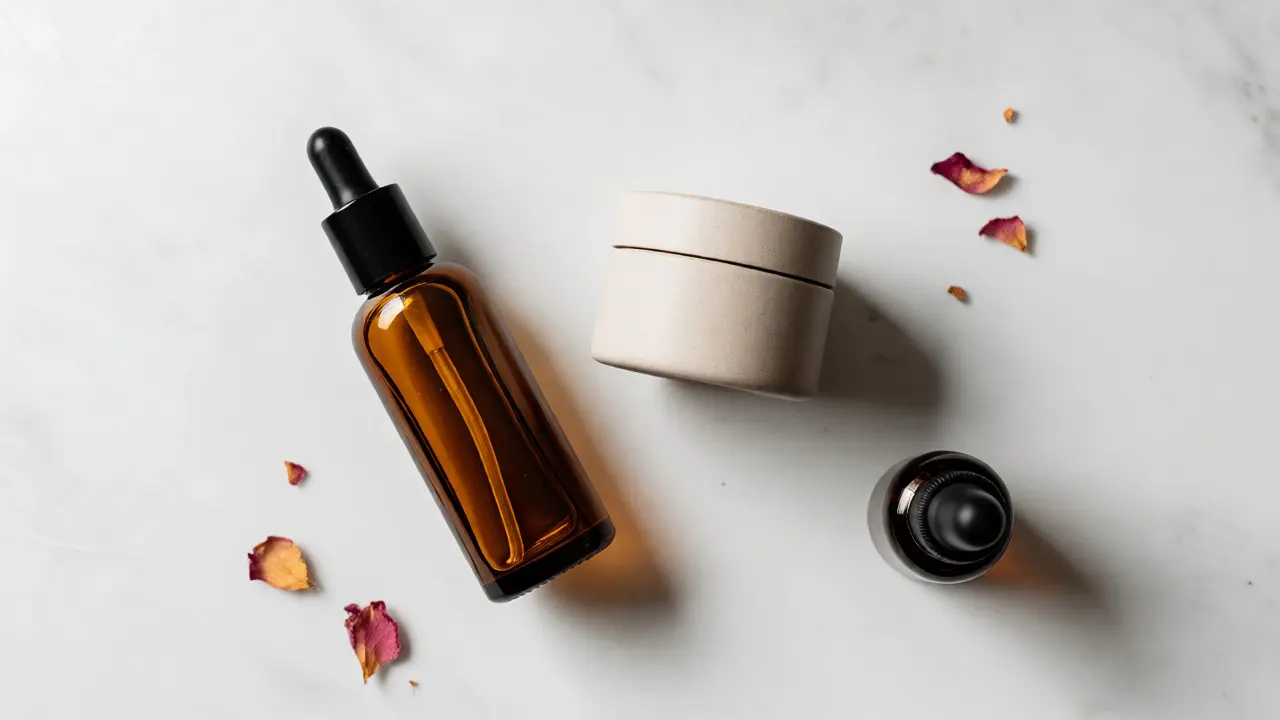
Perfect for fashion, cosmetics, and food. Lay everything on a surface and shoot directly from above. This removes perspective distortion and makes it easy to compare items. To keep it interesting, vary the orientation of objects. Don’t align all rectangles parallel to the frame edges. Tilt some slightly. Overlap items to show connection. For example, let the handle of a watch overlap the strap of a bracelet. This physical overlap implies they belong together.
The Depth Stack (Angled View)
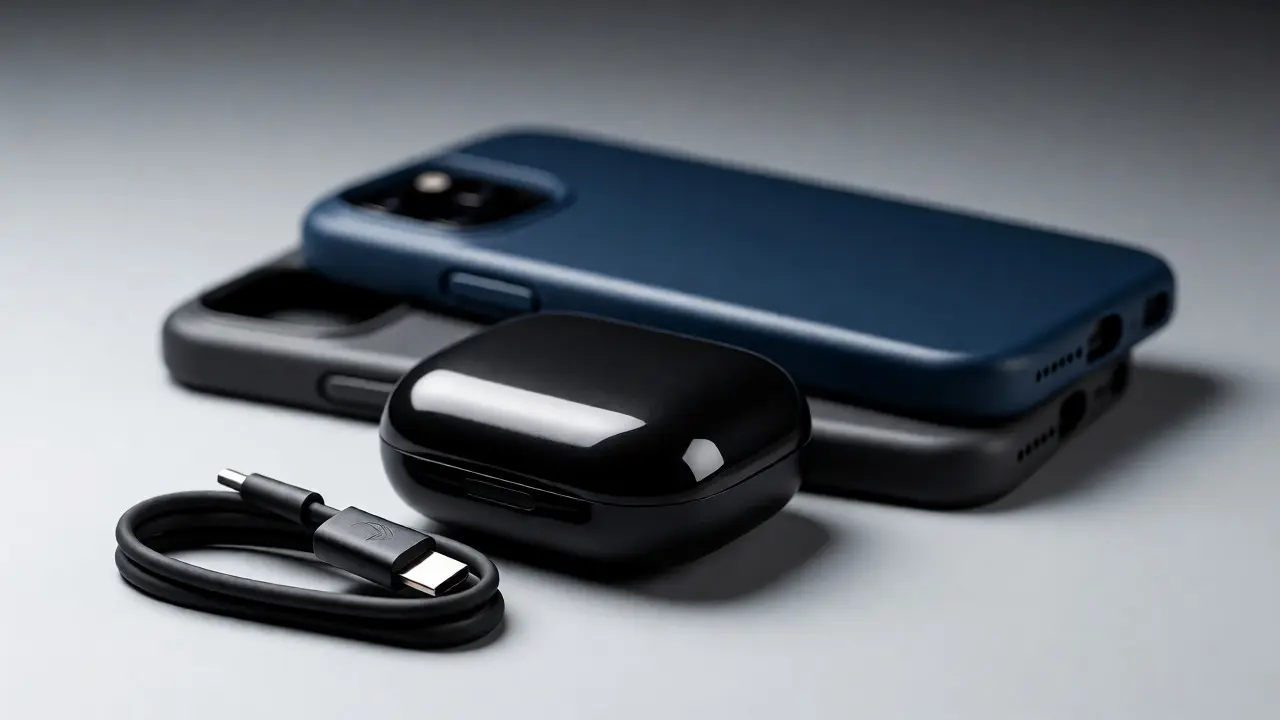
Shoot from a 45-degree angle. Place the hero product in the foreground, sharply in focus. Place supporting products behind it, slightly out of focus. This uses shallow depth of field to guide attention. The customer sees the main item clearly but notices the extras in the background. This works great for tech bundles or skincare sets where the cream jar is the star, and the toner is the supporting act.
The In-Use Context
Show the products being used together. If you sell running gear, show the shoes, socks, and water bottle arranged as if someone just took them off after a run. Add subtle cues-a damp towel, a blurred gym background. This isn’t just about the products; it’s about the experience. The arrangement should feel natural, not staged. If it looks too perfect, it feels fake. Slight imperfections, like a crumpled sock, add realism.
Common Pitfalls to Avoid
You might be thinking, "I’ll just Photoshop them together later." Sometimes yes, but practical staging saves hours in post-production. Here are mistakes that kill conversion rates.
Inconsistent Scale: If you photograph a tiny ring next to a giant vase, ensure the perspective doesn’t distort the ring’s size. Use a longer focal length (85mm or 100mm macro) to compress the distance and minimize perspective exaggeration. Wide-angle lenses (like 24mm) will make front items look huge and back items look tiny, which can mislead customers about actual sizes.
Color Clashing: If your brand colors are blue and white, don’t throw in a neon orange prop unless you want it to scream for attention. Stick to a cohesive palette. Use neutral backgrounds (white, gray, beige) to let the products pop. If the products themselves are colorful, simplify the background further.
Messy Backgrounds: In group shots, the background is visible behind multiple items. Any dust, scratch, or wrinkle becomes amplified. Iron your backdrop fabric. Clean your acrylic surfaces. Use a remote shutter release to avoid camera shake, which blurs details across the entire group.

Tools and Gear Recommendations
You don’t need a studio the size of a warehouse. Most effective group shots happen on a kitchen table. But having the right tools makes the difference between amateur and professional.
- Clamps and Tape: Blue painter’s tape is your best friend. It holds products in place without leaving residue. Use binder clips to hold backdrops taut.
- Reflectors: White foam core boards cost a few dollars and bounce light into shadows. Position them opposite your main light source to fill in dark areas on the sides of your products.
- Tethering Cable: Connect your camera to a laptop. Seeing the image on a big screen lets you spot alignment issues immediately. Adjusting a product by millimeters is easier when you see the result instantly.
- Remote Control: Essential for keeping hands out of the frame during long exposures or when adjusting lights.
If you’re working with glass or liquid products, invest in glycerin sprays. Mixing water and glycerin keeps droplets from evaporating quickly, allowing you to take multiple shots of condensation effects without re-spraying constantly.
Post-Processing Tips for Group Shots
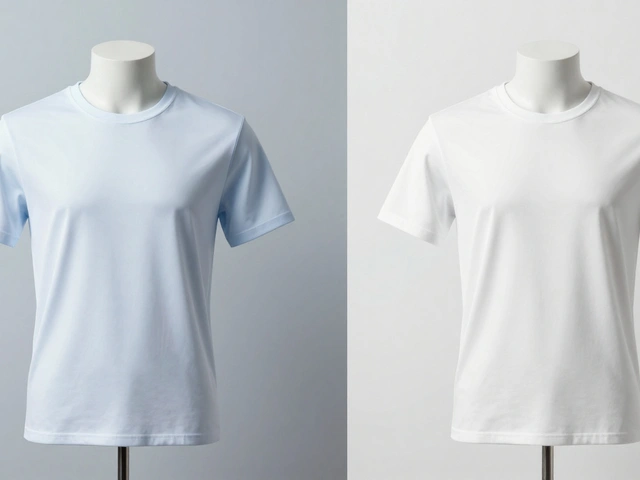
Even the best setups need cleanup. In Lightroom or Capture One, pay attention to color consistency. Ensure that the white balance is accurate across all items. If one product looks yellowish and another looks bluish, the collection feels disjointed.
Use local adjustments to dodge and burn. Brighten the key features of each product subtly. Darken the background slightly to make the group pop. If you have overlapping items, clean up any stray reflections or dust spots. Zoom in to 100% and inspect every edge. Customers notice flaws in high-resolution zoom views.
Finally, consider cropping. If your composition is strong but there’s too much empty space, crop tighter. If you need space for text, export with margins. Always save a version specifically for mobile viewing, where screens are smaller and details get lost. Simplify the crop for social media thumbnails.
Frequently Asked Questions
How many products should I include in a group shot?
There is no hard rule, but 3 to 5 items is usually the sweet spot. Fewer than 3 might not justify the term "group," and more than 5 can become visually cluttered and hard to identify individually. Focus on clarity. If adding a sixth item confuses the message, remove it.
Should I shoot group shots horizontally or vertically?
It depends on where the image will live. Vertical (portrait) orientations work best for mobile apps and Instagram feeds. Horizontal (landscape) orientations suit desktop websites and email headers. Ideally, shoot both if possible, or compose centrally so you can crop either way without losing key elements.
How do I prevent products from falling over?
Use museum wax, Blu-Tack, or double-sided tape to secure bases. For round bottles, cut a small notch in a hidden part of the base to fit over a pin stuck in the table. Alternatively, stack items strategically so they support each other, like leaning a book against a vase.
What is the best background for product groups?
Neutral is safest. White seamless paper is standard for e-commerce. Gray provides contrast for white products. Textured wood or stone adds warmth for lifestyle brands. Avoid busy patterns that compete with the products for attention.
Do I need different lighting for group shots vs. single shots?
Yes, typically softer and broader. A single light source can create harsh shadows that fall onto adjacent products, making them look dirty or obscured. Diffused light wraps around multiple objects better, ensuring even illumination across the entire group.