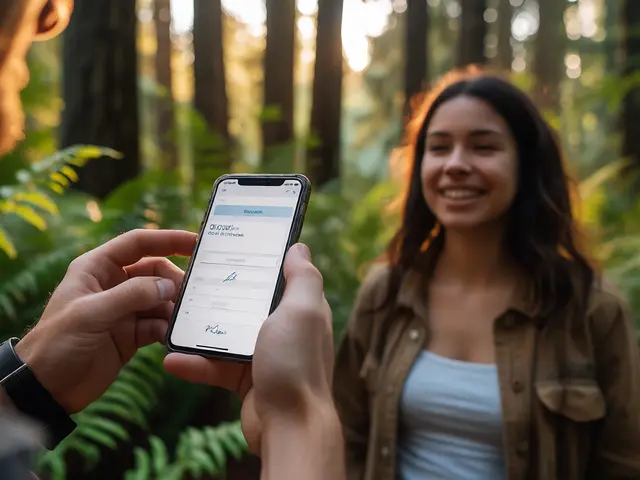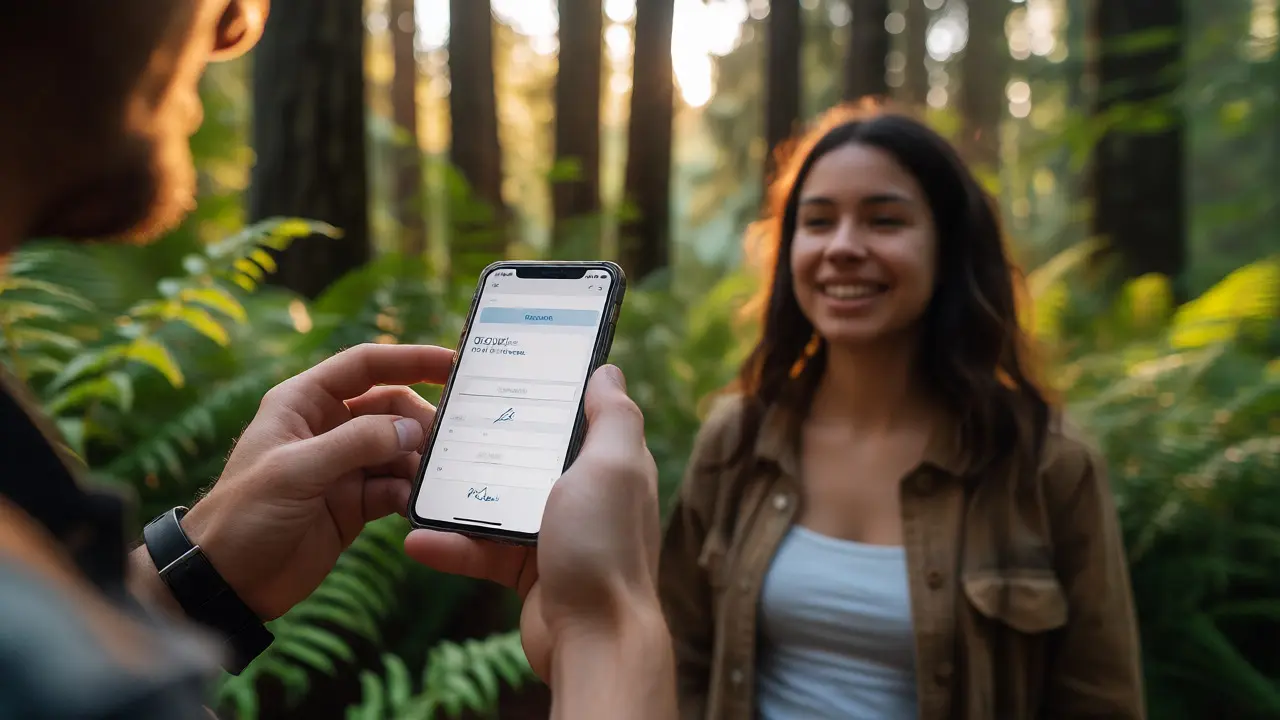
You just shot a stunning portrait in Portland’s Forest Park. The light was perfect, the subject was engaged, and you got the shot. But then came the awkward part: pulling out a crumpled paper form, asking for a signature on your phone screen (which never works right), and worrying if you’ll ever find that photo again when you need to license it five years from now. If this sounds familiar, you’re dealing with Model Release Management, a critical business practice that separates amateur hobbyists from professional photographers.
Here’s the hard truth: without a signed model release, you don’t own the commercial rights to your images. You might have copyright, but you can’t sell that photo to a brand or use it in an ad campaign without permission. Traditional paper releases are fragile-literally. They get lost, wet, or forgotten in a drawer. Digital Forms solve this by letting subjects sign on their phones instantly, while Cloud Storage ensures those signatures are backed up and searchable forever.
| Feature | Paper Release | Digital Release |
|---|---|---|
| Storage Risk | High (loss, damage) | Low (cloud backup) |
| Searchability | Manual filing required | Instant keyword search |
| Client Experience | Awkward, physical handoff | Seamless, mobile-friendly |
| Legal Validity | Standard | Valid under ESIGN Act (US) |
Why Paper Releases Are a Liability
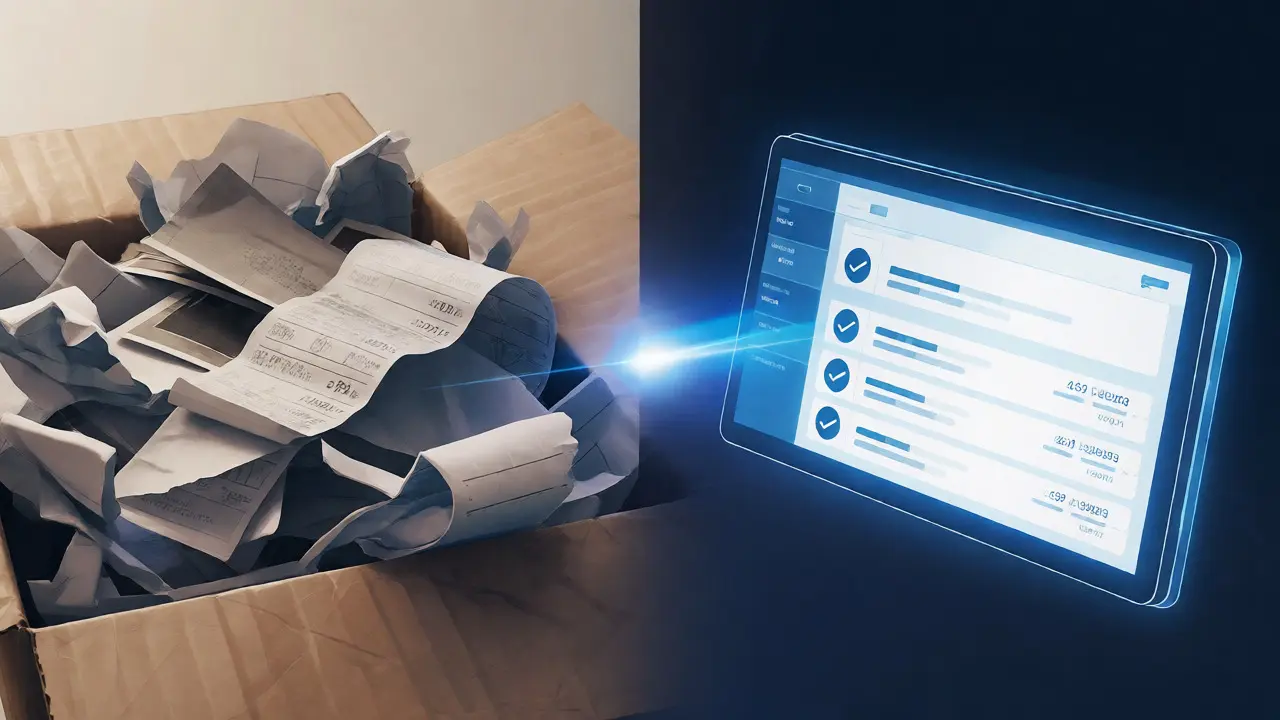
Think about the last time you needed to prove you had permission to use a client’s face in a marketing brochure. Did you dig through a box of receipts? Maybe you scanned it into a folder named "Scans_2019_Final_v2." That’s a recipe for disaster. Physical Documents degrade over time, and human error is inevitable. I once met a photographer who lost three years’ worth of releases in a house fire. He couldn’t license his portfolio because he couldn’t prove consent.
Digital workflows eliminate this friction. When you use a tool like Adobe Sign or Dropbox Sign, the process takes seconds. The subject signs on their device, and the document lands in your cloud account immediately. No scanning, no typing file names, no wondering if the ink will smudge. It’s faster for you, and honestly, clients prefer it. They don’t want to carry around a pen; they want to sign with a finger tap and go home.
Choosing the Right Digital Form Platform
Not all digital signing tools are created equal. For photographers, you need specific features: template customization, mobile optimization, and integration with your gallery software. Here’s what to look for:
- Template Flexibility: Can you easily swap out clauses for exclusive vs. non-exclusive rights?
- Mobile-First Design: Does the signature field work smoothly on small screens?
- Audit Trail: Does the platform record IP addresses and timestamps for legal proof?
- Integration: Does it connect to Lightroom, Pixieset, or ShootProof?
Popular options include Adobe Acrobat Sign, which integrates well with Creative Cloud users, and Dropbox Sign, known for its simplicity and strong security standards. For a more niche approach, platforms like ShootProof often include built-in release management directly within the client viewing portal. This keeps everything in one place: the photos, the download links, and the signed contracts.
The Legal Landscape: Is a Digital Signature Enough?
This is the question every photographer asks. In the United States, the ESIGN Act (Electronic Signatures in Global and National Commerce Act) gives electronic signatures the same legal weight as handwritten ones. However, there are caveats. The signer must intend to sign, and the method must be reliable. Most reputable digital platforms handle this by sending a unique link to the signer’s email and logging the action.
If you’re working internationally, check local laws. The EU’s eIDAS regulation also recognizes qualified electronic signatures, but requirements vary by country. Always consult a lawyer specializing in media law for your specific jurisdiction. But generally speaking, a timestamped digital audit trail is stronger evidence than a blurry photocopy of a paper form.
Structuring Your Storage System
Signing the form is only half the battle. Storing it correctly matters just as much. A common mistake is saving releases in random folders on a desktop. Instead, adopt a hierarchical structure tied to your project IDs.
- Create a master folder called "Releases".
- Sub-folders by year (e.g., "2026").
- Sub-sub-folders by month or project code (e.g., "Oct_PortraitSession_JohnDoe").
- Name files consistently: "YYYY-MM-DD_ProjectName_SignerName.pdf".
Better yet, let your digital form provider do this automatically. Most platforms allow you to set naming conventions upon export. This ensures consistency without manual effort. Remember, if you can’t find it in under 30 seconds, your system is broken.
Automating the Workflow
Automation saves hours. Imagine this scenario: You upload raw files to Lightroom. A plugin triggers an email to the client with a link to review proofs. Once they approve, the system automatically sends the model release request. The client signs. The PDF drops into your Dropbox folder. All of this happens without you lifting a finger after the initial setup.
Tools like Zapier or Make can bridge gaps between apps that don’t natively talk to each other. For example, you could trigger a Zap when a new client is added to your CRM, automatically sending a welcome packet that includes a placeholder for future releases. This proactive approach reduces administrative overhead and lets you focus on shooting.
Common Pitfalls to Avoid
Even with great tools, people make mistakes. Here are the big ones:
- Forgetting Minors: Children cannot sign legally. You need a guardian’s signature. Ensure your digital form has a separate field for parent/guardian consent.
- Vague Usage Rights: Don’t just say "commercial use." Specify if it’s for print, web, social media, or broadcast. Ambiguity leads to disputes.
- No Backup: Relying solely on one cloud provider is risky. Use the 3-2-1 rule: 3 copies, 2 different media types, 1 offsite.
- Ignoring GDPR: If you shoot in Europe, ensure your storage complies with data privacy laws regarding personal information retention.
Real-World Example: The Portland Studio Switch
Consider a mid-sized studio in Seattle that switched from paper to digital in 2024. Before the switch, they spent an average of 45 minutes per session managing paperwork-printing, signing, scanning, filing. After adopting a digital workflow using DocuSign integrated with their booking system, that time dropped to zero. More importantly, their retrieval rate for past releases went from 70% to 100%. When a corporate client requested usage verification two years later, the studio pulled the document in seconds, reinforcing their professionalism.
The key wasn’t just the technology; it was the mindset shift. They treated releases as part of the creative experience, not an afterthought. Clients noticed. Reviews mentioned how easy the process was. That word-of-mouth helped them acquire new high-end clients who valued efficiency.
Final Checklist for Implementation
Ready to make the switch? Start small. Pick one upcoming session and test a digital form. Ask for feedback. Then scale up. Here’s your launch plan:
- Select a user-friendly digital signing platform.
- Draft clear, concise release templates with a lawyer’s review.
- Set up automated storage rules in your cloud drive.
- Train your team (or yourself) on the new process.
- Inform clients in advance so they know to expect a text/email link.
Managing model releases doesn’t have to be a headache. With the right digital tools and storage strategy, you protect your business, enhance client trust, and save countless hours. Stop chasing paper. Start leveraging technology.
Are digital model releases legally binding?
Yes, in most jurisdictions including the US and EU, digital signatures are legally binding under laws like the ESIGN Act and eIDAS regulation, provided there is intent to sign and a reliable audit trail.
What should I do if a client refuses to sign digitally?
Offer a hybrid solution: send the digital form but allow them to print, sign, scan, and return it. Alternatively, use a tablet app that allows them to sign physically on your device, which still creates a digital record.
How long should I keep model releases?
Keep them indefinitely, especially if the images have long-term commercial value. Copyright lasts for decades, so you may need to prove consent years or even decades after the shoot.
Can I edit a signed digital release later?
No, you cannot alter a signed document without invalidating it. If changes are needed, you must create a new version and have the client re-sign. Always double-check details before sending.
Do I need a separate release for social media?
It depends on the wording. A broad "commercial use" clause usually covers social media, but if you plan extensive advertising campaigns, specify channels in the release to avoid ambiguity.