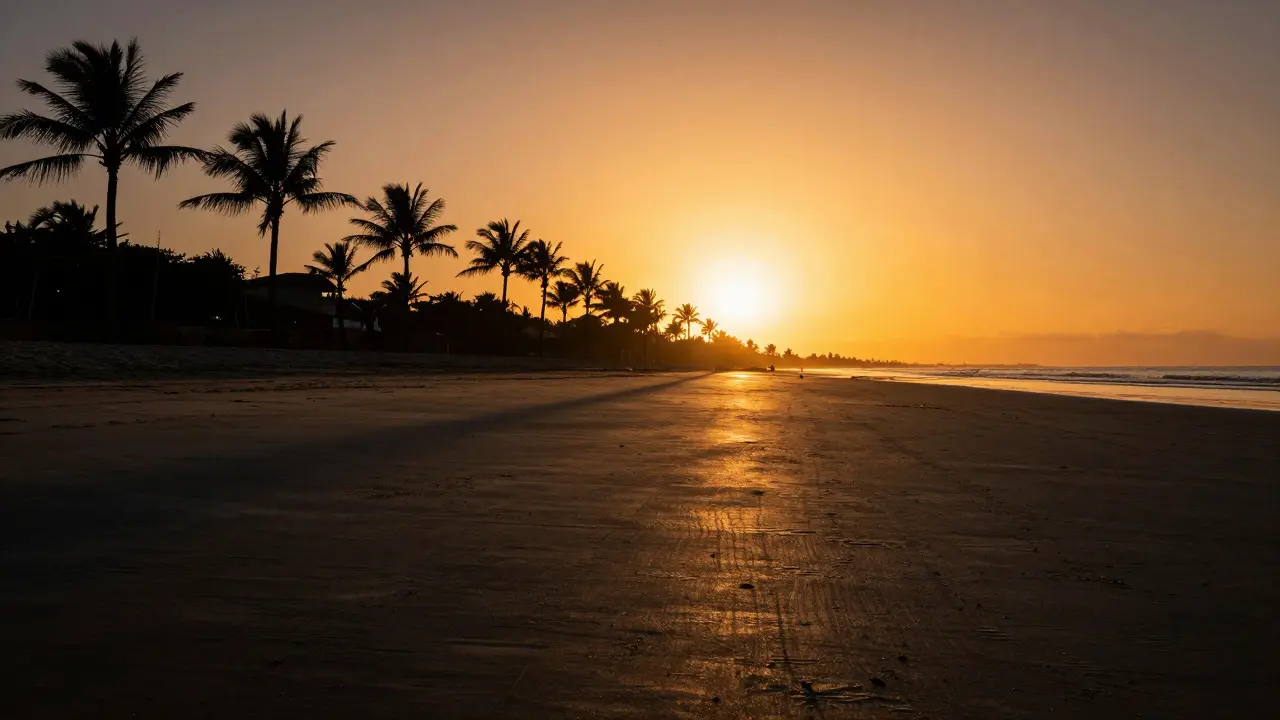
Imagine you’re standing on a beach at sunset. The sky is a blazing orange, but the sand under your feet is dark gray. If you expose for the sky, the sand turns into black mud. If you expose for the sand, the sky blows out to pure white. This struggle is exactly why dynamic range matters. It’s not just a spec sheet number; it’s the difference between a flat, broken image and one that looks like what your eyes actually saw.
Dynamic range is the ratio between the lightest and darkest parts of a scene that a sensor can capture without losing detail. In simple terms, it tells you how much "light" a camera can handle before highlights clip, and how deep into the shadows it can dig before noise takes over. A higher dynamic range means more flexibility in post-processing. You can brighten dark areas without seeing grain, or darken bright skies without losing texture.
Understanding the Scale: Stops and Decibels
To talk about dynamic range, we use two main units: stops (EV) and decibels (dB). Most photographers think in stops because they align with aperture and shutter speed settings. One stop represents a doubling or halving of light. So, if a camera has a dynamic range of 12 stops, it can capture details from a point 4,096 times darker than the brightest point it can record.
Decibels are more common in audio engineering, but they appear in some technical specs. The conversion is straightforward: 1 stop equals roughly 6 dB. Therefore, a 12-stop dynamic range is approximately 72 dB. When comparing cameras, stick to stops. It’s intuitive. If you know your lens opens up to f/1.4 and your camera handles 14 stops, you know you have significant headroom for tricky lighting conditions.
How Sensors Handle Light
The physical structure of a camera sensor dictates its dynamic range capabilities. Modern sensors use photodiodes to convert photons into electrons. Each pixel has a full-well capacity-the maximum amount of charge it can hold before overflowing. Once a pixel overflows, it clips to white, and that data is gone forever. This is known as highlight clipping.
In the shadows, the challenge is different. Here, the signal is weak. To amplify it, the camera applies gain, which also amplifies electronic noise. This is why shadow detail often looks grainy when lifted in post-production. High-end sensors mitigate this through larger pixel sizes, better microlenses, and advanced analog-to-digital converters (ADCs). These components ensure that even faint signals are recorded with high fidelity before digital processing begins.
Real-World Scenarios: Where Dynamic Range Shines
You don’t need a studio setup to test dynamic range. Look at these common situations:
- Backlit Portraits: Your subject is in shade, but the background is bright sunlight. A camera with limited dynamic range will force you to choose: save the face or save the sky. With high dynamic range, you can expose for the face and recover the sky later.
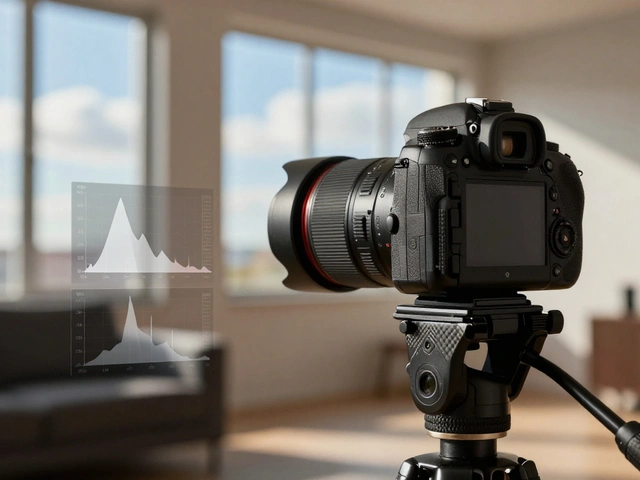
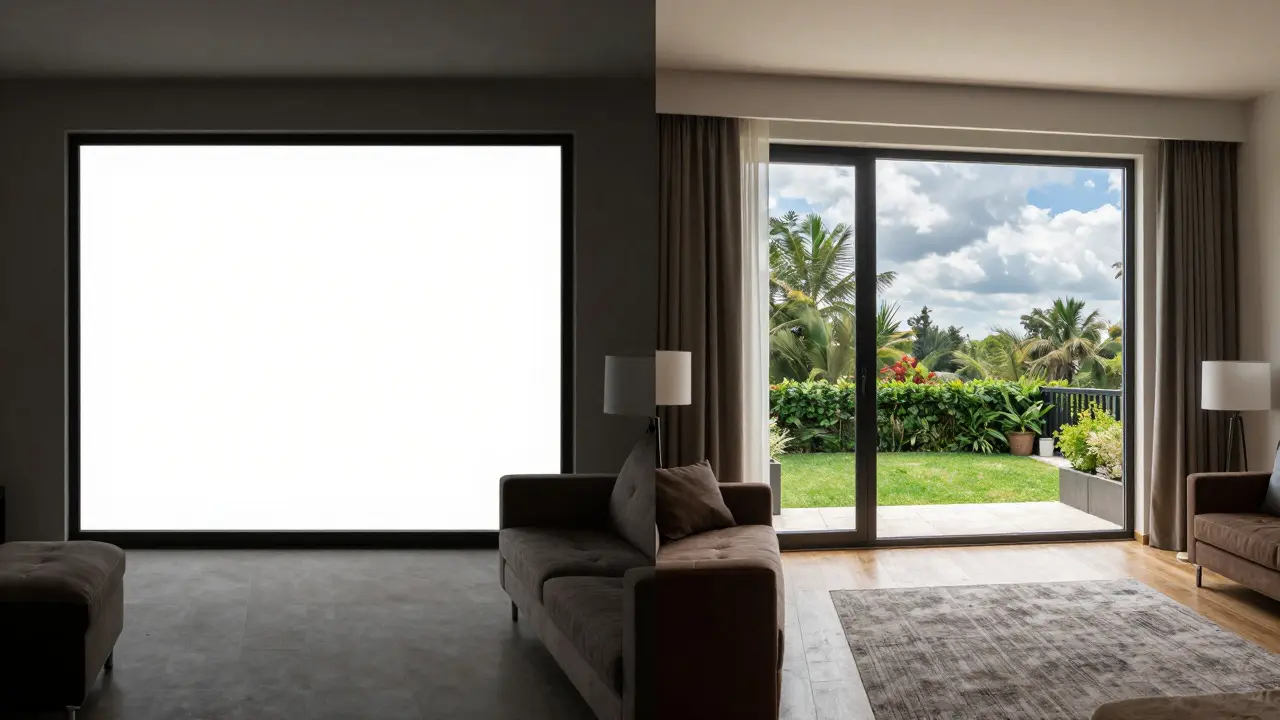
- Interior Architecture: Rooms with large windows present extreme contrast. The window glass reflects bright outdoor light, while the interior corners remain dim. Capturing both requires a sensor that holds detail in both extremes.
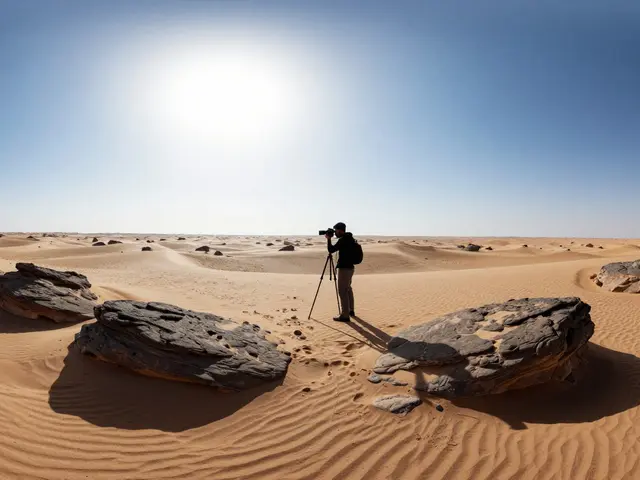
- Landscape Photography: Sunsets are the classic example. The horizon may be glowing, while the foreground trees are silhouetted. High dynamic range allows you to retain texture in the clouds and definition in the foliage simultaneously.

RAW vs. JPEG: The Flexibility Gap
This is where many beginners get tripped up. Dynamic range is only useful if you keep the data. JPEG files are compressed and tone-mapped by the camera’s internal processor. This process often discards highlight and shadow information to create a pleasing-looking image immediately. RAW files, however, store the linear data from the sensor. This gives you access to the full dynamic range captured during the shot.
If you shoot JPEG, your effective dynamic range is lower than the sensor’s capability because the camera makes decisions for you. If you shoot RAW, you retain the ability to adjust exposure curves, recover clipped highlights (if they aren’t completely blown), and lift shadows without excessive noise. For any scenario involving high contrast, RAW is non-negotiable.
Comparison: Entry-Level vs. Professional Sensors
Let’s look at concrete numbers to see how technology tiers differ. The table below compares typical dynamic range values across different camera classes. Note that these are approximate figures based on standard ISO settings (usually ISO 100).
Notice the jump between mid-range and professional models. That extra 1-2 stops might seem small, but in practice, it’s the difference between needing a graduated neutral density filter and simply trusting your sensor. Smartphones rely heavily on computational photography-stacking multiple exposures-to mimic higher dynamic range. While impressive, this method struggles with moving subjects and complex lighting changes.
Maximizing Your Camera’s Potential
You don’t always need the most expensive gear to get great results. Understanding how to work with your specific camera’s limitations can yield better images than blindly relying on hardware specs.
- Expose to the Right (ETTR): Push your exposure until the histogram leans right, just before highlights clip. Since shadows are noisier than highlights, capturing more light allows you to bring down the exposure in post-processing with less noise penalty.
- Use Bracketing: If your camera lacks high dynamic range, take three shots: one normal, one underexposed, one overexposed. Merge them in software to create an HDR image. This is a manual way to achieve infinite dynamic range.
- Check Your Histogram: Don’t trust the LCD screen brightness. Check the histogram. If the graph touches the far left edge, you’ve lost shadow detail. If it touches the far right, you’ve lost highlight detail. Aim for a distribution that stays within bounds.
- Manage White Balance: While not directly related to dynamic range, inconsistent white balance can make recovering shadows harder. Set a custom white balance for critical shots to maintain color integrity in mixed lighting.
Frequently Asked Questions
What is a good dynamic range for a camera?
For most enthusiasts, 12 to 13 stops is considered excellent. This provides enough headroom to handle backlit subjects and indoor/outdoor transitions without extensive editing. Professional workflows often require 14 stops or more for commercial printing and fine art applications.
Does ISO affect dynamic range?
Yes, significantly. As you increase ISO, you amplify the signal, which reduces the usable dynamic range. At base ISO (usually 100 or 200), your camera captures its maximum potential. Doubling the ISO typically costs you one stop of dynamic range. This is why shooting at low ISO is preferred whenever possible.
Can I fix bad dynamic range in post-processing?
Partially. If highlights are clipped to pure white, that data is lost permanently. However, if you exposed correctly and kept highlights below the clipping point, you can recover a lot of detail. Shadows can be lifted significantly, but excessive lifting introduces noise. RAW files offer the best chance for recovery.
Why do smartphones look better in high contrast than older cameras?
Smartphones use multi-frame HDR processing. They take several rapid exposures and blend them together to simulate a wider dynamic range. Older cameras relied solely on single-shot sensor performance. Modern smartphone algorithms are very efficient at masking the limitations of small sensors.
Is dynamic range the same as contrast?
No. Contrast refers to the visual difference between light and dark areas in a final image. Dynamic range is the technical capacity of the sensor to record those differences. You can have a high-contrast image with low dynamic range (harsh shadows, blown highlights) or a low-contrast image with high dynamic range (subtle gradations preserved).