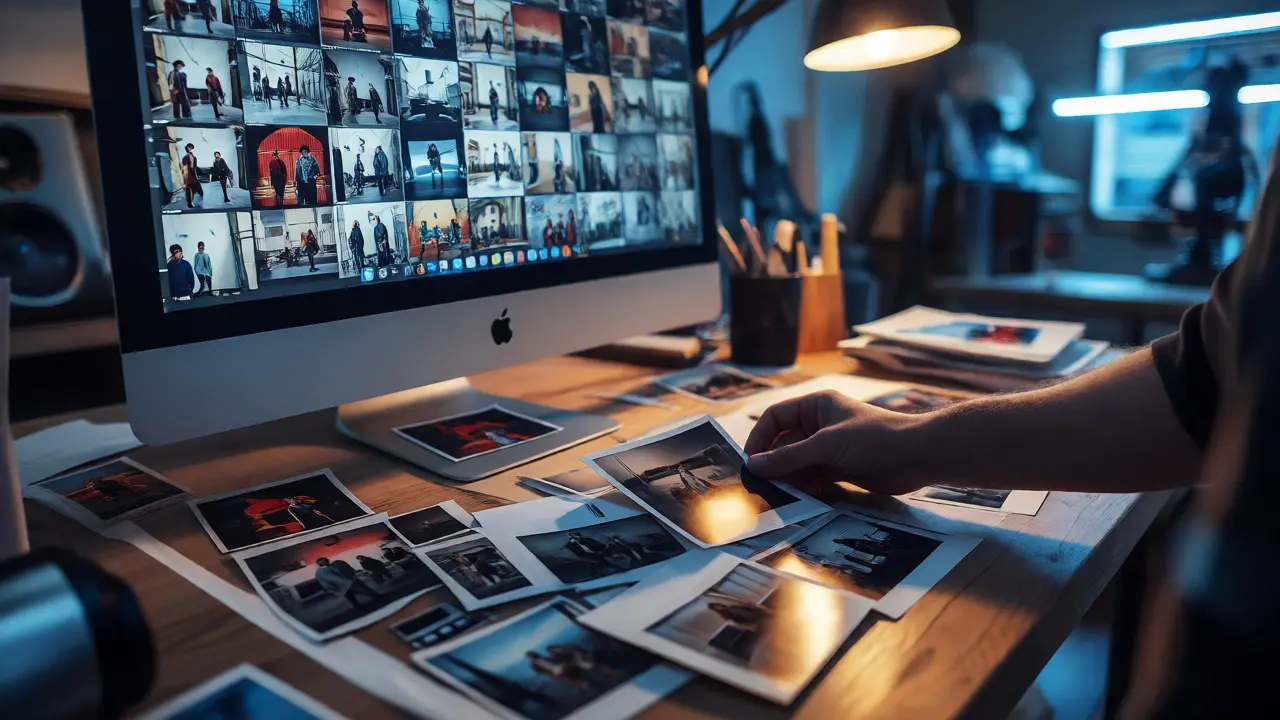
You shoot thousands of frames. You come home, dump the SD card into Lightroom, and stare at a wall of similar images. The hard part isn't capturing the moment; it's deciding which moments matter. Most photographers treat editing as a technical cleanup job-fixing exposure, cropping for balance, removing dust spots. But if you want your work to resonate, you need to shift your mindset. Editing is authorship. It is where you decide what story gets told and how it unfolds.
Photo Curation is the deliberate selection and sequencing of images to construct a coherent visual narrative. Unlike simple editing, which focuses on individual image quality, curation focuses on relationships between images. It turns a collection of random shots into a statement.
The Myth of the Perfect Shot
We are taught that great photography happens in-camera. Ansel Adams said, "You don't take a photograph, you make it." He wasn't just talking about darkroom techniques; he was talking about intent. When you view editing merely as correction, you miss the opportunity to define meaning. A photo of a rainy street can be melancholic or energetic depending on whether you pair it with an image of a lonely umbrella or a bustling crowd.
Think of your raw files as words in a language. You have nouns (subjects), verbs (actions), and adjectives (mood). But without syntax-the order and connection of these elements-you just have gibberish. Curation provides that syntax. It forces you to ask: Why does this photo follow that one? What emotion am I building toward?
Defining Your Narrative Arc
Every strong story has a beginning, middle, and end. In photography, this translates to establishing context, developing tension or interest, and providing resolution or reflection. This structure helps viewers process your work without getting lost.
- Establishing Shots: Wide angles that set the scene. They tell the viewer where they are and what the scale is.
- Detail Shots: Close-ups that invite intimacy. These break the pattern and force the eye to slow down.
- Action/Motion Shots: Images that inject energy or movement into the sequence.
- Reflective/Closing Shots: Images that leave room for interpretation, often quieter or more abstract.
When you edit, look for this rhythm. If you have five wide shots in a row, the viewer gets bored. If you have ten close-ups, they feel claustrophobic. Balance is key. You are directing the viewer's eye through a controlled experience.
Consistency vs. Variety
A common mistake is making every photo look identical. Yes, a consistent color grade creates cohesion, but too much uniformity kills interest. Contrast creates engagement. Consider pairing a warm, golden-hour portrait with a cool, blue-toned night shot. The juxtaposition highlights the differences and makes each image pop.
| Element | Function in Narrative | Editing Strategy |
|---|---|---|
| Tone | Sets emotional baseline | Maintain overall palette consistency while allowing local variations |
| Scale | Controls pacing | Alternate between wide environments and tight details |
| Subject Matter | Provides variety | Mix people, objects, and landscapes to avoid repetition |
| Light Quality | Adds depth | Use contrasting light sources (natural vs. artificial) for dynamic range |
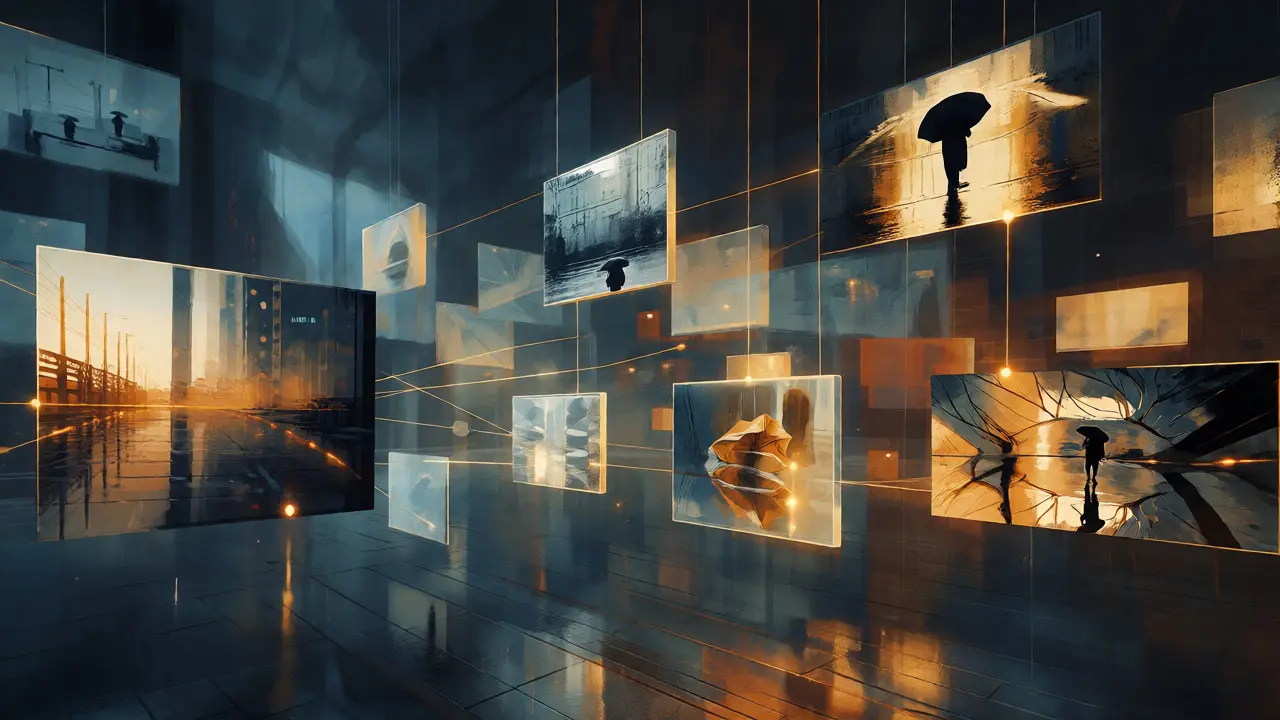
The Selection Process: Killing Your Darlings
This is the hardest part. You took a technically perfect shot, but it doesn't fit the story. Does it stay? Usually, no. Technical perfection is not the same as narrative relevance. If a photo distracts from the flow, cut it. Even if it's your favorite.
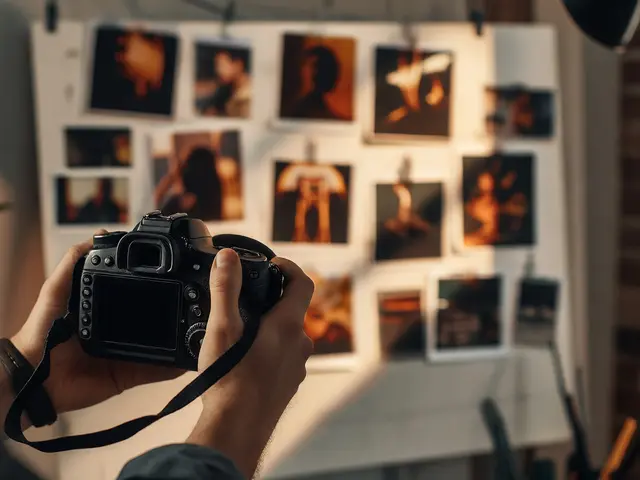
Try the "Shuffle Test." Print out your selected photos or arrange them digitally. Shuffle them randomly. Then try to put them back in order. If there's only one logical way to arrange them, your curation is strong. If multiple arrangements work equally well, you might lack a clear narrative thread. You may need to remove ambiguous images or add stronger connecting pieces.
Tools for Narrative Editing
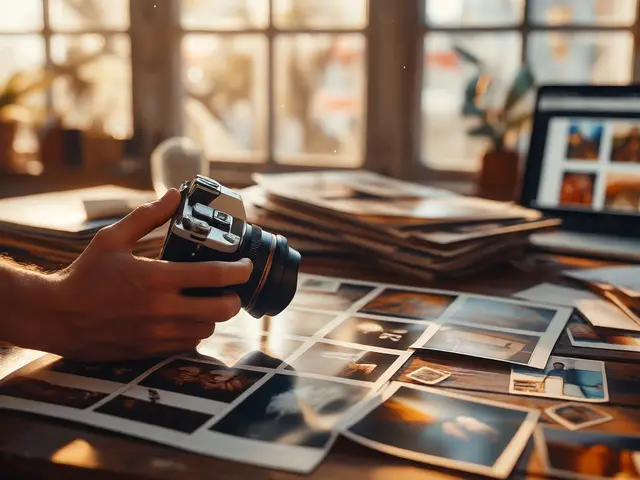
While software like Adobe Lightroom Classic or Capture One handles the technical adjustments, tools like Adobe Bridge or dedicated portfolio platforms help with sequencing. Some photographers use physical contact sheets because seeing thumbnails side-by-side reveals patterns that screens hide. Others use apps like Milanote to drag and drop images into mood boards before finalizing edits.
Don't get bogged down in pixel-peeping during the curation phase. Step back. Look at the grid. Does the sequence feel right? Does it evoke the intended feeling? Only after the narrative holds together should you fine-tune individual exposures and colors.
Case Study: Street Photography Portfolio
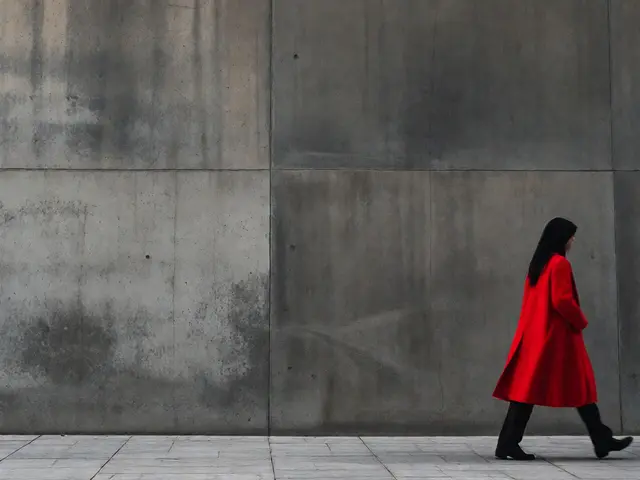
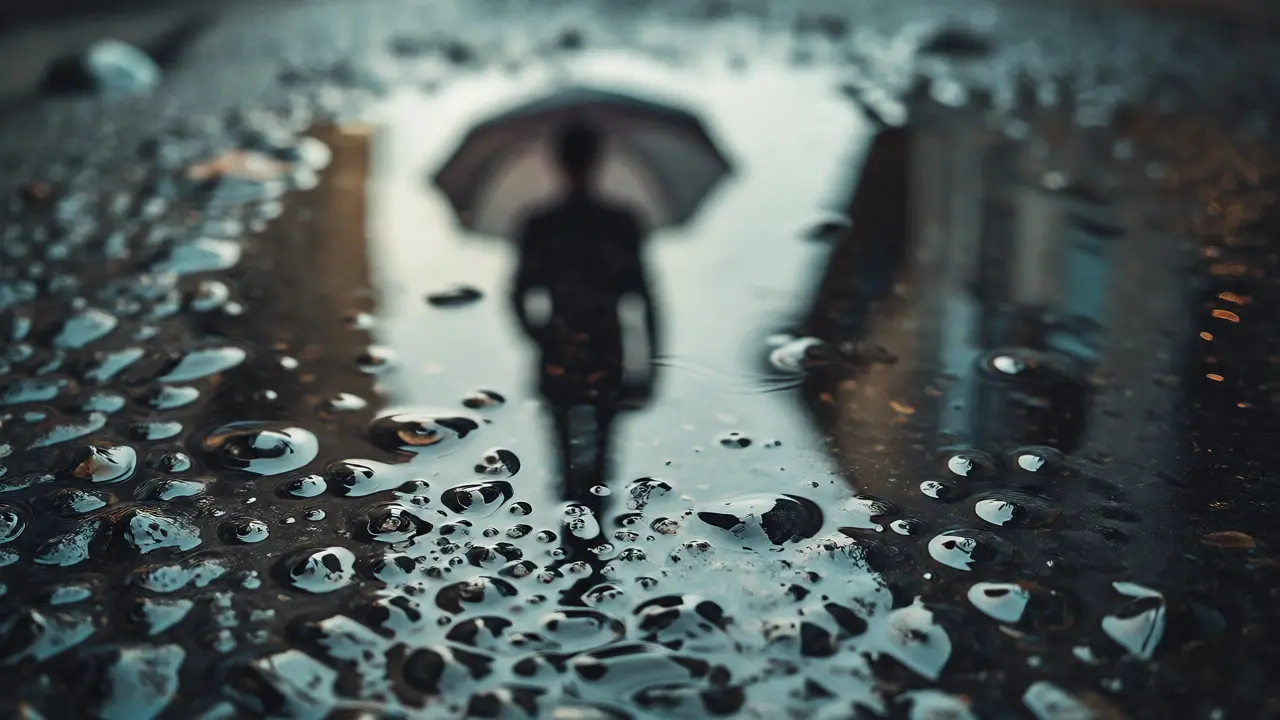
Imagine you spent a day shooting in Portland. You have 300 images. You narrow them down to 15 for a series titled "Rainy City Solitude." Initially, you included a vibrant shot of a colorful mural. Technically beautiful, but it broke the somber mood. By removing it and replacing it with a blurred reflection in a puddle, the sequence became cohesive. The viewer now feels the isolation rather than being distracted by bright colors.
This decision wasn't about fixing a flaw; it was about serving the story. That is authorship.
Practical Steps to Start Curating
- Shoot with Intent: Before pressing the shutter, ask yourself what role this image might play in a larger story.
- Tag for Mood, Not Just Subject: Use keywords like "melancholy," "energetic," or "quiet" alongside standard tags like "portrait" or "landscape."
- Create Multiple Sequences: Try arranging the same set of photos in different orders. See which version tells the most compelling story.
- Seek External Feedback: Show your sequence to someone unfamiliar with the project. Ask them what they felt. Did they sense the narrative you intended?
- Edit Last: Finalize the sequence first. Then apply global edits to unify the look, followed by local tweaks for emphasis.
How many photos should be in a personal photography narrative?
There is no strict rule, but shorter sequences often pack more punch. For online portfolios or social media, 7-15 images are usually sufficient to establish a theme without losing attention. For printed zines or exhibitions, you might extend to 20-30 images to allow deeper exploration of the theme. The key is that every image must earn its place.
Should I edit my photos before or after selecting the sequence?
It is generally better to select the sequence first using unedited or lightly edited versions. Heavy editing can bias your selection based on technical appeal rather than narrative value. Once the story flows logically, apply global edits to create cohesion, then refine individual images if necessary to support specific beats in the narrative.
What if my photos don't look consistent?
Consistency doesn't mean sameness. It means intentional variation. If your photos were taken under different lighting conditions, embrace that contrast. Use white balance shifts or tonal changes to highlight the transition from day to night, or indoor to outdoor. As long as the changes serve the story, inconsistency can become a strength, adding dynamism to the viewing experience.
How do I know if my narrative is working?
Test it with others. Share the sequence without captions initially. Ask viewers to describe the story they see. If their interpretations align with your intent, your curation is effective. If they seem confused or disengaged, revisit the order or remove weak links. Sometimes, a single misplaced image can derail an entire sequence.
Can I change the narrative after editing?
Absolutely. Editing is an iterative process. You might start with one idea, but as you edit, new connections may emerge. Be open to pivoting. If a different sequence reveals a stronger story, abandon the original plan. Flexibility is crucial in creative work. The best narratives often surprise even their creators.