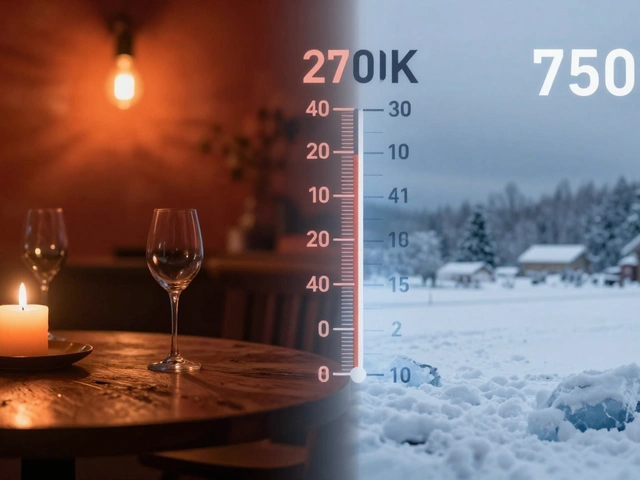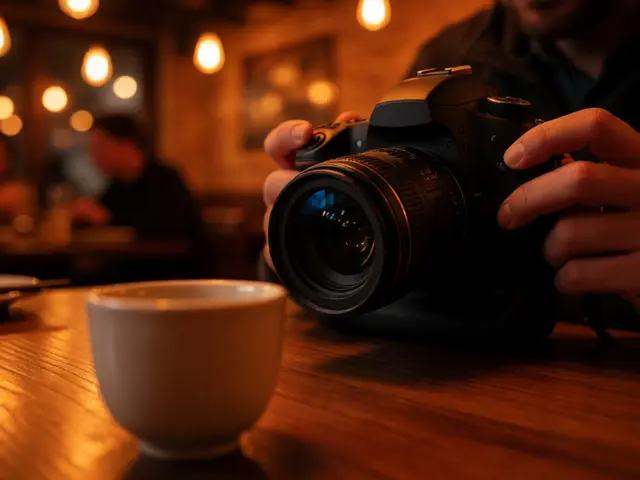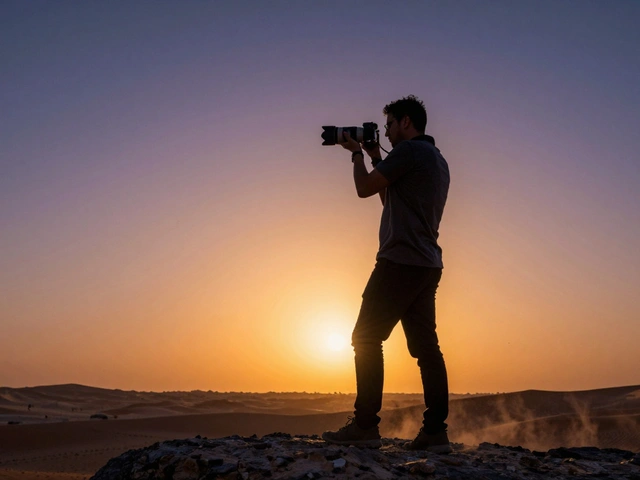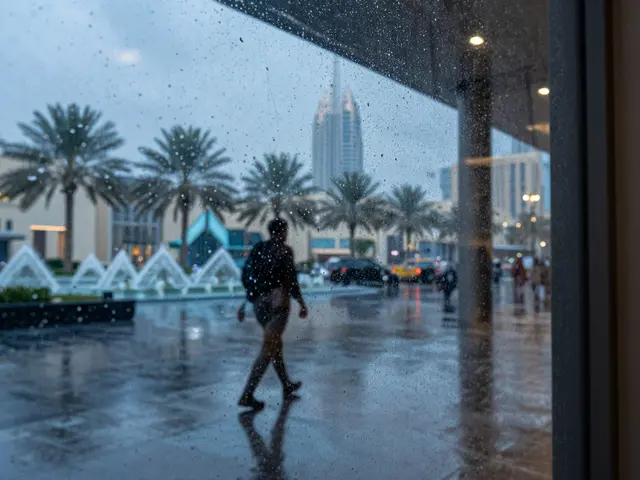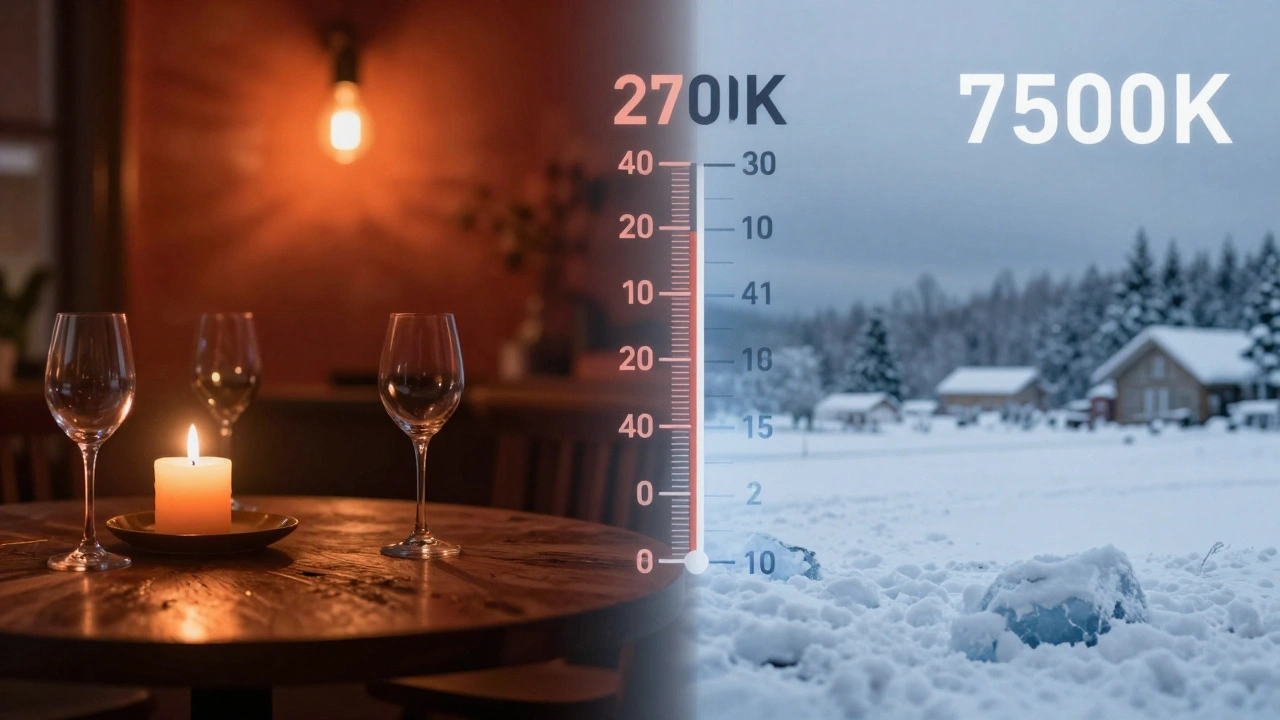
Why does your indoor photo look like it’s glowing orange, while the outdoor shot feels icy blue? It’s not a broken camera. It’s physics meeting perception. Understanding color temperature and white balance is the single biggest leap you can make to control the mood of your images. Most beginners treat these settings as technical chores to get out of the way. Pros treat them as creative levers. Let’s strip away the jargon and look at how light actually works.
The Kelvin Scale: Hot Is Blue, Cold Is Orange
Here is the first thing that trips people up. In physics, hotter objects glow blue. Cooler objects glow red. A welding arc (extremely hot) is blue-white. A candle flame (relatively cool) is deep orange. The Kelvin scale measures this color quality of light, starting from absolute zero.
In photography, we use this scale to describe light sources. But here is the twist: human psychology flips the script. We associate red and orange with warmth (fire, sunsets). We associate blue with cold (ice, shade). So, in photography terms:
- Low Kelvin (1500K-3200K): "Warm" light. Think candles, tungsten bulbs, and sunset.
- Mid Kelvin (5000K-6500K): Neutral light. Think midday sun or electronic flash.
- High Kelvin (7000K+): "Cool" light. Think overcast skies, open shade, or twilight.
This counterintuitive relationship is crucial. If you want a cozy, romantic feel, you are looking for lower Kelvin numbers. If you want a sterile, dramatic, or chilly vibe, you are pushing toward higher numbers.
| Light Source | Kelvin Range (K) | Visual Character |
|---|---|---|
| Candlelight | 1500-1900 K | Deep orange, very warm |
| Tungsten Bulb (Home) | 2700-3000 K | Yellow-orange, cozy |
| Studio Tungsten | 3200 K | Standard warm studio light |
| Noon Sunlight | 5200-5600 K | Neutral white |
| Electronic Flash | 5500-6000 K | Bright neutral white |
| Overcast Sky | 6500-7500 K | Slightly blue, soft |
| Open Shade / Blue Sky | 8000-10000 K | Distinctly blue, cool |
White Balance: Correcting the Cast
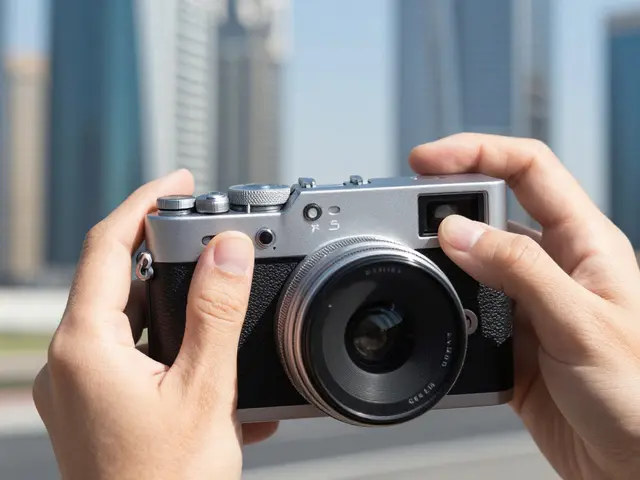
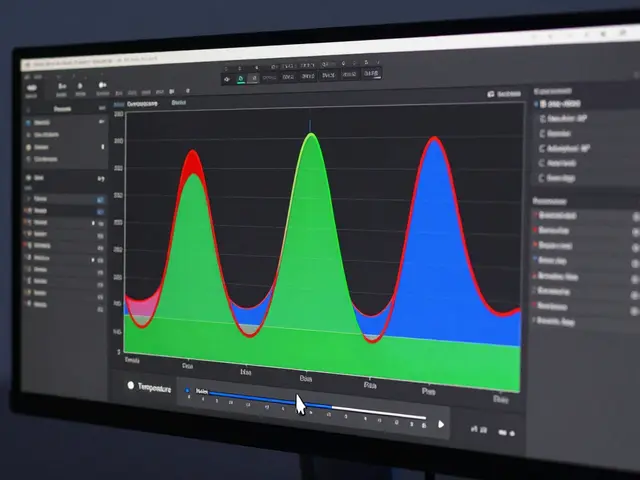
Your camera sensor doesn’t know what "white" looks like. It just records the raw intensity of red, green, and blue light hitting it. If you point it at a white wall under a yellow tungsten bulb, the sensor records yellow data. Without intervention, your white wall looks yellow in the image. This is called a color cast.
White balance is the process of telling the camera, "This object is white, so adjust all other colors accordingly." The camera adds the opposite color to cancel out the cast. To fix an orange cast, it adds blue. To fix a blue cast, it adds orange.
There are three main ways to handle this:
- Auto White Balance (AWB): The camera guesses based on scene analysis. Modern AWB is surprisingly good, often hitting the mark 80-90% of the time. However, it struggles with scenes dominated by one color (like a green forest or a red stage), where it might try to "correct" the dominant color into neutrality, ruining the mood.
- Preset Modes: Icons for Sunny, Cloudy, Shade, Tungsten, etc. These lock the camera to a specific Kelvin range. Use these when you need consistency across a series of shots, like a product catalog or a time-lapse.
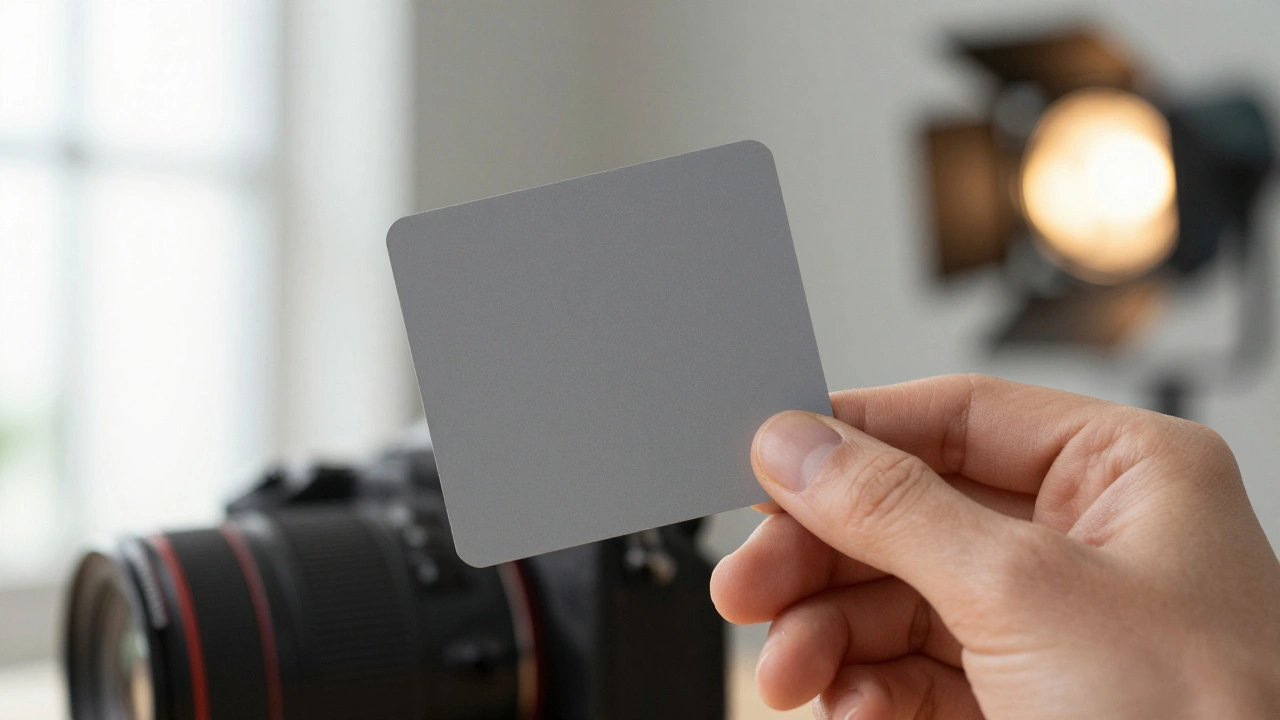
- Custom/Manual Kelvin: You dial in the exact number (e.g., 4500 K) or take a reading from a gray card. This gives you total control and repeatability.
RAW vs. JPEG: The Freedom Factor
This is where many photographers make a critical mistake. If you shoot in JPEG, the white balance is baked into the file. Changing it later in software degrades quality because you are manipulating compressed data. If you shoot in RAW, the white balance is just metadata-a note attached to the raw sensor data. You can change it infinitely in post-production without losing any detail.
Because of this, most professionals shoot RAW with Auto White Balance. They trust the camera to get it close enough for their histogram and focus checks, then fine-tune the temperature and tint sliders in Lightroom or Capture One. This workflow saves time in the field and offers maximum flexibility later.
If you must shoot JPEG (for speed or storage reasons), you cannot rely on AWB alone. You need to set a custom white balance using a gray card before every significant lighting change. Take a photo of the card, go into your camera menu, select "Custom WB," and choose that image. Your camera will now render neutrals correctly until you change the light.
The Tint Slider: Fighting Green and Magenta
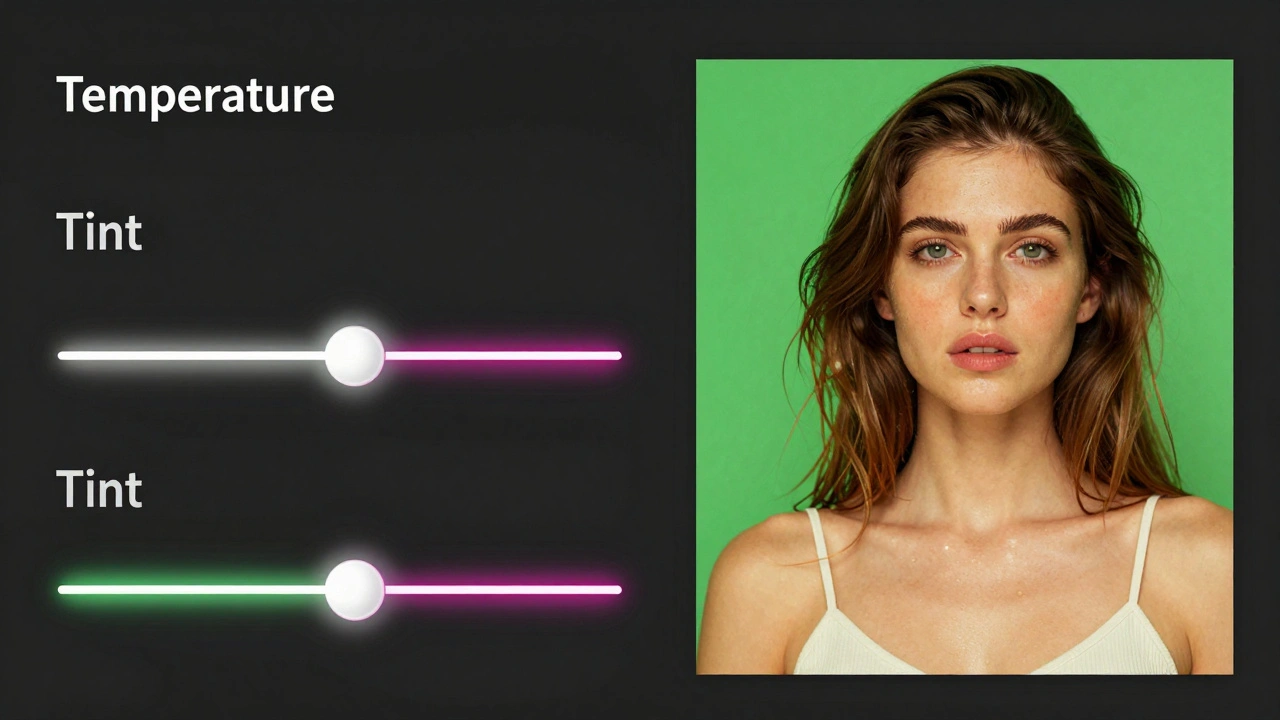
Temperature handles the Blue-Yellow axis. But real-world lights aren't perfect black-body radiators. Fluorescent lights and cheap LEDs often have a spike in green wavelengths. No amount of warming or cooling will fix a green cast. That’s why cameras and editing software have a second slider: Tint.
Tint moves along the Green-Magenta axis. If your skin tones look sickly green under office fluorescents, you don’t need more warmth; you need magenta. Pushing the tint slider positive adds magenta to counteract the green. High-end LED panels boast a CRI (Color Rendering Index) of 90+, meaning they emit a full spectrum of light that minimizes these weird spikes, making white balance easier.
Mixed Lighting: The Photographer’s Nightmare
What happens when you have 3200 K tungsten lamps inside a room and 6000 K daylight coming through the window? You have mixed lighting. No single white balance setting can make both areas look neutral. If you balance for the window, the interior goes dark and orange. If you balance for the interior, the window blows out to pure white.
You have three choices here:
- Pick a side: Decide which part of the image is the subject. Set WB for the subject and let the background fall into stylized shadow or highlight.
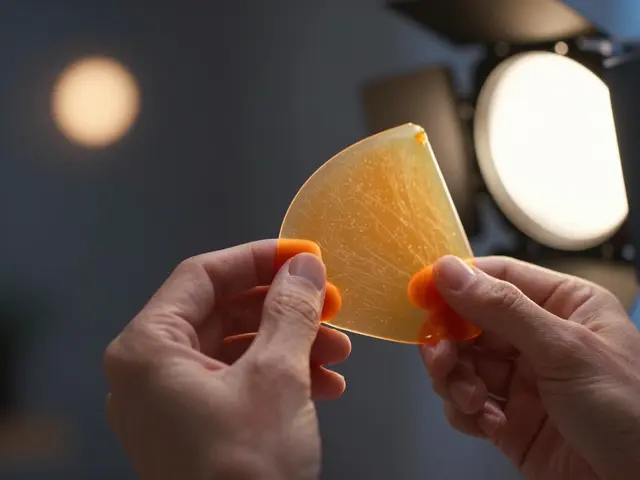
- Gels: Put a blue gel (CTO) over the tungsten lights to match the daylight, or an orange gel (CTB) over the window light to match the bulbs. This unifies the scene.
- Local Adjustments: Shoot RAW and use adjustment brushes in post-processing to warm up the interior shadows and cool down the exterior highlights independently.
Creative Control: When "Correct" Is Boring
Accurate color reproduction is vital for product photography. If you’re selling a red dress, it must look red. But for portraits, landscapes, and street photography, "accurate" is often subjective.
Many portrait photographers deliberately push the temperature warmer (+200 to +800 K in post) because slight warmth makes skin tones appear healthier and more inviting. Landscape photographers might keep a mountain scene cool (7000 K+) to emphasize the crispness of winter air. Don’t be afraid to break the rules of neutrality. Ask yourself: Does this image feel the way I experienced it? If the sunset felt fiery, don’t let AWB wash it into gray. Lock your WB to preserve the mood.
Should I set white balance in-camera or fix it later?
If you shoot RAW, it doesn't matter much. Shooting with Auto White Balance (AWB) is efficient, and you can adjust it perfectly in post without quality loss. If you shoot JPEG, you must set it in-camera using presets or a custom gray card reading, as changes made later will degrade image quality.
Why do my indoor photos look too orange?
Indoor homes usually use tungsten bulbs around 2700-3000 K, which is very warm. If your camera is set to Daylight (5500 K), it expects cooler light and doesn't add enough blue to compensate, leaving the orange cast. Switch your preset to "Tungsten" or lower your Kelvin value manually.
What is the best white balance for skin tones?
Technically, neutral white balance (around 5500 K) renders skin accurately. However, aesthetically, slightly warmer tones (4500-5000 K) are generally preferred for portraits as they reduce pallor and create a flattering, healthy glow. Avoid high Kelvin values unless you want a ghostly, cool effect.
How do I fix a green cast from fluorescent lights?
Green casts are caused by the spectral gaps in fluorescent tubes. Temperature adjustments won't fully fix this. Use the "Fluorescent" preset in-camera, which adds magenta. In post-processing, use the Tint slider to add magenta (positive values) until the greens disappear from neutral areas like walls or teeth.
Does color temperature affect exposure?
No, color temperature affects only the hue and saturation of the image, not its brightness. Exposure is controlled by aperture, shutter speed, and ISO. However, some older cameras linked AWB to metering modes, but modern systems keep them separate.