Key Takeaways for Sports Photographers
- Daytime sports allow for more automation, but manual presets prevent color shifts in shade.
- Night sports require a hard switch to manual white balance; Auto White Balance (AWB) often fails under artificial lights.
- Kelvin temperatures are your best tool for night games to ensure consistent skin tones.
- Exposure shifts from Shutter-Priority in the day to aggressive ISO and aperture management at night.
The Battle Against Color Casts
Before we talk about shutter speeds, we have to talk about color. White Balance is the process of removing unrealistic color casts so that objects which appear white in person are rendered white in your photo. Think of it as telling your camera what "true white" looks like under the current lighting.
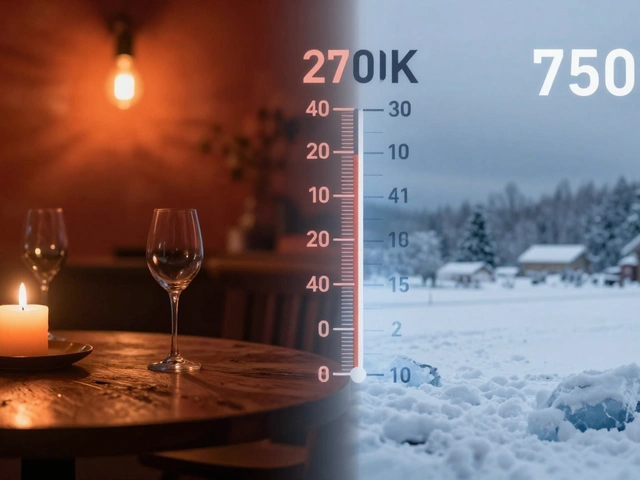
Our eyes are geniuses at this. If you walk from a sunny field into a dark tunnel, your brain instantly adjusts. Your camera isn't that smart. It sees a specific color temperature-measured in Kelvin-and tries its best to guess. In sports action photography, where athletes move rapidly between bright sun and deep shadows, those guesses can lead to inconsistent skin tones and jerseys that change color from one frame to the next.
Winning the Daytime Game: Leveraging Automation
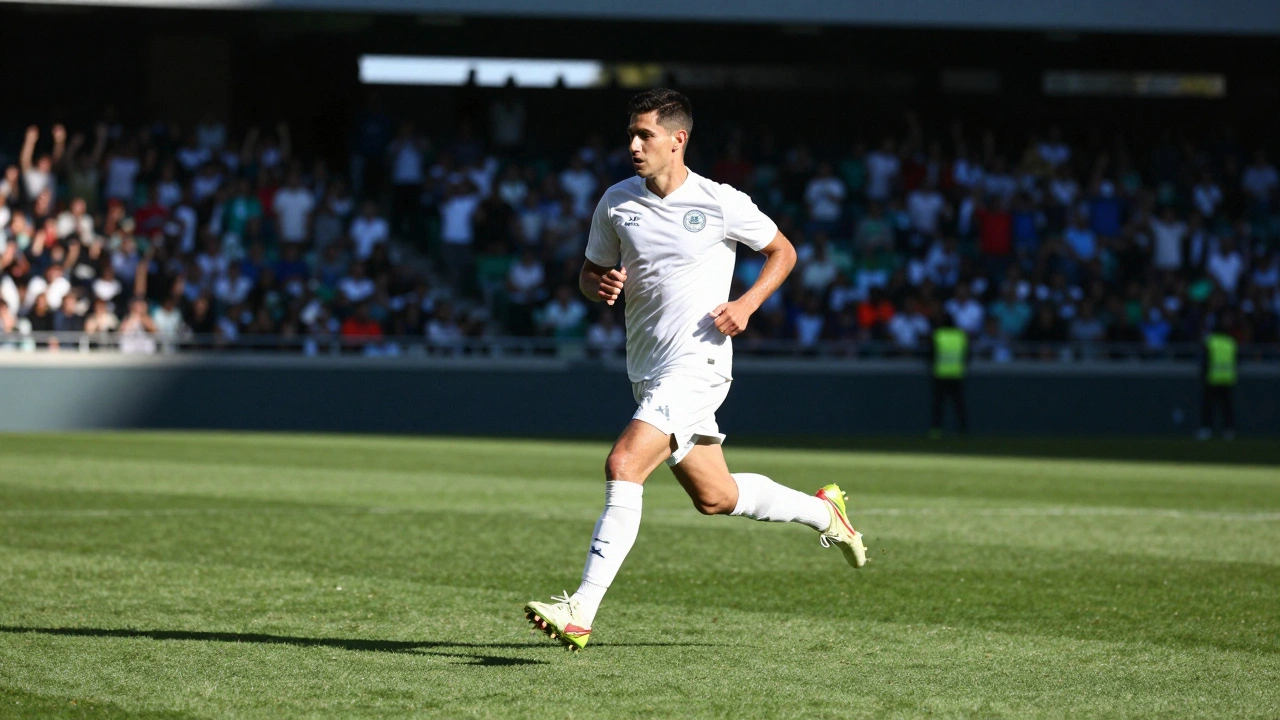
During the day, you have the luxury of abundance. Natural light is generally consistent, which means you can often get away with Auto White Balance (AWB). For most, AWB is a great starting point because modern sensors handle daylight quite well. However, if you're shooting a field where players are constantly darting in and out of shade, AWB can struggle to keep up, causing the images to "drift" in temperature.
To fix this, move away from "Auto" and use specific presets. If the sun is beating down, the Daylight preset keeps things stable. If you're mostly in the shadows of a stadium, switching to Shade adds warmth to counteract the blue tint of the shadows.
A pro trick is to find a "true white" reference. Look for a white goalpost or a clean part of a white uniform. By setting a Custom White Balance using that object, you create a baseline that ensures every player looks the same, regardless of where they are on the pitch.
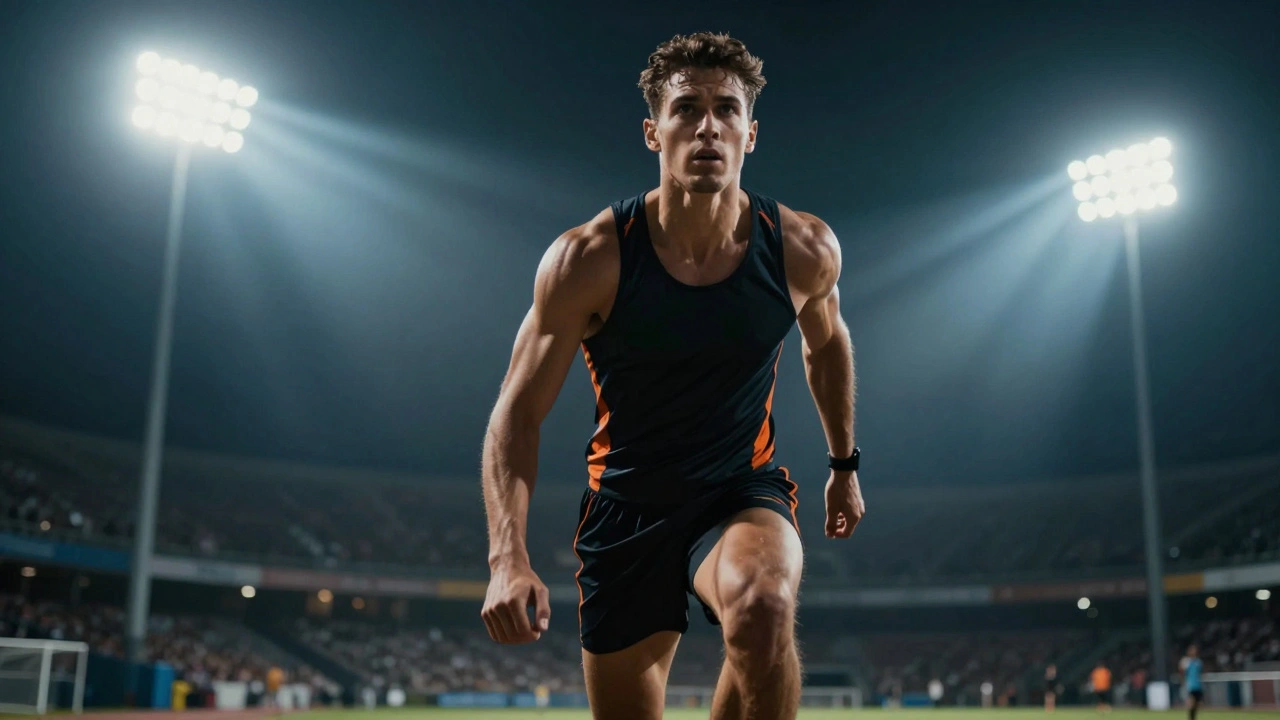
The Night Shift: Why Auto White Balance Fails
Once the sun goes down and the stadium lights kick in, the rules change. Throw AWB out the window. Why? Because artificial lights-whether they are LED, metal halide, or old-school tungsten-create wildly different color temperatures. When a camera tries to "auto-correct" these, it often fluctuates, which ruins your workflow. If your AWB is jumping around, your JPG previews are unreliable, and your histogram becomes a guessing game. You can't tell if your shadows are actually crushed or if the camera is just misinterpreting the light.
The secret weapon for night games is Kelvin Temperature is a manual setting that allows photographers to dial in a specific numerical value for color temperature. By using Kelvin, you lock the color. If you're using flashlights or specific stadium gear, you can match the camera to the light source. For instance, if your lighting is rated at 4000K, setting your camera to 3800K creates a slightly warm, flattering look that avoids the sterile, cold feel of many night venues.
| Setting | Daytime (Natural Light) | Nighttime (Artificial Light) |
|---|---|---|
| Primary Choice | AWB or Daylight Preset | Manual Kelvin Value |
| Risk | Color drift in shade | Inconsistent skin tones / Yellow casts |
| Reference | White jerseys / Goalposts | Equipment specifications (K value) |
| Workflow | Reactive (Adjust as needed) | Proactive (Pre-set before kickoff) |
Exposure: Freezing Motion vs. Fighting Noise
Lighting doesn't just affect color; it affects your ability to stop motion. In the daytime, you have enough light to push your shutter speed high-often 1/1000s or faster-to freeze a sprinting athlete. Most pros use Shutter-Priority Mode (Tv on Canon cameras) here. You lock in the speed you need to avoid blur, and let the camera handle the aperture and ISO. It's a low-stress way to ensure you don't miss the peak of the action.
At night, you're fighting a losing battle with photons. To keep that same fast shutter speed, you have to make some tough trade-offs. You'll likely need to open your aperture to its widest setting (like f/2.8) and crank up your ISO. While a higher ISO allows you to shoot in the dark, it introduces digital noise-that grainy texture that can degrade your image quality. The goal at night is to find the "sweet spot" where the motion is frozen, but the noise is still manageable through post-processing.
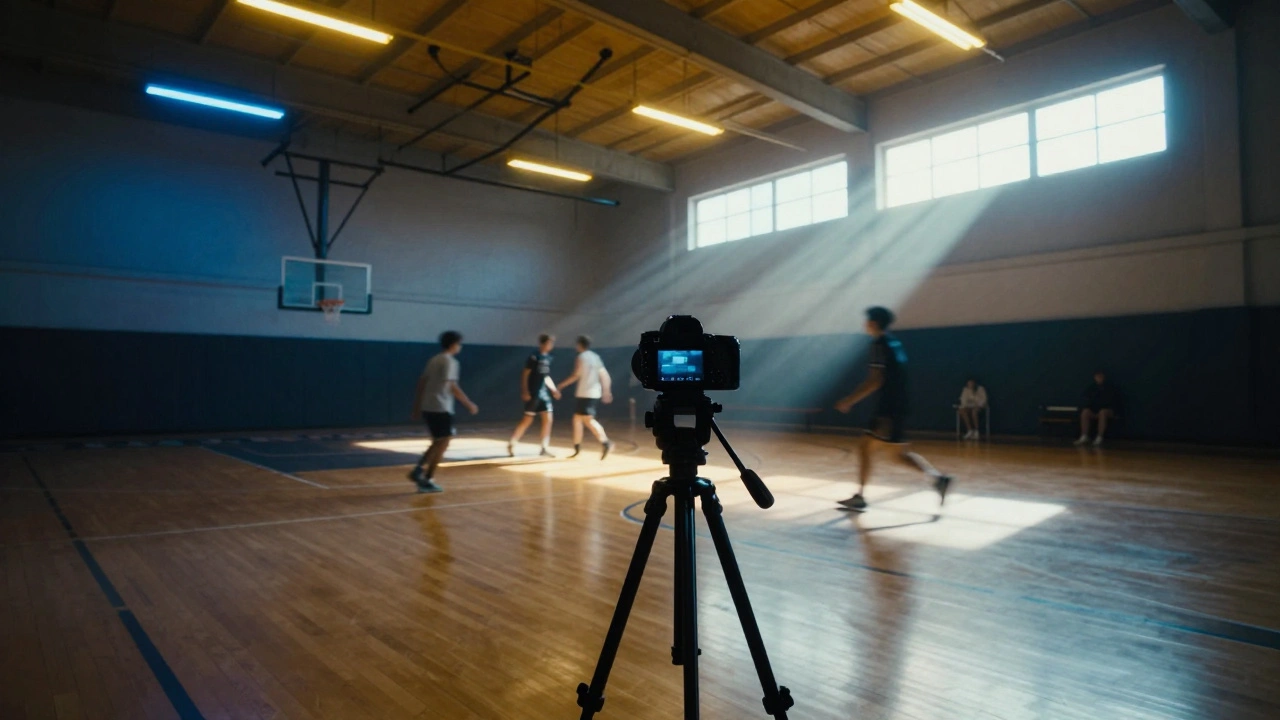
The Indoor Gym Nightmare
If you think stadium lights are hard, try a high school basketball gym. These environments are a mix of fluorescent tubes, LED strips, and sometimes natural light leaking through high windows. This is called mixed lighting, and it's the ultimate test for a photographer. Even professional tools like color checkers struggle here because the light changes every few feet.
In these cases, don't hunt for perfection in-camera. Set a manual Kelvin value that looks "close enough" and shoot in RAW. This gives you the flexibility to tweak the white balance for the entire series of photos later in software, rather than fighting a losing battle with a menu during the game.
Why can't I just use Auto White Balance for everything?
AWB works by guessing the light source. In a controlled environment, it's great. But in sports, athletes move through different lighting zones rapidly. AWB can change the color of the image from one shot to the next, meaning your photos won't look consistent when you view them as a gallery.
What is a good Kelvin starting point for night games?
It depends on the bulbs, but many stadium lights lean cool. Starting around 3200K to 4000K is common. If the images look too blue, increase the number; if they look too orange, decrease it. A a common pro tip is to set it slightly lower than the actual light rating (e.g., 3800K for 4000K lights) for a natural look.
Will a higher ISO ruin my sports photos?
Not necessarily. While ISO increases noise, a grainy sharp photo is always better than a clean blurry photo. In sports, freezing the action is the priority. Modern noise-reduction software can clean up a high-ISO image, but it can't fix a blurry shot.
How do I perform a custom white balance?
Find a neutral gray or pure white object in the actual light where the action is happening. Take a photo of it, then go into your camera's white balance menu and select "Custom." Choose that photo as your reference. The camera will now use that specific color as the baseline for all subsequent shots.
What is the best mode for daytime sports?
Shutter-Priority (Tv) is usually best. It allows you to ensure your shutter speed is fast enough to freeze the action (like 1/1000s) while the camera automatically adjusts the aperture and ISO to maintain a correct exposure as clouds move or players move into shade.
Next Steps for Your Workflow
If you're heading to a game this weekend, try this: spend the first ten minutes of the event just testing. Don't worry about the perfect shot; worry about the perfect setting. If it's a night game, dial in your Kelvin and take a few test shots of a white jersey. If the colors look off, adjust the Kelvin by 200-500 points until it looks right.
For those shooting in challenging indoor gyms, remember that shooting in RAW is non-negotiable. It allows you to change the white balance entirely after the game is over without losing image quality. Practice switching between your presets and manual Kelvin values so that when the game reaches its peak intensity, you aren't digging through menus-you're capturing the moment.