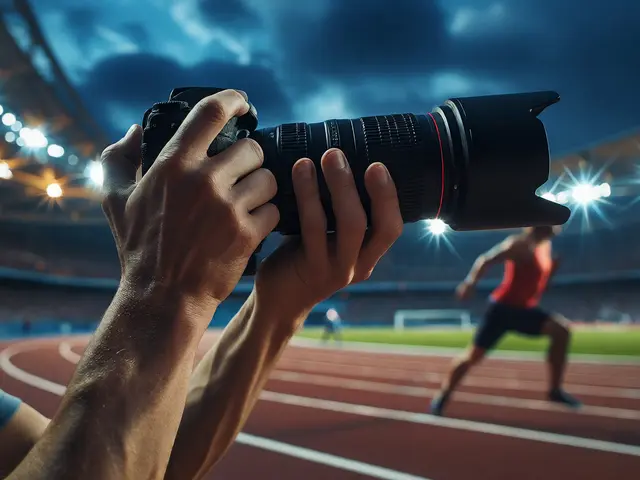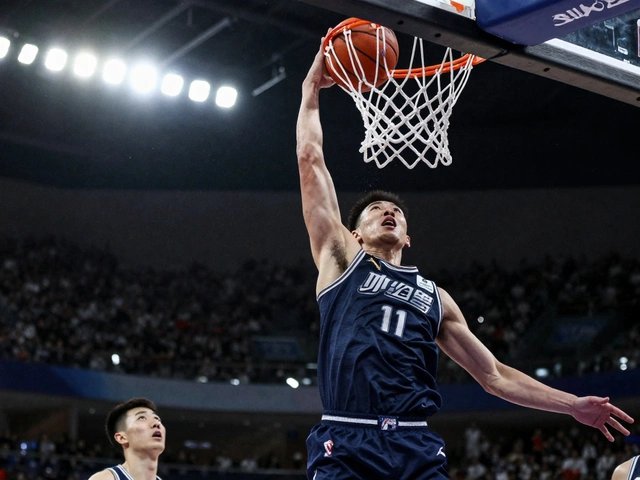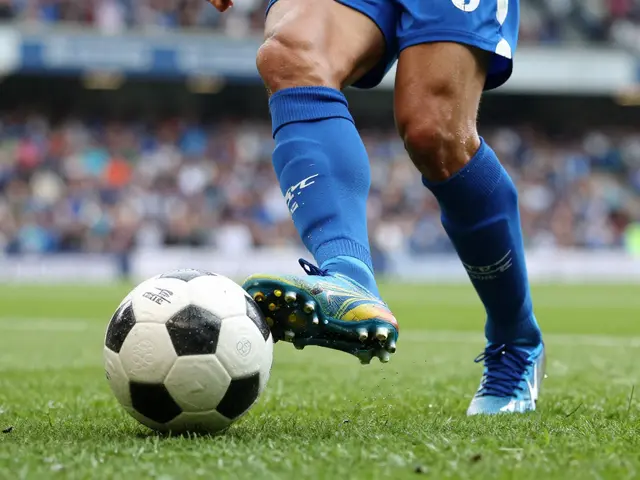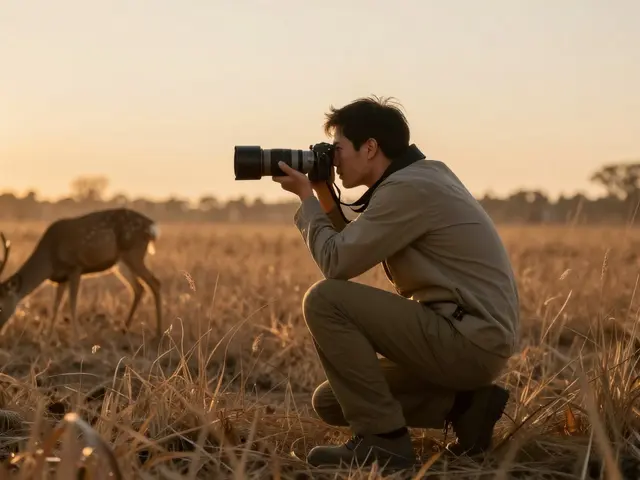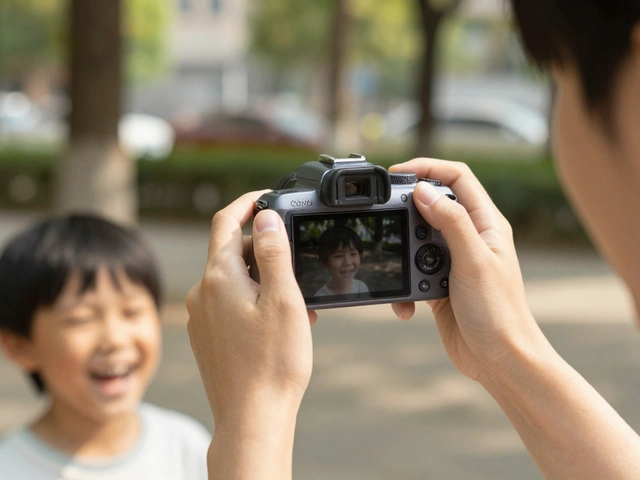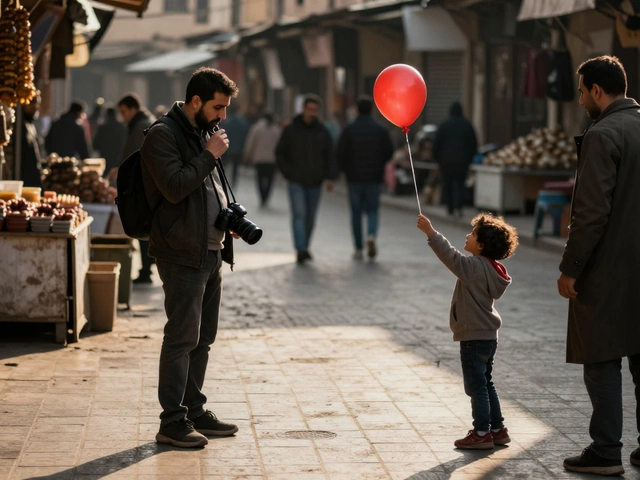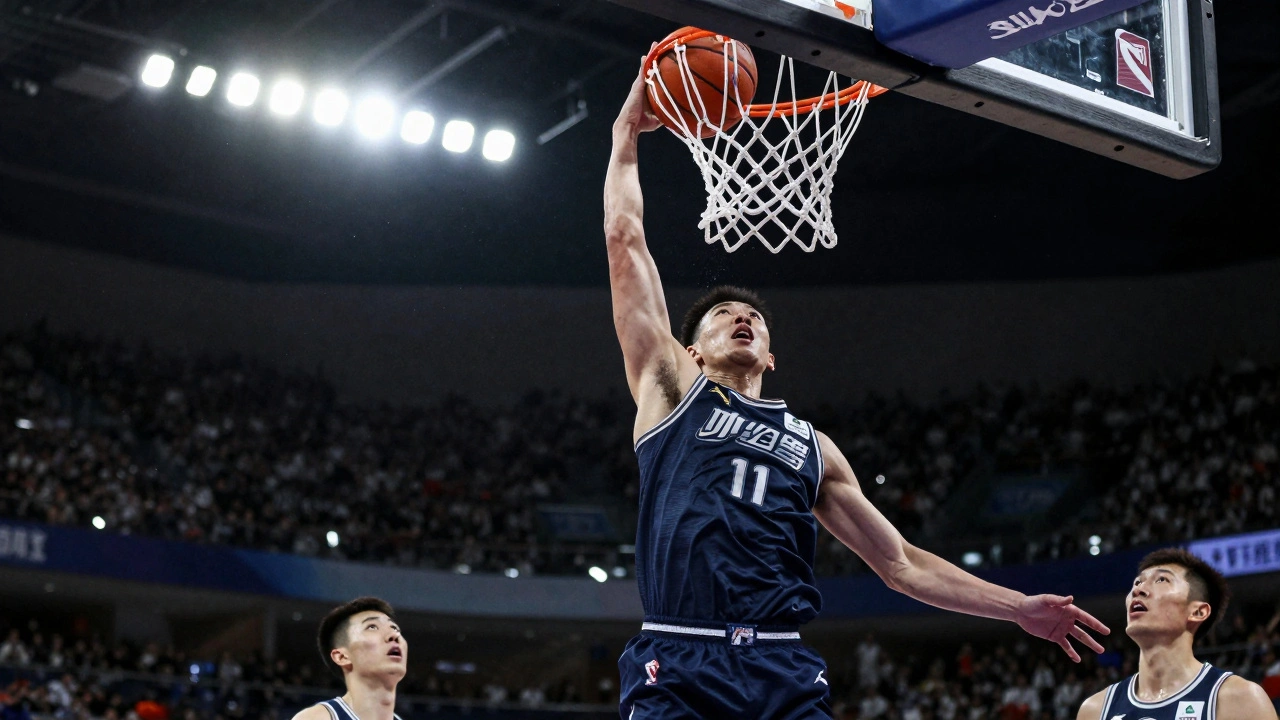
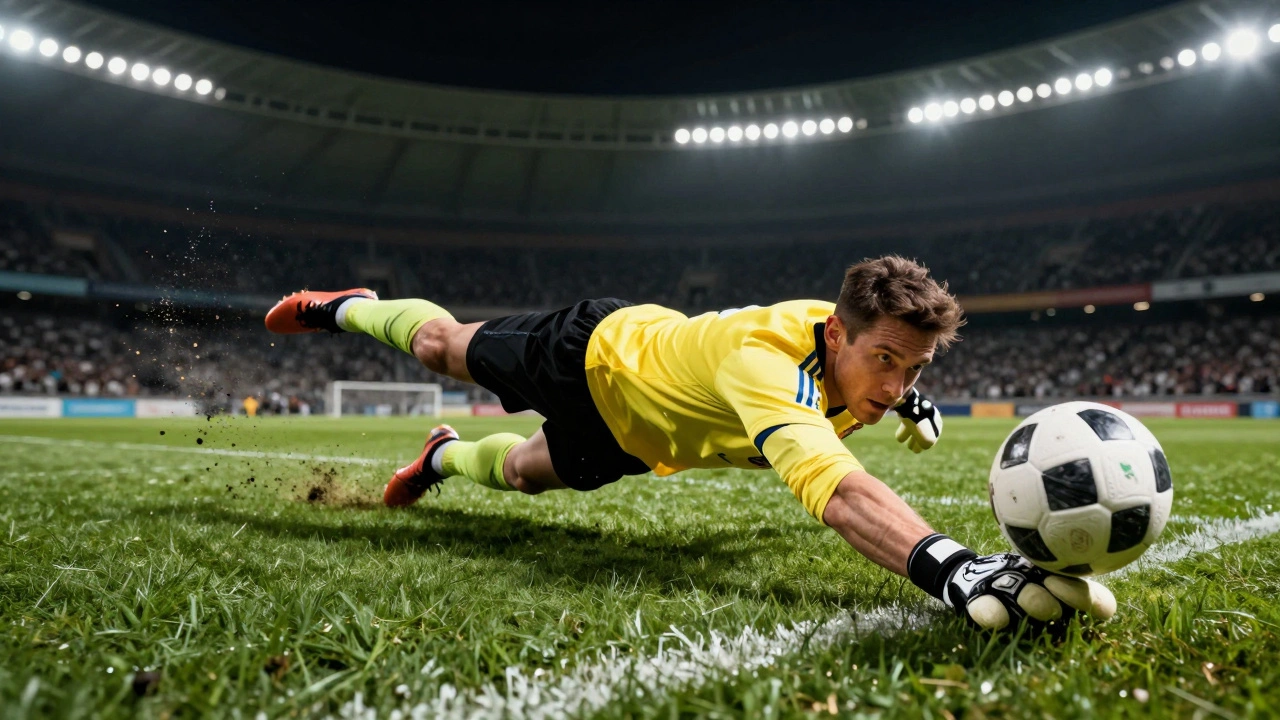
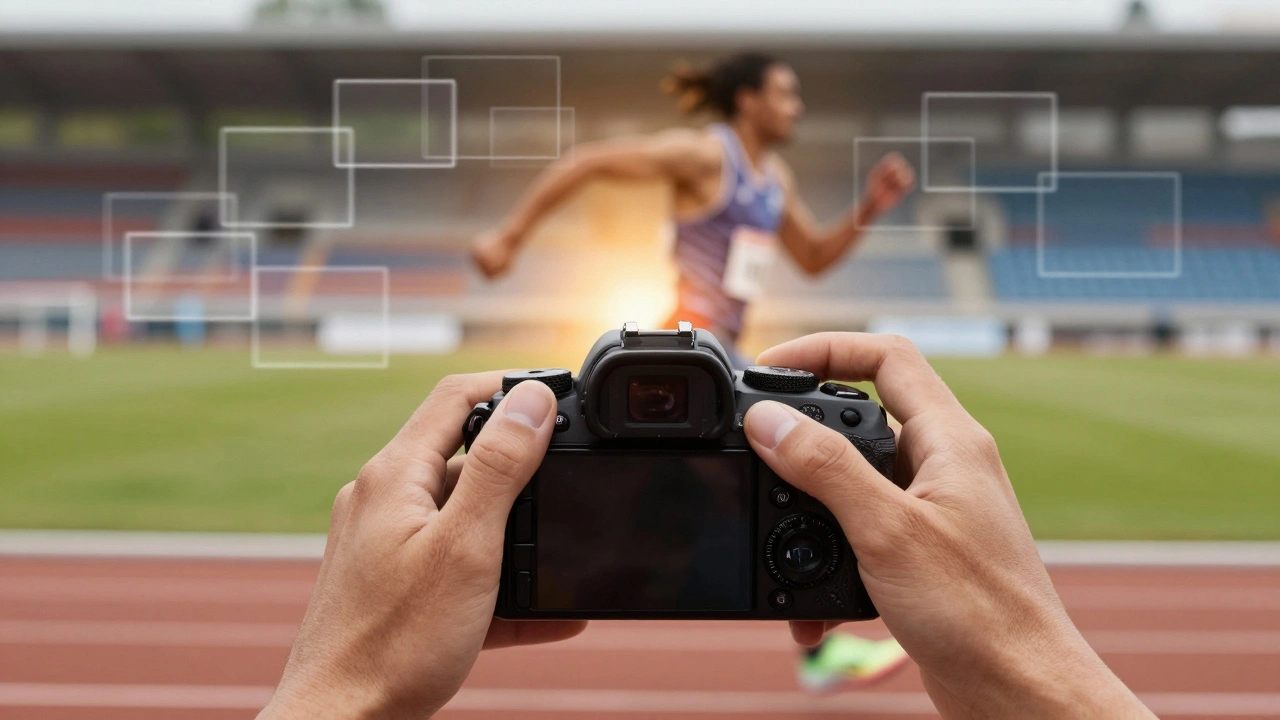
When you're standing courtside at a basketball game or on the sidelines of a soccer match, the most thrilling moments happen in less than a second. A player leaps for the final dunk. A sprinter breaks the tape. A goalie dives sideways to stop a penalty kick. If you're shooting single frames, you're already too late. That’s where burst mode becomes your most powerful tool.
Burst mode - also called continuous shooting - lets your camera take dozens of photos in just a few seconds. You don’t need to guess when the action will peak. You just hold down the shutter, and the camera does the work. It’s not magic. It’s math. More frames mean more chances to catch the perfect moment.
Why Burst Mode Beats Single Shots in Sports
Think about it: a professional soccer player can kick the ball at 80 miles per hour. A sprinter reaches top speed in under 3 seconds. A baseball pitcher releases the ball in 0.1 seconds. Human reaction time is around 0.25 seconds. That means if you wait until you see the action to press the shutter, you’re already missing the best part.
Single-shot mode forces you to predict the future. Burst mode removes that pressure. Instead of hoping you timed it right, you capture 10, 20, or even 60 frames in the same window. You get to pick the exact moment the athlete’s eyes lock on target, the ball just leaves the bat, or the jumper’s toes are still touching the floor. That’s the difference between a good photo and a great one.
Professional sports photographers don’t rely on luck. They rely on volume. At the 2025 NCAA Final Four, one photographer captured over 8,000 images across three games. Only 12 made the final cut. But those 12 were perfect because they came from a sea of options.
How Fast Is Fast Enough?
Not all burst modes are created equal. Your camera’s frame rate determines how many photos it can take per second. Here’s what you’re likely dealing with:
- 3-6 fps: Entry-level DSLRs and mirrorless cameras. Fine for slow-moving sports like golf or baseball pitching.
- 8-12 fps: Mid-range cameras. Solid for basketball, volleyball, and high school football.
- 15-20 fps: Prosumer models like Sony A7 IV or Canon R6 II. Ideal for most pro sports.
- 20-60 fps: Flagship sports cameras like the Canon R3 or Sony A9 III. Used for motorsports, bird flight, and elite athletics.
For most team sports - football, basketball, hockey - you need at least 10 fps. Anything lower, and you risk missing the peak of the jump or the moment of contact. If you’re shooting track and field or racing, go for 15+ fps. You’ll thank yourself when you review the footage and realize you caught the exact split-second when the runner’s foot crossed the line.
Camera Settings That Make or Break Your Burst
Burst mode alone won’t save you. You need the right settings behind it.
Autofocus: Use Continuous AF (AF-C or AI-Servo)
Your camera can’t lock focus on one spot and expect to track a sprinter. You need continuous autofocus. Canon calls it AI-Servo. Nikon and Sony call it AF-C. Whatever your brand, find it in the menu and turn it on. This lets the camera adjust focus continuously as your subject moves. Without it, your sharpest frame might be the 12th one - and you’ll have already missed the moment.
Shutter Speed: Go Fast or Go Home
A blurry athlete looks like a mistake. A crisp one looks like a masterpiece. For most sports, shoot at 1/1000s or faster. For sprinters, tennis serves, or hockey slapshots, go to 1/2000s. Slower than 1/500s, and motion blur creeps in. Faster than 1/2000s? You’ll freeze every detail - even the sweat flying off a player’s brow.
ISO and Aperture: Let in the Light
Fast shutter speeds eat light. To compensate, you’ll need to open your aperture (f/2.8 or wider) and raise your ISO. Don’t fear noise. Modern cameras handle ISO 3200-6400 beautifully. A noisy but sharp image is better than a clean but blurry one. If you’re shooting indoors under artificial lights, set your ISO to 1600-3200 and use the widest aperture your lens allows.
How to Actually Use Burst Mode Like a Pro
Just holding down the shutter isn’t enough. There’s a rhythm to it.
- Pre-focus: Half-press the shutter button before the action starts. Let the camera lock focus on the spot where the action will happen - like the net, the goal line, or the finish tape.
- Wait for the moment: Don’t start shooting the second the player moves. Wait until you see the body language - the wind-up, the leap, the lunge. Then press the shutter fully.
- Don’t overdo it: If you hold the shutter for 10 seconds straight, your buffer fills. Your camera slows down. You miss the next big play. Shoot in short bursts - 3 to 5 seconds max - then pause to let the camera clear.
- Anticipate the sport: If you know soccer, you’ll know when a player is about to shoot. If you know basketball, you’ll see the pump fake before the dunk. Study the game. Your camera can’t do that for you.
One pro photographer I talked to said he shoots 90% of his action shots with his left hand on the shutter and his right thumb on the AF-ON button. He pre-focuses with his thumb, then fires with his finger. It’s not flashy. It’s just efficient.
Memory, Storage, and Buffer Limits
Burst mode eats memory cards for breakfast. If you’re shooting at 12 fps for 30 seconds, that’s 360 images. At 24 megapixels, each RAW file is about 45MB. That’s over 16GB of data in half a minute.
You need two things:
- Fast memory cards: Use UHS-II SD cards with write speeds of 100 MB/s or higher. Look for V60 or V90 ratings. Slower cards will cause your camera to pause mid-burst.
- Big storage: Bring at least two 128GB cards. For a full-day event, plan for 100-200 GB of storage. You’ll be surprised how fast you fill them.
Also, know your camera’s buffer. Some models can shoot 30 frames before slowing down. Others can do 100. Check your manual. If your buffer fills after 15 shots, don’t try to shoot a 20-second sequence. Break it into chunks.
When Not to Use Burst Mode
Burst mode isn’t always the answer.
If you’re shooting long exposures at sunset or capturing a quiet moment before the game - like a player tying their shoes - skip burst mode. It’s unnecessary. You’ll just clog your memory card with junk.
Also, if you’re using a smartphone, burst mode is often limited to 5-10 fps and has no real buffer. You’re better off using the “hold to shoot” feature on newer iPhones or Pixel phones. It’s not as powerful, but it’s still better than single shots.
The Real Advantage: Choice
The magic of burst mode isn’t just that you get more photos. It’s that you get choices.
You can pick the frame where the athlete’s expression is pure intensity. The one where the ball is perfectly centered. The moment the crowd leaps to their feet. The split-second before the collision. Single shots give you one chance. Burst mode gives you ten, twenty, fifty.
That’s why every pro sports photographer uses it. It’s not about shooting more. It’s about having the freedom to choose the perfect moment - not guess it.
Final Tip: Review and Refine
After the game, don’t just delete the blurry ones. Look at the entire sequence. You’ll often find gems you didn’t even notice while shooting. A slight glance. A hand reaching out. A shadow falling just right. These are the images that stand out.
Keep a folder labeled “Burst Gems.” Over time, you’ll start seeing patterns - when to shoot, how long to hold, where to focus. That’s when you stop being a photographer who uses burst mode… and become someone who masters it.
What frame rate do I need for basketball photography?
For basketball, aim for at least 10 frames per second (fps). This lets you capture the peak of a jump shot, the exact moment of a dunk, or a player’s reaction after a foul. Lower frame rates (like 6 fps) might work for slower plays, but you’ll miss the most dynamic moments. High-end cameras offering 15-20 fps are ideal for professional-level coverage.
Should I use RAW or JPEG with burst mode?
Use RAW if you plan to edit your photos later. RAW files preserve more detail, especially in shadows and highlights, which matters when you’re shooting under stadium lights. However, RAW files are larger and fill your buffer faster. If you’re shooting fast-paced events and need to shoot longer bursts without stopping, JPEG Fine is a practical alternative - but you’ll have less flexibility in editing.
Why does my camera stop shooting after a few frames?
Your camera’s buffer is full. The buffer is temporary memory that holds images before writing them to the memory card. If your card is too slow (like a UHS-I card), it can’t keep up. Upgrade to a UHS-II card with V60 or V90 speed rating. Also, avoid shooting RAW+JPEG mode during bursts - it doubles the data load and fills the buffer twice as fast.
Can burst mode work with autofocus tracking?
Yes - and it should. Modern cameras with subject tracking (like Canon’s Eye AF or Sony’s Real-time Tracking) work seamlessly with burst mode. Set your camera to AF-C (Continuous AF) and enable subject tracking. The camera will follow the athlete’s face or body as they move, keeping focus sharp even if they’re running diagonally across the frame. This is essential for sports like soccer, track, and hockey.
Is burst mode useful for smartphone sports photography?
Yes, but with limits. iPhones and Pixel phones offer 10-30 fps burst modes, but they’re often limited to 3-5 seconds before stopping. The advantage is convenience - you can capture quick moments without carrying extra gear. For serious sports, a dedicated camera is still better, but for social media clips or youth games, smartphone burst mode is surprisingly effective.