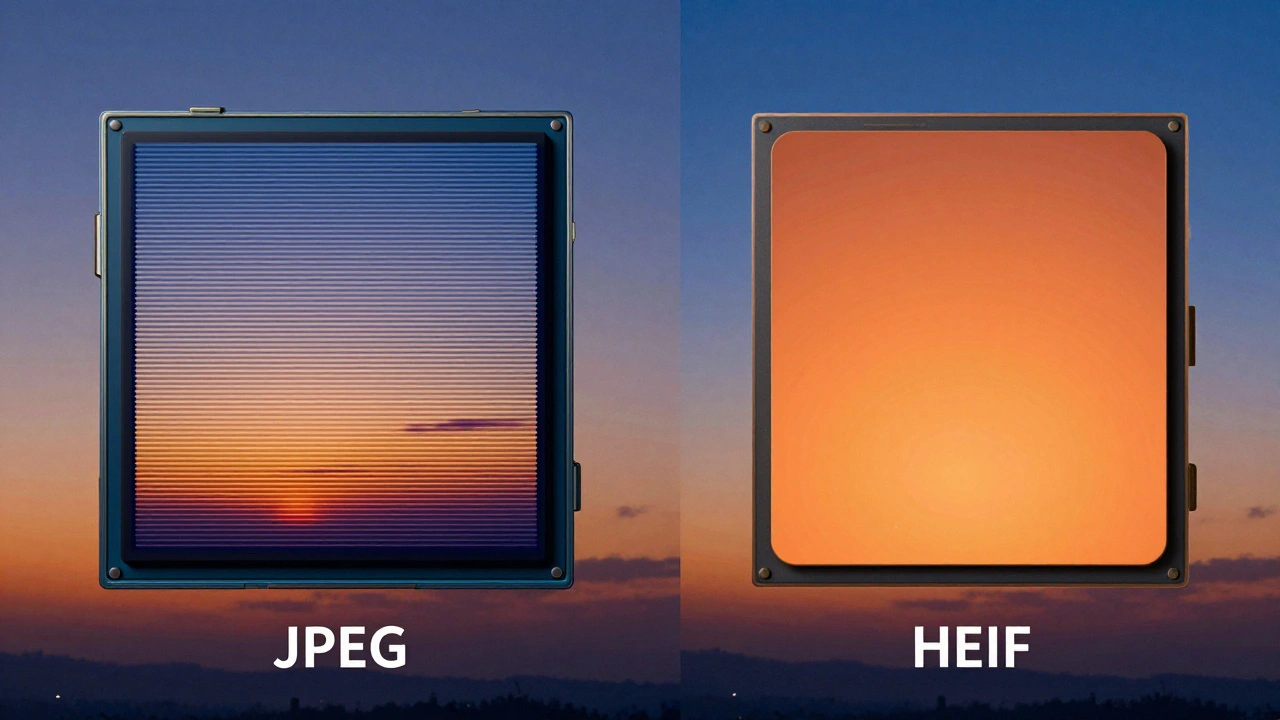
Ever take a photo on your phone that looks stunning on the screen but turns out muddy or washed out when you share it? Or maybe you’ve noticed those ugly banding artifacts in the sky of a sunset shot. You aren’t imagining things. It’s not just about lighting; it’s about how your phone stores color data. For years, we’ve relied on JPEG, a format from the 1990s that was great for its time but is struggling to keep up with modern screens. Enter HEIF, High Efficiency Image File Format. This is the new standard for smartphone photography, especially if you care about color accuracy and file size.
Most people don’t realize their phone has two distinct ways of handling images. One is "High Efficiency" (HEIF), and the other is "Most Compatible" (JPEG). The choice between these settings dictates everything from how smooth your gradients look to whether you can even shoot 4K HDR video. If you want your photos to look crisp, vibrant, and true-to-life, you need to understand what these settings actually do under the hood.
The Core Problem: Why JPEG Falls Short
To understand why HEIF matters, we first have to look at the limitations of JPEG. JPEG uses an 8-bit color depth. What does that mean in plain English? It means JPEG can only display about 16.7 million colors. On paper, that sounds like a lot. But modern smartphone displays are far more capable than the old monitors JPEG was designed for.
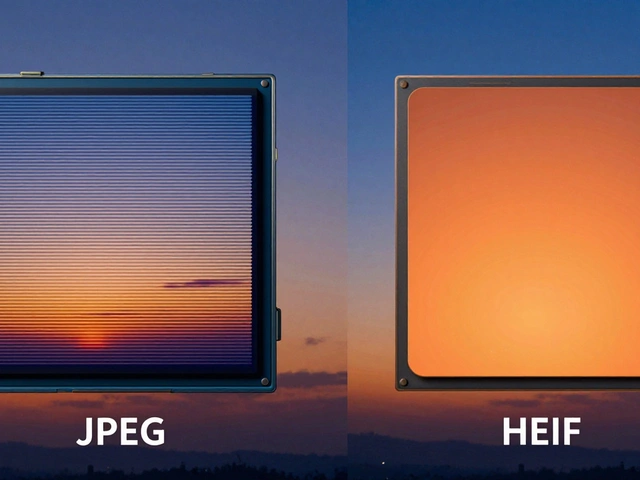
When you shoot a gradient-like a blue sky fading into white or a shadow transitioning to light-JPEG often runs out of colors to use. Instead of a smooth transition, it jumps from one shade to another. This creates "banding," which looks like visible stripes or steps in the image. It’s distracting and makes your photos look amateurish, no matter how good the composition is.
JPEG also compresses images aggressively to save space. While this reduces file size, it throws away color information permanently. Once that data is gone, you can’t get it back in post-processing. If you try to brighten a shadowed area in a JPEG, you’ll likely see noise and color distortion because the original detail was discarded during compression.
What Is HEIF and Why Does It Handle Color Better?
HEIF (often seen as HEIC on iOS devices) is the successor to JPEG. Introduced by Apple in 2018, it quickly became the default for high-end smartphones. The biggest difference isn’t just efficiency; it’s color fidelity.
HEIF supports 10-bit color depth. Let’s do the math: while JPEG handles 16.7 million colors, HEIF can handle over 1 billion colors. That’s a massive jump. With 10-bit depth, the transitions between shades are so smooth that the human eye can’t detect any banding. Your sunsets will look natural, not striped. Your skin tones will render with subtle variations rather than flat blocks of color.
Additionally, HEIF supports wide color gamuts like DCI-P3. Most modern phones have P3-capable screens, meaning they can display richer reds and greens than the older sRGB standard. If your phone captures in P3 but saves as JPEG, it often converts that data down to sRGB, losing vibrancy. HEIF preserves that wide color data, ensuring what you see on your phone is what gets saved to your library.
| Feature | JPEG | HEIF (HEIC) |
|---|---|---|
| Color Depth | 8-bit (~16.7 million colors) | 10-bit (~1.07 billion colors) |
| Compression Efficiency | Lower (larger files for same quality) | Higher (smaller files for better quality) |
| Color Gamut | sRGB (standard) | DCI-P3 / Wide Color (vibrant) |
| Banding Artifacts | Common in gradients | Rarely visible |
| Compatibility | Universal | Apple ecosystem & most modern apps |
Navigating iPhone Camera Settings
If you’re using an iPhone, the battle between HEIF and JPEG happens in your settings menu. Here’s exactly where to go and what to choose.
Open Settings, scroll down to Camera, and tap on Formats. You’ll see two main options:
- High Efficiency: This selects HEIF for photos and HVC (H.265) for video. This is the option that unlocks 10-bit color, wide color gamut, and efficient compression.
- Most Compatible: This forces your phone to shoot JPEG photos and H.264 video. This sacrifices color depth and file efficiency for maximum compatibility with older devices and platforms.
For anyone serious about mobile photography, "High Efficiency" should be your default. It allows your phone to capture the full range of color data your sensor picks up. When you select High Efficiency, your iPhone generates .heic files. These files are smaller than equivalent JPEGs but contain significantly more visual information.
Resolution Matters: 24MP vs 48MP in HEIF
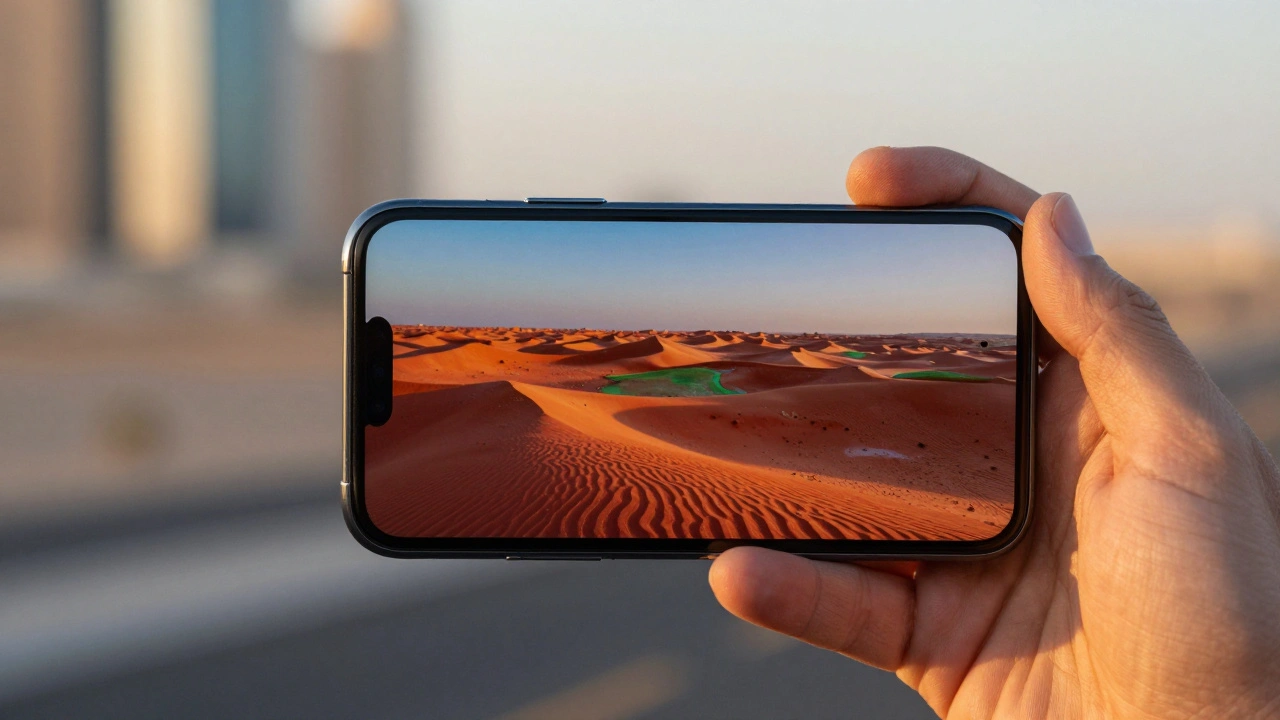
Choosing HEIF isn’t enough; resolution plays a huge role in final image quality. As of 2026, newer iPhones offer a choice between 24 megapixels and 48 megapixels when shooting in HEIF. This setting interacts directly with your color profile.
The 48-megapixel mode is a game-changer. It combines the superior color depth of HEIF with maximum detail capture. At 48MP, you’re capturing four times the pixels of the standard 12MP era. This means you can crop into your images heavily without losing clarity. More importantly, the higher pixel count helps reduce noise in low-light situations, preserving those delicate color transitions we talked about earlier.
However, there’s a trade-off. 48MP HEIF files are larger than 24MP files. If storage is a concern, 24MP is still excellent for social media and web use. But if you plan to print large formats or edit extensively, 48MP gives you the headroom you need. RAW format is also available on these models, but RAW files are massive and require specialized editing software. HEIF strikes the perfect balance between pro-level quality and manageable file sizes.
The Video Connection: Why HEIF Unlocks 4K and HDR
You might think image formats only affect photos, but that’s not true. Your camera’s photo format setting locks certain video capabilities. If you switch to "Most Compatible" (JPEG), you lose access to advanced video features.
Specifically, you cannot shoot 4K Cinematic video, 4K at 60 frames per second, or HDR video unless you are in "High Efficiency" mode. This is because these video modes rely on the same efficient codec structure (H.265/HVC) that powers HEIF. By forcing JPEG, you bottleneck your entire camera system.
If you create content for YouTube, Instagram Reels, or TikTok, staying in High Efficiency mode ensures you can utilize all your phone’s hardware. It allows for smoother motion, better dynamic range in video, and smaller file sizes that upload faster without sacrificing quality.

Compatibility: The Real-World Trade-Off
Here’s the catch: HEIF isn’t universally supported yet. While Apple devices, Android phones running recent OS versions, and major social media platforms handle HEIF seamlessly, some older computers, email clients, or niche websites struggle with it.
If you frequently send photos to relatives who use outdated Windows PCs or non-smartphones, you might run into issues where they can’t open your pictures. In these cases, switching to "Most Compatible" (JPEG) saves you the hassle of converting files manually. However, for personal archives, professional portfolios, and sharing among smartphone users, HEIF is the superior choice.
Many users find a middle ground: keep your phone set to High Efficiency for daily shooting, then convert specific images to JPEG only when sending them to incompatible recipients. Most cloud services (like iCloud or Google Photos) automatically convert HEIF to JPEG upon upload if needed, bridging the gap without manual intervention.
ProRes and Professional Workflows
For creators who need absolute control, ProRes is another format worth noting. Available on select iPhone models, ProRes offers uncompressed or lightly compressed video and photo data. It’s ideal for professional editing workflows where every bit of color information must be preserved.
However, ProRes files are enormous. A single minute of 4K ProRes video can take up gigabytes of storage. For most users, HEIF provides 95% of the quality benefits with a fraction of the storage cost. ProRes is best reserved for commercial projects where post-production flexibility is critical. If you’re disabling RAW to save space, ensure ProRes is also off unless you specifically need it for a project.
Should I change my iPhone camera settings to High Efficiency?
Yes, if you want better color quality, smoother gradients, and smaller file sizes. High Efficiency enables HEIF, which supports 10-bit color and wide color gamuts. Only switch to "Most Compatible" if you regularly share photos with people who use very old devices that cannot open HEIF files.
What is the difference between 24MP and 48MP in HEIF mode?
48MP captures four times more detail than 24MP. This results in sharper images, better performance in low light, and more flexibility for cropping. However, 48MP files take up more storage space. For most social media posts, 24MP is sufficient, but 48MP is ideal for printing or heavy editing.
Why can't I shoot 4K HDR video in JPEG mode?
Advanced video features like 4K HDR and 60fps rely on the H.265 (HVC) codec, which is part of the "High Efficiency" ecosystem. When you select "Most Compatible" (JPEG), your phone switches to the older H.264 codec, which doesn't support these high-bandwidth features.
Does HEIF replace JPEG completely?
Not yet. While HEIF is technically superior, JPEG remains the universal standard for compatibility. Many older platforms and devices still only support JPEG. For now, they coexist, with HEIF being preferred for quality and storage, and JPEG used for broad compatibility.
How do I fix banding in my smartphone photos?
Banding is caused by limited color depth in JPEGs. Switch your camera settings to "High Efficiency" (HEIF) to enable 10-bit color depth. This allows for over 1 billion colors, creating smooth transitions in skies and shadows without visible stripes.