Ever take a photo of the sky only to see tiny black dots ruining your shot? Or maybe your night photos look hazy, like you’re looking through a foggy window. You might blame the camera software or the low light. But often, the culprit is much simpler: dirt on your lens or sensor. Keeping clean lenses and sensors is essential for achieving sharper mobile photos and clearer images without digital noise or artifacts. It’s not just about aesthetics; it’s about getting the most out of the hardware already in your pocket.
Why Dirty Lenses Ruin Your Shots
Your phone’s camera is an optical instrument. Light has to pass through glass to hit the sensor. If that glass is smeared with oil, dust, or fingerprints, the light scatters before it reaches the image processor. This scattering causes two main problems: reduced sharpness and lens flare.
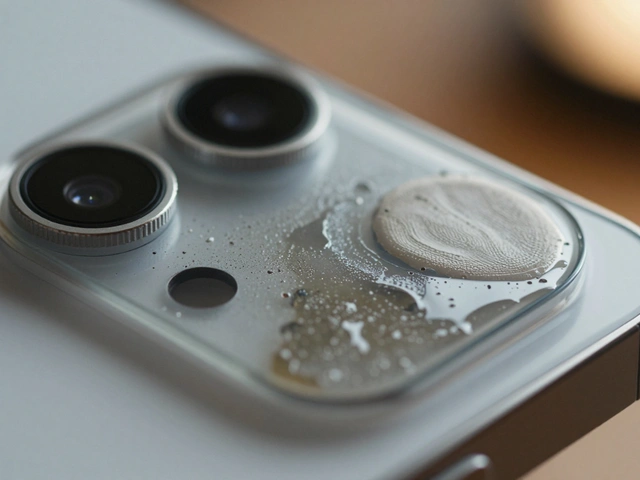
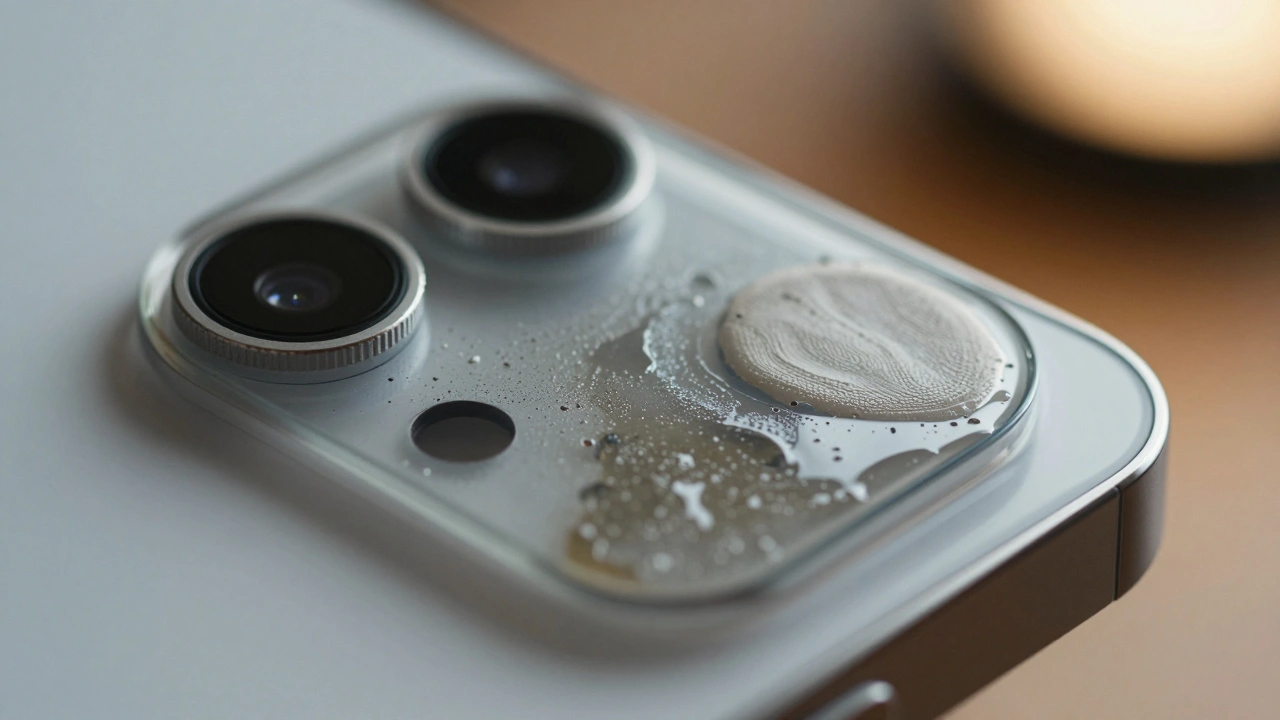
Fingerprints are the biggest enemy. Our skin produces oils that leave a thin film on the lens. In daylight, this might be invisible. But when you shoot against a bright light source-like the sun or a streetlamp-that oil spreads the light into a muddy haze. This is why your sunset photos sometimes lack punch. The contrast drops because the dark areas get filled with scattered light.
Dust particles tell a different story. A single speck of dust on the external lens usually doesn’t show up as a distinct spot in your photo unless it’s very large. Instead, it contributes to general softness. However, if dust gets inside the camera module onto the actual sensor, it creates hard, distinct black spots. These are especially visible in uniform areas like blue skies or white walls.
- Oils and Smudges: Cause haziness, reduced contrast, and lens flare.
- External Dust: Leads to slight softness and reduced clarity.
- Internal Sensor Dust: Creates distinct black spots in high-contrast shots.
The Right Way to Clean External Lenses
Most smartphone users make a mistake here. They wipe their lens on their shirt sleeve or use a paper towel. Stop doing that immediately. Fabric fibers from shirts can scratch the delicate anti-reflective coating on your lens. Paper towels are abrasive and will eventually micro-scratch the glass, permanently reducing image quality.
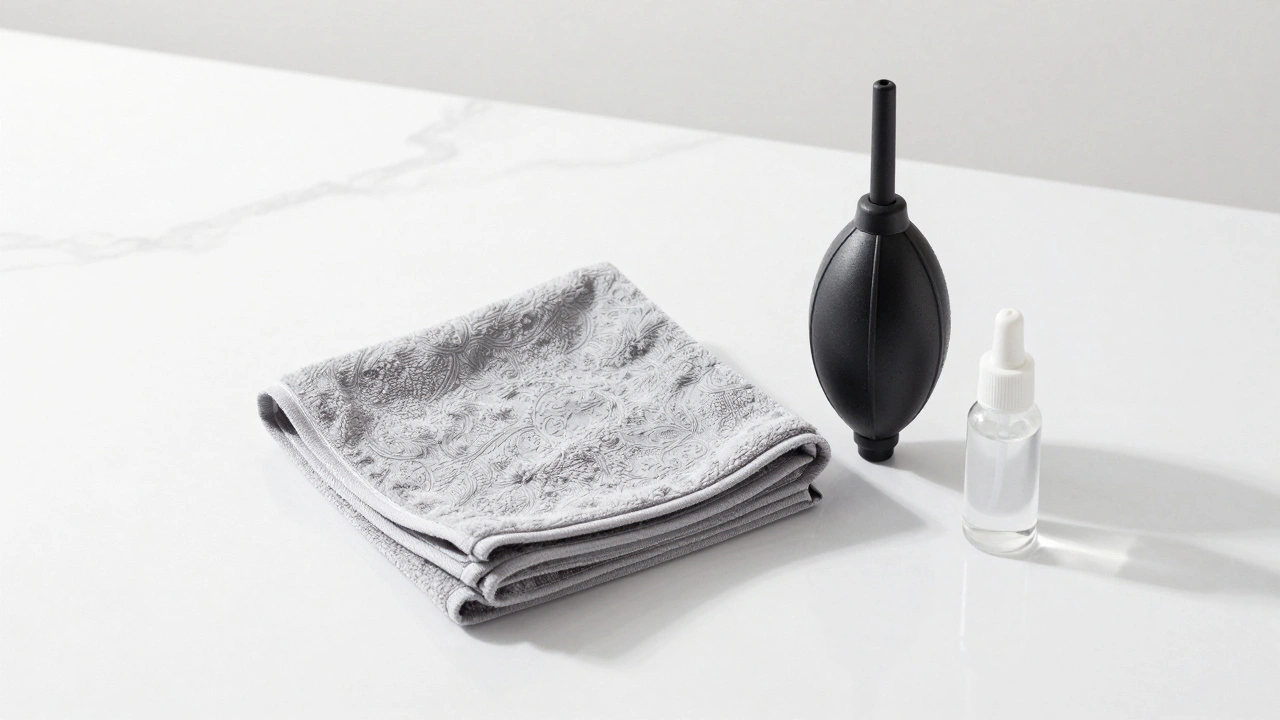
The gold standard is a microfiber cloth is a specialized fabric made of ultra-fine synthetic fibers that traps dust and oils without scratching sensitive optical surfaces. These cloths work by using static electricity and capillary action to lift dirt away from the surface rather than grinding it in.
- Blow first: Use a gentle puff of air or a blower tool to remove loose dust particles. Wiping dry dust can scratch the lens.
- Wipe gently: Use the microfiber cloth in a circular motion. Apply light pressure. Let the cloth do the work.
- Check the result: Look at the lens under a light. If you still see streaks, dampen a corner of the cloth slightly with distilled water or lens cleaning solution. Never spray liquid directly on the phone.
If you don’t have a dedicated microfiber cloth, the inside of your eyeglass case often comes with one. That’s a safe bet. Avoid tissues, napkins, or clothing.
Understanding Smartphone Sensor Contamination
Unlike DSLR cameras where you change lenses frequently, smartphones have sealed camera modules. This means dust rarely gets to the sensor unless the phone has been dropped, cracked, or subjected to extreme conditions. However, it does happen. When it does, you’ll see small, sharp black dots in your photos. These dots stay in the same position regardless of what you’re photographing.
To test if your sensor is dirty, follow this method:
- Open your camera app.
- Point the camera at a plain, evenly lit white wall or a clear blue sky.
- Zoom in digitally to 10x if possible, or take the photo and zoom in on the preview.
- Look for small black specks. If they appear in multiple photos in the exact same location, your sensor likely has dust.
If you find these spots, external cleaning won’t help. The dust is inside the device. For most users, this requires professional repair. Attempting to open a modern smartphone to clean the sensor yourself voids warranties and risks damaging other components. However, some older models or rugged phones allow for more accessible maintenance.
Built-in Cleaning Alerts and Software Helpers
Manufacturers know we forget to clean our lenses. That’s why many modern phones include software alerts. Samsung Galaxy devices, for example, periodically display a notification saying “Lens is dirty” or “Clean lens for better photos.” Other brands like Apple and Google have similar features in their camera apps.
These alerts use the phone’s AI to analyze recent photos. If the algorithm detects patterns consistent with lens obstruction-like widespread blur or specific flare types-it triggers the warning. Don’t ignore these. They’re not just annoying pop-ups; they’re proactive maintenance tools.
| Alert Message | Likely Cause | Recommended Action |
|---|---|---|
| Lens is dirty | Fingerprints or smudges | Wipe with microfiber cloth |
| Clean lens for better photos | Dust or minor debris | Blow off dust, then wipe |
| Camera overheating | Prolonged video recording | Stop shooting, let phone cool down |
| Focus error | Obstruction on lens or sensor | Check for physical blockage |
Tools You Actually Need
You don’t need expensive gear to keep your phone photos sharp. Here’s what works best:
- Microfiber Cloth: Essential. Keep one in your bag or car. They cost less than $5 and last for years.
- Air Blower: A small rocket blower (like those used for DSLRs) helps remove dust without touching the lens. Avoid compressed air cans, which can release moisture or propellant that damages coatings.
- Lens Cleaning Solution: Only needed for stubborn oils. Use sparingly. Isopropyl alcohol (90%+) works but can degrade some coatings over time. Distilled water is safer for regular use.
Professional sensor cleaning kits, like the Digital Survival KIT, are designed for interchangeable-lens cameras. They involve wet swabs and manual sensor access. Do not attempt to use these on a smartphone. The risk of damage far outweighs the benefit.

Maintenance Habits for Consistent Quality
Cleaning isn’t a one-time task. It’s a habit. Make it part of your routine:
- Before every important shoot: Wipe your lens. Even if it looks clean, oils accumulate quickly.
- After handling with bare hands: Touch transfers oils. If you pick up your phone frequently, check the lens.
- When traveling: Sand, salt air, and humidity accelerate dirt buildup. Carry a cloth.
- Monthly deep check: Take a test shot against a white wall. Inspect for sensor dust.
Using a case with a raised lip around the camera bump also helps. It prevents the lens from touching flat surfaces when you set the phone down. Many cases market this feature specifically for protection. It’s worth considering if you shoot regularly.
When to Seek Professional Help
If wiping the lens doesn’t fix blurry photos, and you suspect internal issues, consider professional service. Signs include:
- Persistent black spots in photos that don’t move between shots.
- Visible cracks or gaps in the camera module housing.
- Water damage indicators triggered inside the device.
- Focus failure that persists after cleaning.
Authorized service centers can replace camera modules safely. Third-party repairs may compromise waterproofing and image stabilization systems. Weigh the cost against the value of your device.
Can I use Windex or household cleaners on my phone lens?
No. Household cleaners contain ammonia and other chemicals that strip anti-reflective coatings. Stick to distilled water or dedicated lens cleaning solutions.
Does cleaning the lens improve video quality too?
Yes. Video suffers from the same optical issues as photos. Smudges cause rolling flares and reduced sharpness in moving scenes.
How often should I clean my phone camera?
Ideally before every significant shoot. For casual users, once a week is sufficient. Check whenever you notice haze or flare.
Will a screen protector cover the lens?
Some full-body protectors do. Ensure any accessory leaves the lens completely exposed. Covering the lens reduces light intake and increases reflections.
Is it safe to use a blower on my phone?
Yes, if used gently. Hold the blower upright and puff short bursts. Avoid pointing it directly into speaker grilles or charging ports.