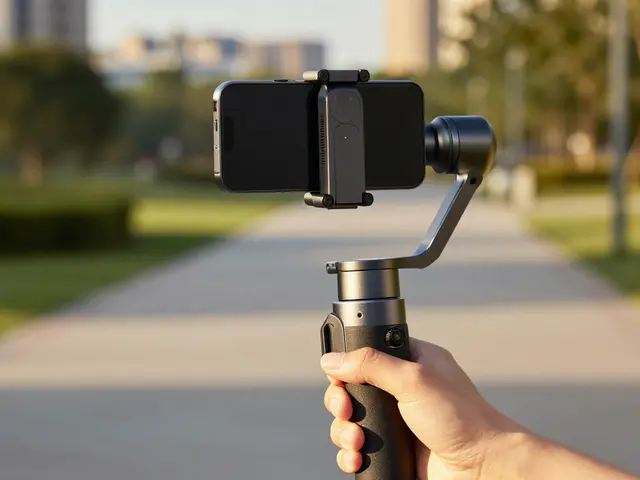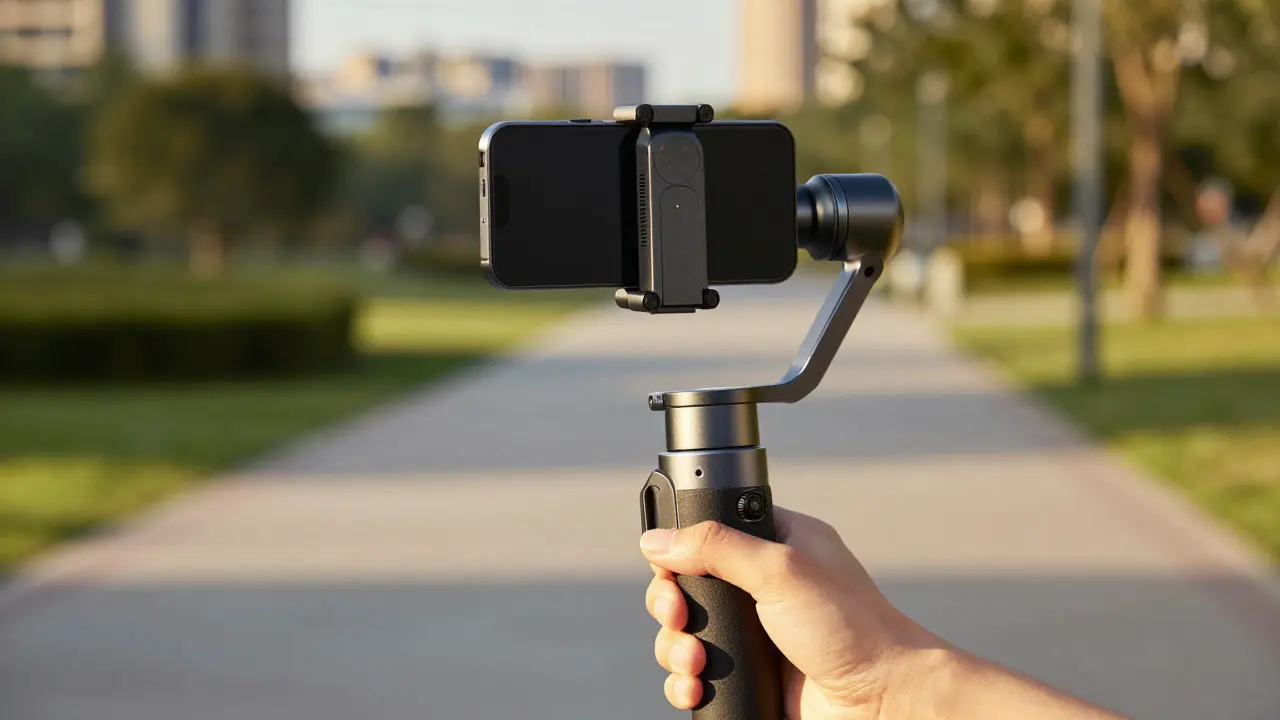
Ever watched a movie trailer that feels like it was shot with a $50,000 camera rig, only to realize it was made on an iPhone? The secret isn't just the phone; it's how you move it. Phone gimbals are three-axis stabilizers that keep your smartphone level while you move. They turn shaky handheld footage into smooth, professional-looking video. But having the hardware is only half the battle. If you just hold the handle and walk forward, you get a boring, static shot. To get that cinematic feel, you need specific moves.
The Physics of Smooth Motion
Before we talk about tricks, understand why gimbals work. A standard smartphone has no mechanism to counteract your hand tremors or the uneven ground. When you walk, your body bobs up and down. Your arms swing. This creates vertical jitter and horizontal shake. A gimbal motor is a brushless DC motor that adjusts the angle of the camera in real-time. It uses gyroscopes to detect movement and applies force to cancel it out. However, the motors have limits. If you move too fast, they lag. If you jerk the handle, they fight you. Smoothness comes from your input, not just the machine.
Essential Setup for Professional Results
You can't execute good moves if your setup is wrong. Start by balancing the phone properly. Most modern gimbals, like the DJI Osmo Mobile or Zhiyun Smooth series, have automatic calibration, but manual fine-tuning is still crucial for heavy phones. Ensure the phone sits perfectly centered on the mount. If it’s off-center, the motors work harder, draining battery and causing drift.
- Mode Selection: Use "Follow" mode for most walks. It keeps the horizon level while allowing you to pan left or right. Use "Pan Follow" if you want to lock the vertical axis completely.
- Shutter Speed Rule: For a natural motion blur, set your shutter speed to double your frame rate. Shooting at 30fps? Set shutter to 1/60s. Shooting at 60fps? Set it to 1/120s. This mimics how the human eye perceives motion.
- ISO Management: Keep ISO as low as possible (100-400) to reduce noise. Lower ISO allows for longer exposure times, which contributes to smoother motion blur.
The Classic Walk Shot
This is the bread and butter of mobile videography. You’re walking toward or away from a subject, or alongside them. The mistake most people make is staring at the screen. Don’t. Look ahead. Your feet need to navigate the terrain, not your eyes scanning the tiny display.
- Start Position: Hold the gimbal at chest height, slightly angled down if shooting a person, or straight ahead for landscapes.
- The Gait: Take long, slow strides. Think of it as a runway model walk, not a jog. Keep your knees soft to absorb impact.
- Arm Tension: Relax your shoulder holding the gimbal. If your arm is rigid, every bump transfers to the camera. Let your elbow act as a shock absorber.
- Direction Change: If you need to turn, pivot on your front foot rather than twisting your waist. Twisting causes the gimbal to rotate on its yaw axis abruptly, creating a jerky effect.
Cinematic Pans: Left, Right, and Up
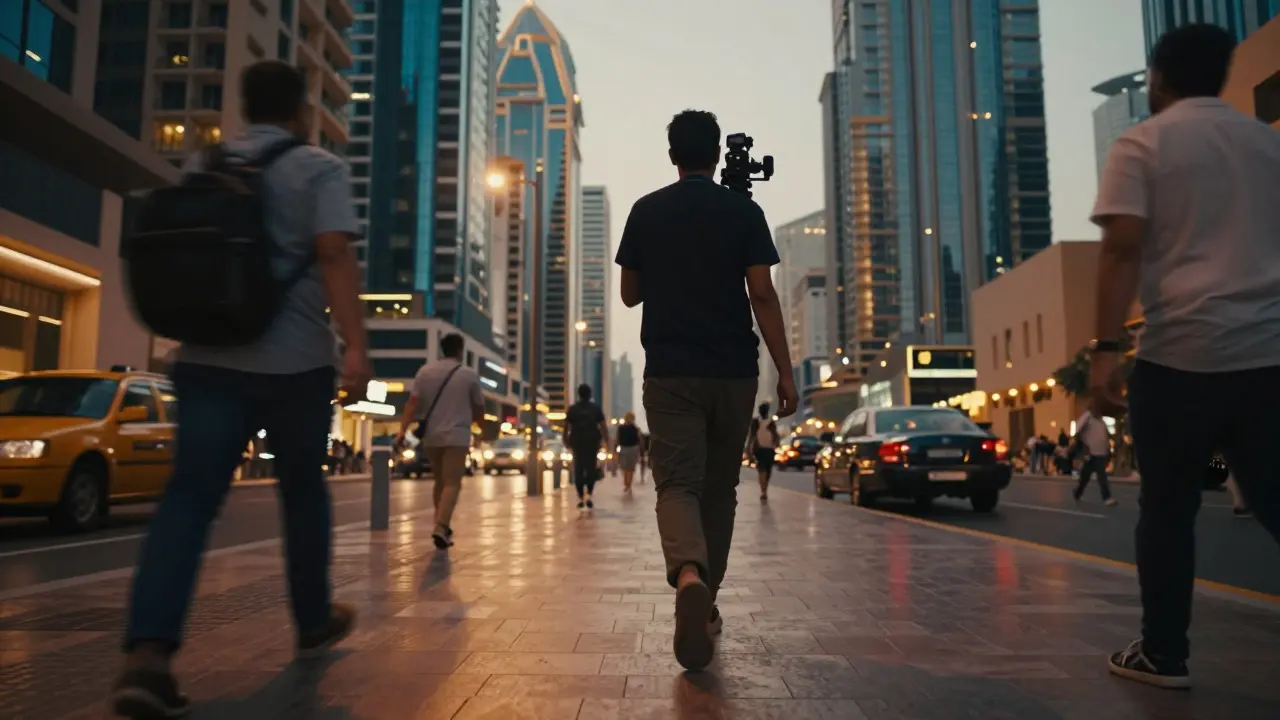
Pans are where the magic happens. A pan is a horizontal rotation of the camera. With a gimbal, you can do this without tilting the horizon. There are three main types of pans you should master:
| Pan Type | Motion Description | Best Use Case | Common Mistake |
|---|---|---|---|
| Standard Pan | Smooth horizontal sweep across a scene | Showing wide environments or multiple subjects | Starting/stopping too abruptly |
| Lead-in Pan | Panning before the action starts | Introducing a moving subject | Waiting until the subject enters frame |
| Orbit Pan | Walking in a circle around a subject | Hero shots, product reveals | Changing distance during the orbit |
Advanced Techniques: The Dolly Zoom and Low Angle
Once you’re comfortable with basic walks and pans, try these two techniques to elevate your footage.
The Dolly Zoom Effect: This is the famous "Hitchcock zoom." You move the camera closer to the subject while zooming out (or vice versa). On a phone, this is tricky because digital zoom loses quality. Instead, use a physical lens attachment or edit it in post. But for a simpler version, just walk backward while panning slowly to create depth separation.
Low Angle Walks: Drop the gimbal to knee height or even lower. This perspective makes buildings look taller and subjects look more powerful. Be careful of parallax effects here. Objects in the foreground will move much faster than those in the background. This adds dynamic energy to the shot but requires precise timing to avoid disorienting the viewer.
Common Pitfalls to Avoid
Even experienced shooters make these mistakes. Watch out for:
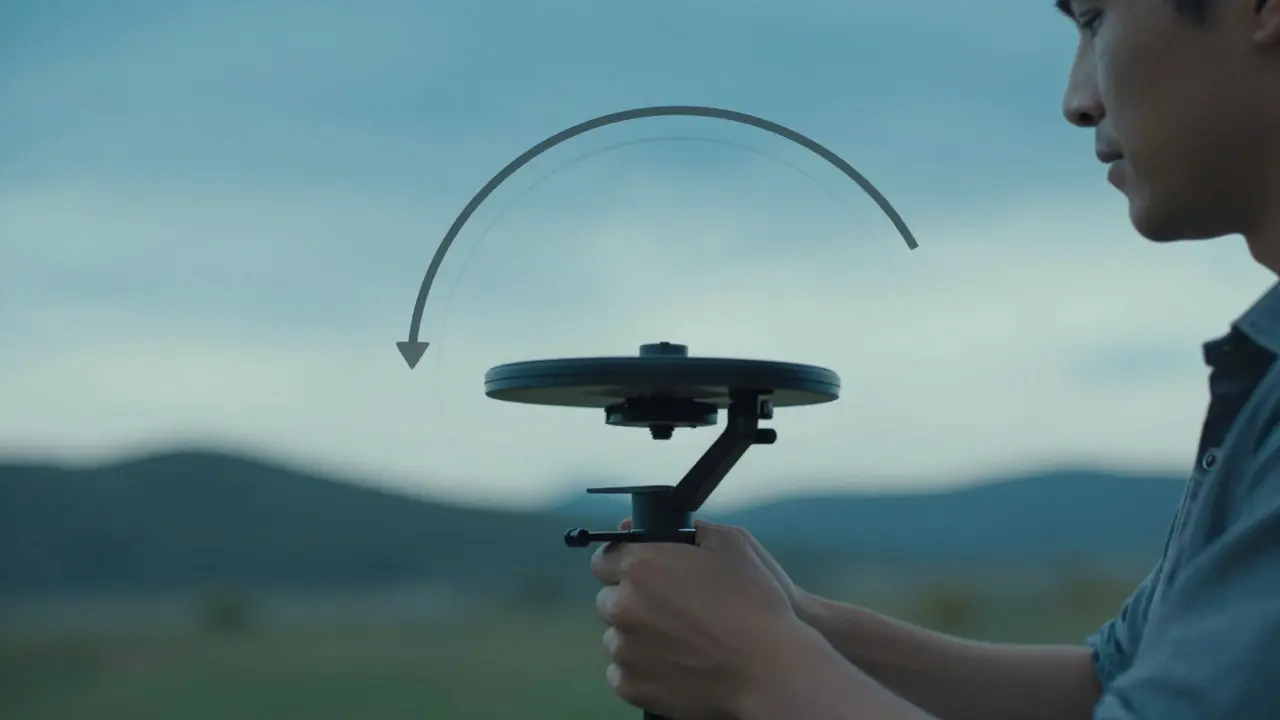
- Gimbal Drift: If the camera slowly rotates when you stand still, recalibrate. Temperature changes can affect sensor readings.
- Screen Glare: In bright sunlight, the phone screen becomes unreadable. Use a privacy filter or rely on audio cues and muscle memory.
- Battery Anxiety: Gimbals drain phone batteries quickly due to constant motor usage. Carry a power bank or ensure your phone is above 50% charge before starting.
- Over-stabilization: Sometimes, a little shake adds life. If the shot looks too sterile, consider turning off the roll axis or using a slower response setting.
Practice Routine for Daily Improvement
You don’t need a film crew to practice. Spend 15 minutes a day in your living room or local park. Focus on one move at a time. Record yourself doing a simple walk-around. Then watch it back in slow motion. Identify where the shake occurs. Is it when you step over a crack? Is it when you turn your head? Adjust your technique accordingly. Consistency beats intensity. Ten minutes of focused practice daily will improve your skills faster than one hour of random shooting once a week.
Do I need a tripod for my phone gimbal?
Not necessarily. Most gimbals have a built-in ball head or screw mount that allows you to attach them to a standard tripod. This is useful for static shots or time-lapses. However, for the moves discussed here, you’ll be holding the gimbal, so a tripod is optional unless you’re planning hybrid shoots.
What is the best frame rate for cinematic phone videos?
For standard cinematic look, shoot at 24fps or 30fps. 24fps is the film standard and gives a more 'movie-like' quality. 30fps is common for TV and web content. If you plan to slow down the footage, shoot at 60fps or 120fps. Remember to adjust your shutter speed accordingly (double the frame rate).
Can I use a gimbal with any smartphone?
Yes, but weight matters. Check the maximum payload of your gimbal. Most consumer gimbals support phones up to 8-9 ounces. If you have a very large phone with a thick case, it might exceed the limit, causing the motors to struggle or the battery to drain faster.
How do I prevent motion sickness in viewers?
Keep movements predictable. Avoid rapid direction changes, extreme low angles combined with fast pans, and excessive zooming. Stick to consistent speeds and smooth transitions. If the camera moves, let the viewer know what’s happening by establishing the scene first.
Is digital zoom bad for gimbal shots?
Digital zoom reduces image quality and increases noise. It also makes stabilization harder because the software has to process more pixels. Prefer optical zoom if available, or crop in post-production. If you must use digital zoom, keep it under 2x to maintain acceptable quality.