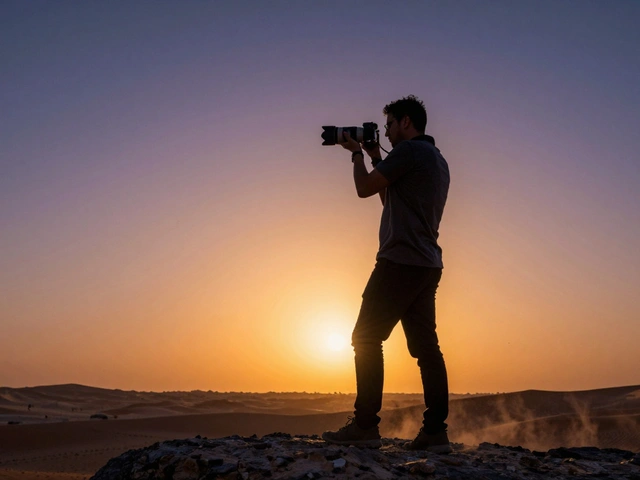
You know that feeling when you snap a photo of your friend against the sunset, and they look like a dark blob? You wanted drama. You got mud. But here is the thing: Backlit Photography is not about fighting the light; it is about dancing with it. When done right, placing the sun or a strong artificial source behind your subject creates depth, separates them from the background, and adds an emotional punch that front-lit snapshots just cannot match.
I have spent years shooting in Portland, where the weather changes every ten minutes and the light can be either harsh or nonexistent. Learning to embrace backlighting saved my portfolio. It turns ordinary portraits into cinematic moments. Whether you are shooting people, flowers, or cityscapes, understanding how to control light coming from behind your subject gives you a creative superpower. Let’s break down exactly how to do it without ending up with blown-out skies or pitch-black faces.
Why Bother With Backlighting?
Most beginners default to having the sun hit the subject’s face. It is safe. It is easy. It is also often flat and boring. Backlighting does something different. It outlines your subject with a glow, known as Rim Light. This separation effect makes the subject pop out of the frame. It adds three-dimensionality to a two-dimensional image.
Beyond aesthetics, backlighting solves practical problems. On overcast days, front-lighting looks gray and dull. Backlighting adds contrast and interest. In midday sun, direct front-lighting causes squinting and harsh shadows under the eyes. Turning your back to the sun eliminates those unflattering shadows. The trade-off is managing exposure, which we will get into shortly. But first, let’s look at what you actually get when you shoot into the light.
- Silhouettes: High contrast, graphic shapes, mystery.
- Rim Lighting: A glowing edge around hair or shoulders, great for texture.
- Translucency: Light passing through leaves, skin, or fabric, creating a soft, ethereal look.
- Lens Flare: Artistic streaks or orbs that add mood (if controlled).
The Golden Rule: Expose for the Highlights
This is the single most important technical tip. If you meter for the dark subject, the sky will turn white. If you meter for the bright sky, the subject goes black. Which one do you want?
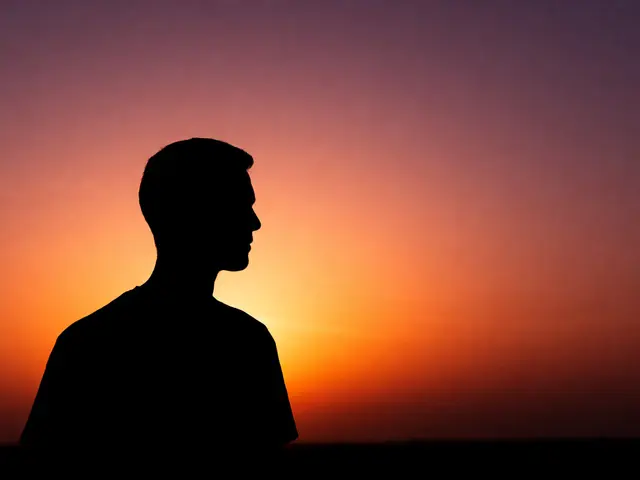
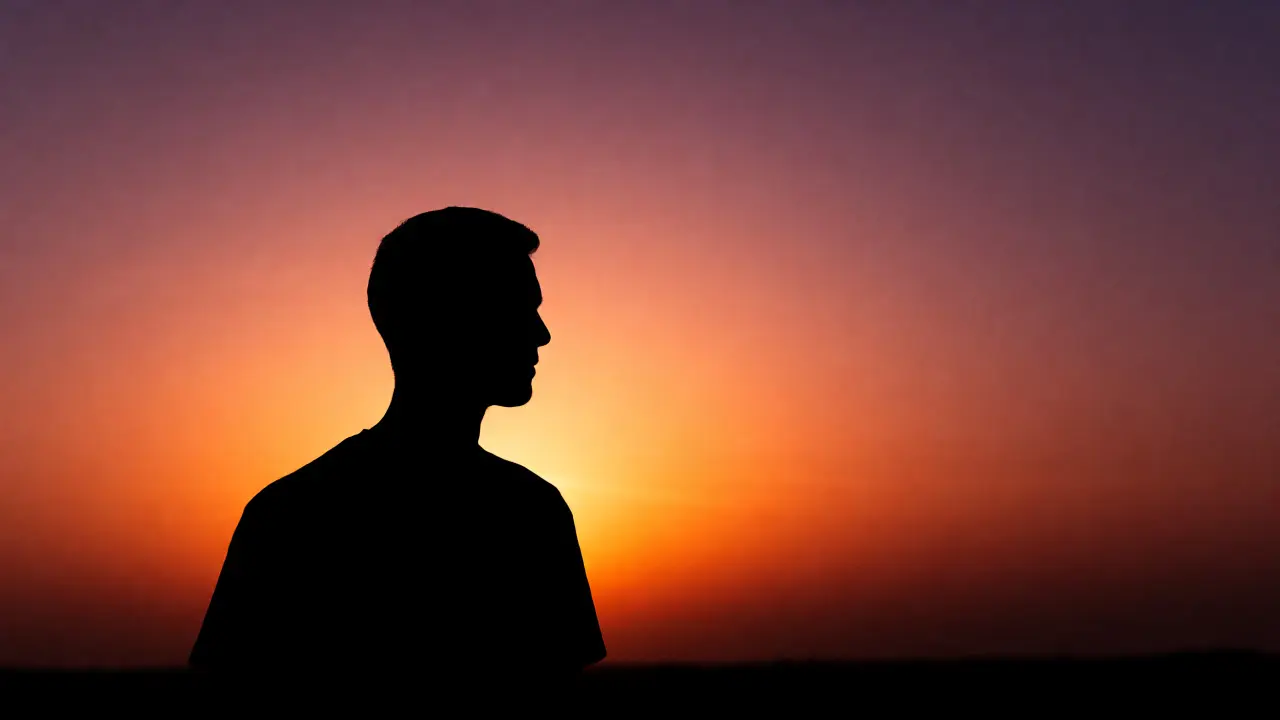
For silhouettes, you want the sky preserved. So, you expose for the highlights. Point your camera at the brightest part of the scene (not directly into the sun if possible, but near it), lock your exposure, then recompose. Your subject becomes a dark shape. This works best when the subject has a distinct outline. Think of a person jumping, a tree branch, or a dog sitting straight up.
If you want to see details in the subject while keeping the background bright, you need to lift the shadows. This requires either post-processing skill or a bit of help during the shoot. We call this Fill Flash or using a reflector. Without it, you are stuck choosing between a dark subject or a blown-out background.
Shooting Silhouettes: Shape Is Everything
A bad silhouette is just a dark smudge. A good silhouette tells a story. The key is clear definition. If your subject blends into the background-like a dark jacket against a dark building-you lose the effect.
Look for subjects with recognizable profiles. A profile shot of a face is instantly readable. Hands, hats, and flowing dresses work well. Avoid cluttered backgrounds. A plain sky or a simple wall provides the cleanest canvas for the dark shape.
| Factor | Do This | Avoid This |
|---|---|---|
| Subject Outline | Distinct, recognizable shapes (profiles, jumps) | Fuzzy edges, overlapping limbs |
| Background | Clean, bright, uniform (sky, water) | Cluttered trees, busy buildings |
| Exposure | Meter off the sky/bright area | Meter off the subject's face |
| Focus | Manual focus or spot AF on edge | Auto-focus hunting in low contrast |
One trick I use in Portland parks: wait for birds to fly across the sun. Their wings create intricate patterns that read clearly even in total darkness. Or have your subject hold a prop, like an umbrella or a guitar, that breaks the outline.

Soft Backlight: The Ethereal Look
Not every backlit shot needs to be a stark silhouette. Sometimes you want that dreamy, glowing quality where the light wraps around the subject. This happens when the light source is large and diffused, like clouds covering the sun, or when you shoot through thin objects.
Shoot through foliage. Hold a leaf up to the sun, and you see veins light up. Do the same with a person wearing a thin cotton shirt. The light penetrates the fabric, revealing texture and color. Skin tones become warmer and more translucent. This is flattering for portraits because it hides imperfections and adds a halo effect to hair.
To achieve this, you still need to manage exposure. Use spot metering on the subject’s face, then overexpose by +1 or +2 stops. This lifts the shadows enough to show detail while letting the background blow out slightly. In editing, you can recover some highlight detail if you shot in RAW.
Controlling Lens Flare
Light hitting the lens directly creates flare. Some photographers hate it. Others love it. It depends on the vibe. Ghosting (those hexagonal or circular artifacts) can distract if it sits right on the subject’s eye. But a subtle streak of light across the corner can add energy.
To control flare, use your lens hood. Always. It blocks stray light from entering the glass at odd angles. If you want less flare, move your hand just outside the top of the frame to shade the lens, like a visor. If you want more, remove the hood and tilt the camera until the sun hits the front element.
Note that modern lenses handle flare better than older ones, but no lens is immune. Check your specific lens reviews to see how it handles strong light sources. Some produce beautiful starbursts; others just wash out the contrast.
Using Artificial Light Behind Subjects
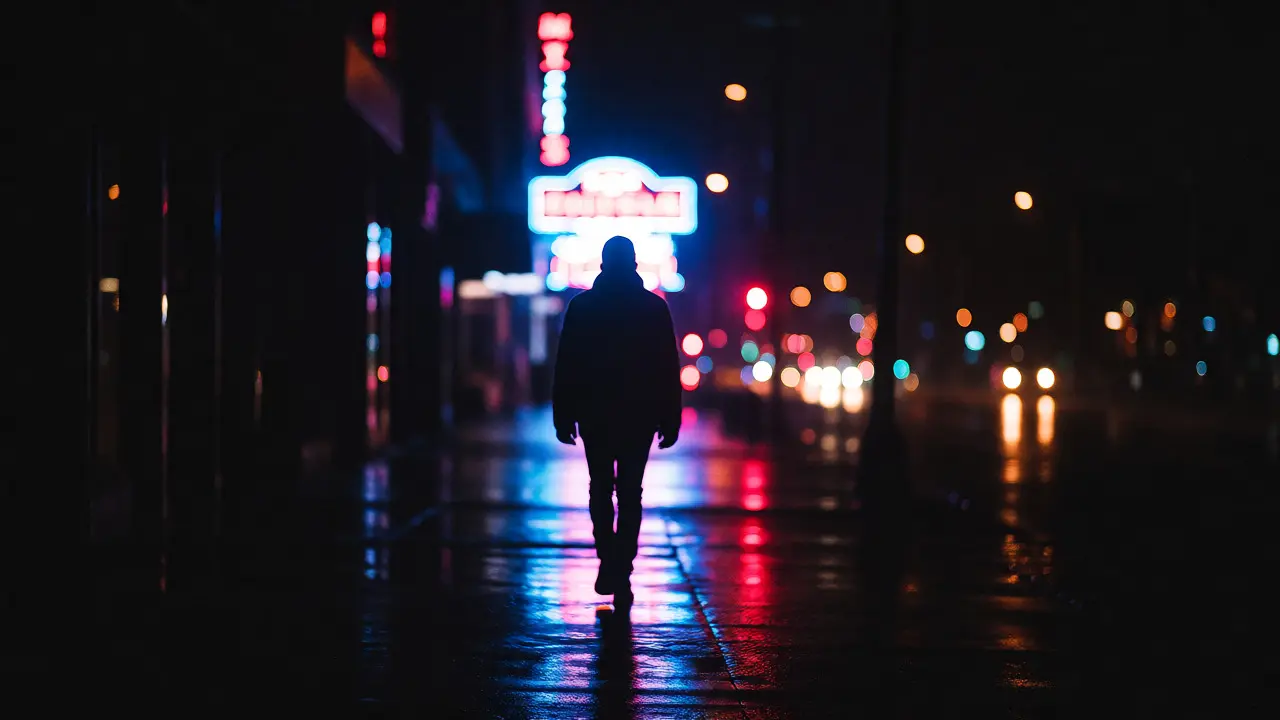
You don’t need the sun to shoot backlit photos. At night, streetlights, car headlights, or neon signs make excellent backlights. Place your subject between you and a bright urban light source. The result is moody, cinematic, and perfect for street photography.
In the studio, a strip box or a snoot placed behind the subject creates precise rim light. This allows you to sculpt the light exactly where you want it. You can keep the main face light soft and dim while making the edges blaze. This technique is standard in fashion and beauty photography because it emphasizes shape and texture.
Post-Processing Tips for Backlit Shots
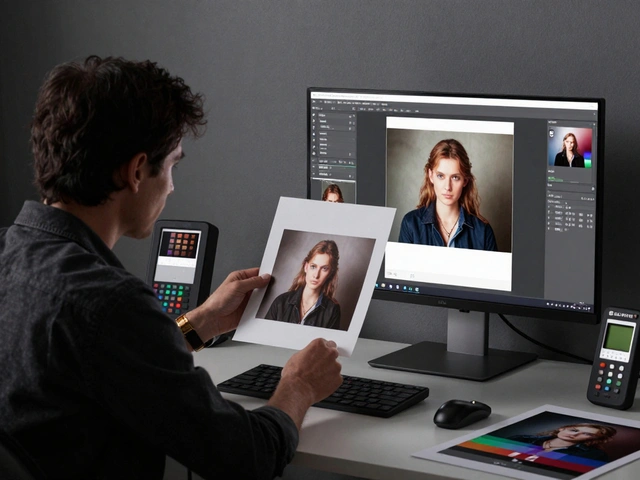
Even with good technique, backlit images often need tweaking. Start by adjusting the White Balance. Sunsets can cast weird colors. Correcting this restores natural skin tones.
Use the Shadows slider to lift details in the subject. Be careful not to go too far, or you’ll introduce noise. If the sky is blown out, try recovering highlights. If you shot in RAW, you have more latitude here than with JPEGs.
Add local adjustments. Darken the corners (vignetting) to draw attention to the center. Increase clarity slightly on the subject’s edges to enhance the rim light. If you went for a silhouette, increase contrast to deepen the blacks.
Common Pitfalls to Avoid
First, forget autofocus. In high-contrast scenes, your camera might hunt for focus because there is little contrast on the subject’s face. Switch to manual focus or use single-point AF on the edge of the subject where contrast is highest.
Second, ignore the histogram. Trust your screen less than the data. If the histogram shows spikes touching both ends, you are losing detail. Adjust exposure compensation until the graph fits within the boundaries.
Third, don’t forget composition. Backlighting is a tool, not a crutch. Good framing, leading lines, and balance still matter. Just because the light is cool doesn’t mean you can ignore the rule of thirds.
Practical Exercise: The Sunset Walk
Go outside 30 minutes before sunset. Bring a friend or family member. Ask them to stand in front of the open sky. Shoot five frames:
- Pure Silhouette: Meter off the sky. Subject is black.
- Underexposed: One stop darker than meter reading. Deep mood.
- Correct Exposure: Meter off the subject’s face. Sky blows out.
- Overexposed: Two stops brighter. Subject is bright, sky is gone.
- Flash Fill: Use built-in flash or a small LED panel to light the face while keeping the sky exposed.
Compare these later. You’ll see how exposure choice completely changes the emotion of the image. There is no "wrong" answer, only intentional choices.
What is the difference between backlighting and rim lighting?
Backlighting refers to the position of the light source relative to the subject (behind them). Rim lighting is the visual effect created by that light-a bright edge outlining the subject. All rim lighting comes from backlighting, but not all backlighting results in visible rim light (e.g., if the light is too diffuse or the subject is too thick).
How do I avoid my subject being too dark?
You have three options: use fill flash to illuminate the front, use a reflector to bounce light back onto the subject, or overexpose the image intentionally and lift shadows in post-processing. For beginners, a cheap collapsible reflector is the easiest solution.
Can I shoot backlit photos in the middle of the day?
Yes, but it is harder. Midday sun is harsh and creates strong shadows. However, it is perfect for high-contrast silhouettes. For softer backlit portraits, wait for cloud cover or find open shade where the background is still brighter than the foreground.
Does lens flare always ruin a photo?
No. Controlled lens flare can add atmosphere, warmth, and a sense of realism. Uncontrolled flare that reduces contrast significantly or obscures the subject’s eyes usually hurts the image. Experiment with positioning to decide if the flare enhances or distracts.
What settings should I use for silhouettes?
Use Aperture Priority mode. Set your aperture to f/8 or higher for sharpness. Spot meter off the brightest part of the sky (not the sun itself). Lock exposure (AE-L) and recompose. Ensure your shutter speed is fast enough to prevent motion blur, typically above 1/250s if the subject is moving.