Imagine you just missed the perfect shot of a sunset because your camera buffer filled up and stopped shooting. Or worse, imagine you got home, opened your photos, and realized the shadows were completely black with no detail left to recover. These are the two sides of the coin when it comes to choosing between RAW is a minimally processed digital image format that preserves maximum sensor data for post-processing and JPEG is a compressed image format optimized for immediate sharing and smaller file sizes. The choice isn't just about technical specs; it's about how you want your workflow to feel and what kind of creative control you need.
When you press the shutter, your camera’s sensor captures light data. What happens next depends entirely on which format you’ve selected. If you choose JPEG, the camera acts like an editor, making decisions for you about contrast, sharpness, and color before saving the file. If you choose RAW, the camera saves the raw data from the sensor, leaving the editing decisions to you later. This fundamental difference changes everything from how much storage you need to how much you can fix in Photoshop or Lightroom.
The Data Difference: Bit Depth and Color Range
To understand why RAW offers more editing flexibility, you have to look at bit depth. Think of bit depth as the number of steps on a ladder between pure black and pure white. A standard JPEG file uses 8-bit depth per color channel. This gives you 256 levels of brightness for red, green, and blue. It sounds like enough, but when you start pushing colors in editing-say, trying to brighten a dark shadow-the gaps between those 256 steps become visible. This creates "banding," where smooth gradients look like distinct stripes instead of smooth transitions.
In contrast, modern cameras capture RAW files at 12-bit or even 14-bit depth. A 14-bit RAW file has 16,384 levels per channel. That is over 60 times more tonal information than a JPEG. This massive amount of data allows you to adjust exposure, white balance, and contrast without introducing ugly artifacts. You can pull details out of shadows that look completely black in a JPEG preview because that data is still sitting there in the RAW file, waiting to be revealed.
Color spaces also play a huge role here. JPEGs are usually saved in sRGB, a color space designed for screens and the web. While convenient, sRGB is limited. RAW files aren’t tied to a specific color space initially. When you process them, you can choose Adobe RGB or ProPhoto RGB, which cover a much wider gamut of colors. This means if you’re printing large posters or doing professional color grading, RAW gives you access to colors that JPEG simply cannot store.
File Size and Storage Realities
There is no free lunch in photography. The extra data in RAW files comes at a cost: size. On a typical 24-megapixel camera, a JPEG might weigh in at around 7-10 MB. A RAW file from that same camera could be 20-30 MB, or even larger depending on the compression settings. To put this in perspective, one RAW file takes up roughly the same space as five JPEGs.
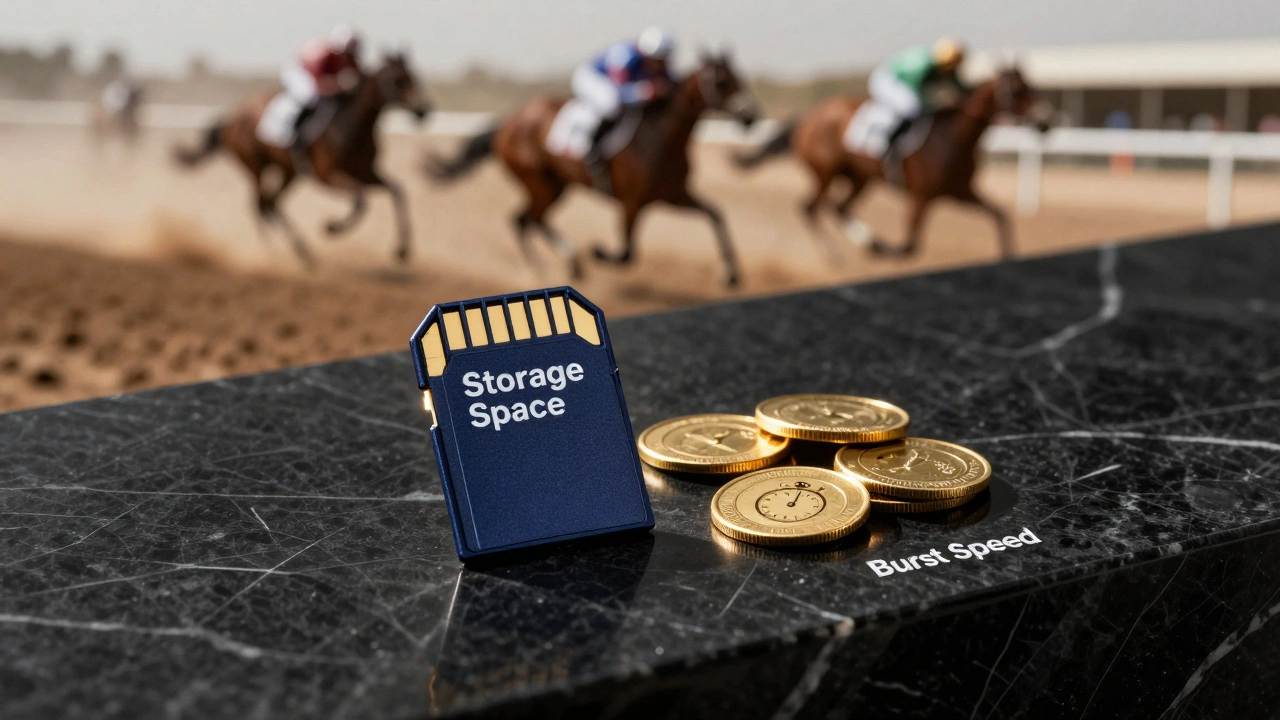
This matters for your memory cards. If you’re on a long trip with only one 64 GB card, you could shoot about 6,400 JPEGs but only around 2,100 RAWs. For casual shooters or those documenting everyday life, that limitation can feel restrictive. But it’s not just about storage capacity; it’s about speed. Cameras write JPEGs to the card much faster than RAWs. When you’re shooting fast action-like a soccer match or a wedding first dance-this speed matters. JPEG allows for longer burst sequences because the camera doesn’t spend as much time writing data to the card. RAW fills the camera’s internal buffer quickly, which can cause the frame rate to drop significantly mid-burst.
| Feature | RAW | JPEG |
|---|---|---|
| Bit Depth | 12-bit or 14-bit (up to 16,384 tones) | 8-bit (256 tones) |
| Compression | Lossless or uncompressed | Lossy (discards data) |
| File Size | Large (20-80 MB) | Small (5-10 MB) |
| Editing Flexibility | High (non-destructive) | Low (destructive) |
| Burst Shooting Speed | Slower (fills buffer faster) | Faster (longer bursts) |
| White Balance Adjustment | Lossless change possible | Baked in, hard to fix |
Dynamic Range and Recovery Power
If you’ve ever tried to save a photo where the sky was blown out white or the foreground was pitch black, you know the pain of lost dynamic range. Dynamic range is the camera’s ability to capture detail in both the brightest highlights and the darkest shadows simultaneously. RAW format retains significantly more of this range than JPEG.
When a camera saves a JPEG, it applies sharpening, noise reduction, and contrast curves based on your settings. It essentially "bakes" these adjustments into the final image. If the highlight is clipped in the JPEG preview, that data is gone forever. There is no way to un-blur or un-compress it. With RAW, the sensor data is preserved in its most neutral state. Even if the histogram shows clipping, there is often hidden data just beyond the edge that you can recover during post-processing. This "headroom" is crucial for high-contrast scenes like sunsets, interior shots with windows, or backlit portraits.
White balance is another area where RAW shines. In JPEG mode, if you set the wrong white balance (say, tungsten instead of daylight), the color cast is baked into the file. Fixing it later requires stretching pixels, which degrades quality. With RAW, white balance is just metadata. You can change it from tungsten to daylight in your editing software, and the image will look exactly as if you had set it correctly in-camera. No quality loss, no hassle.
When to Choose JPEG
Don’t let the praise for RAW fool you. JPEG has serious advantages, especially for certain types of photography. If you are shooting events, news, or social media content, speed is king. JPEG images are ready to use straight out of the camera. They require no conversion, no special software, and they upload instantly. Universal compatibility means any device, from a smartphone to a web browser, can display them perfectly.
Consider these scenarios where JPEG is the smarter choice:
- Social Media Content: Instagram and other platforms compress images anyway. Shooting RAW adds unnecessary work to your workflow since the final output will be heavily compressed regardless.
- Fast Action Sports: If you need to maintain high frames-per-second for extended periods, JPEG prevents buffer bottlenecks.
- Consistent Lighting: If you’re shooting in controlled studio lighting with perfect white balance, there’s little benefit to the extra data in RAW.
- Limited Storage: On long trips where carrying extra drives isn’t an option, JPEG lets you shoot more images.
JPEG also tends to look slightly sharper right out of the camera because the camera applies in-camera sharpening. For quick previews or client handovers, that immediate "pop" can be appealing.
When to Choose RAW
On the flip side, if you care about image quality, creative control, or working in difficult conditions, RAW is non-negotiable. Professional photographers almost always shoot RAW for critical assignments. Here’s when you should switch to RAW:
- Mixed or Challenging Lighting: Indoor events with mixed incandescent and fluorescent lights are a nightmare for white balance. RAW lets you fix this easily.
- High Contrast Scenes: Landscapes, sunsets, and architectural interiors often have extreme differences between light and dark areas. RAW preserves the detail needed to balance them.
- Heavy Post-Processing: If you plan to edit your photos extensively-adjusting exposure, color grading, or removing noise-RAW provides the cleanest canvas.
- Large Prints: If you’re creating gallery-sized prints, the subtle banding and artifacts that appear in edited JPEGs become very noticeable. RAW ensures smooth gradients and fine detail.
The Hybrid Approach: RAW + JPEG
You don’t always have to pick one. Many cameras offer a RAW+JPEG mode that saves both files simultaneously. This gives you the best of both worlds: the JPEG for quick sharing and backup, and the RAW for serious editing later. However, keep in mind that this doubles your file size and slows down your burst shooting even more than RAW alone. It’s a great compromise for weddings or travel, where you want to deliver some quick proofs but retain the originals for albums.
Another option is to shoot compressed RAW. Most modern cameras allow you to save RAW files with lossless compression. This reduces file size by about 20-30% without losing any image quality. It’s a smart middle ground if storage is a concern but you still need the editing flexibility of RAW.
Can You Convert JPEG to RAW?
A common question among beginners is whether they can convert a JPEG to RAW later. The short answer is no. Once the camera processes and compresses the image into a JPEG, the discarded data is gone forever. Software can simulate some effects, but it cannot recreate the original sensor data. You cannot undo lossy compression. This is why shooting RAW is often described as buying insurance-you hope you won’t need it, but if you mess up the exposure or white balance, it saves your shot.
Is RAW better than JPEG for all photography?
Not necessarily. RAW is better for image quality and editing flexibility, but JPEG is superior for speed, storage efficiency, and immediate sharing. For social media, sports, or quick event coverage, JPEG may be more practical.
Why do my RAW files look dull compared to JPEGs?
RAW files are unprocessed and neutral by design. They lack the contrast, saturation, and sharpening that cameras apply to JPEGs. This "dull" appearance is actually a feature-it gives you a clean slate to apply your own edits without fighting pre-applied settings.
Does shooting RAW slow down my camera?
Yes, particularly during burst shooting. RAW files are larger and take longer to write to the memory card, which can fill the camera’s buffer faster. This may reduce the continuous shooting speed compared to JPEG.
Can I change white balance on a JPEG after shooting?
You can adjust white balance on a JPEG, but it is destructive. Since the color data is baked into the file, significant changes can lead to color shifts, banding, or quality loss. With RAW, white balance changes are lossless and fully reversible.
What is the best setting for landscape photography?
RAW is highly recommended for landscape photography. Landscapes often have high dynamic range and complex lighting. RAW allows you to recover details in shadows and highlights, ensuring the final print looks vibrant and detailed.