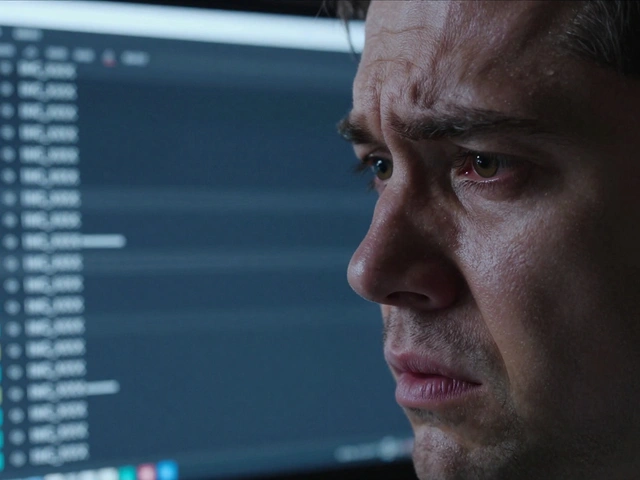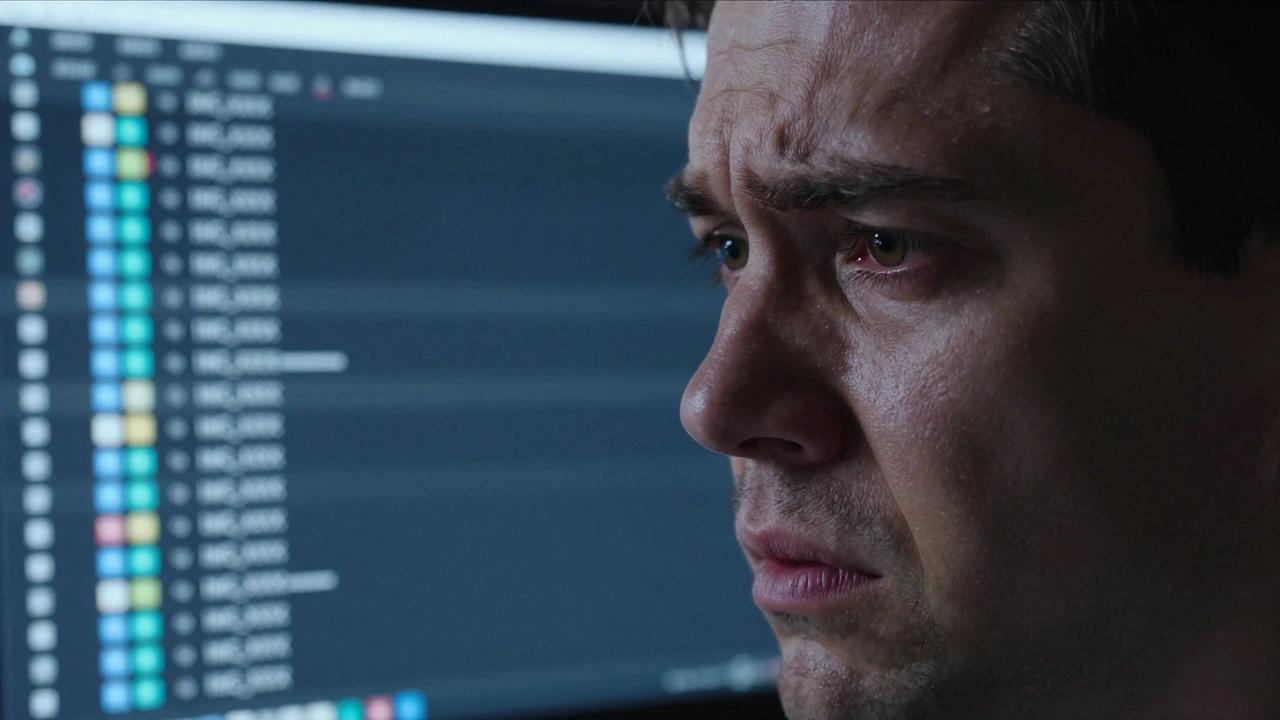
Imagine spending three hours hunting for a specific shot from a wedding you shot four years ago. You remember it was in July, but your folders are labeled "Summer 2022" and "Misc Shots," and every single image is named IMG_4582.JPG. It's a nightmare that almost every photographer faces eventually. The problem isn't your memory; it's your system. When you rely on camera-generated filenames, you're essentially letting a machine decide how you'll find your work in the future.
The secret to a stress-free archive is a rigid file naming conventions system combined with a logical folder hierarchy. By moving away from random strings of numbers and toward descriptive, standardized labels, you turn your hard drive from a digital junk drawer into a searchable database. Whether you're a solo freelancer or managing a team, a consistent system ensures that any file can be identified without even opening the image.
The Core Logic of Image Naming
A good file name should tell you exactly what the image is, when it happened, and who it's for. If you hand a hard drive to an assistant or a client, they should be able to understand the contents of a file just by reading the text. The most critical element in any professional system is the date, but it must be formatted for the computer, not just for humans.
To keep files in chronological order, always use the ISO 8601-inspired back-to-front format: YYYY-MM-DD. If you use "Month-Day-Year," your computer will sort all the "Januarys" from every different year together, which is useless. By starting with the year, then month, then day, your files naturally stack in the order they were taken.
Beyond the date, a professional naming string usually follows this flow: Date $\rightarrow$ Client/Project $\rightarrow$ Event Type $\rightarrow$ Sequence Number. For example, instead of DSC001.JPG, you'd use 2026-04-04-Smith-Brian-Wedding-001.JPG. This tells you the date, the client, the occasion, and the specific shot number instantly.
Building Your Folder Hierarchy
Naming files is only half the battle; you also need a place to put them. A flat folder structure-where you just have one giant folder for "Photos"-will eventually crash your productivity. Instead, use a tiered approach that narrows down from the broadest category to the most specific.
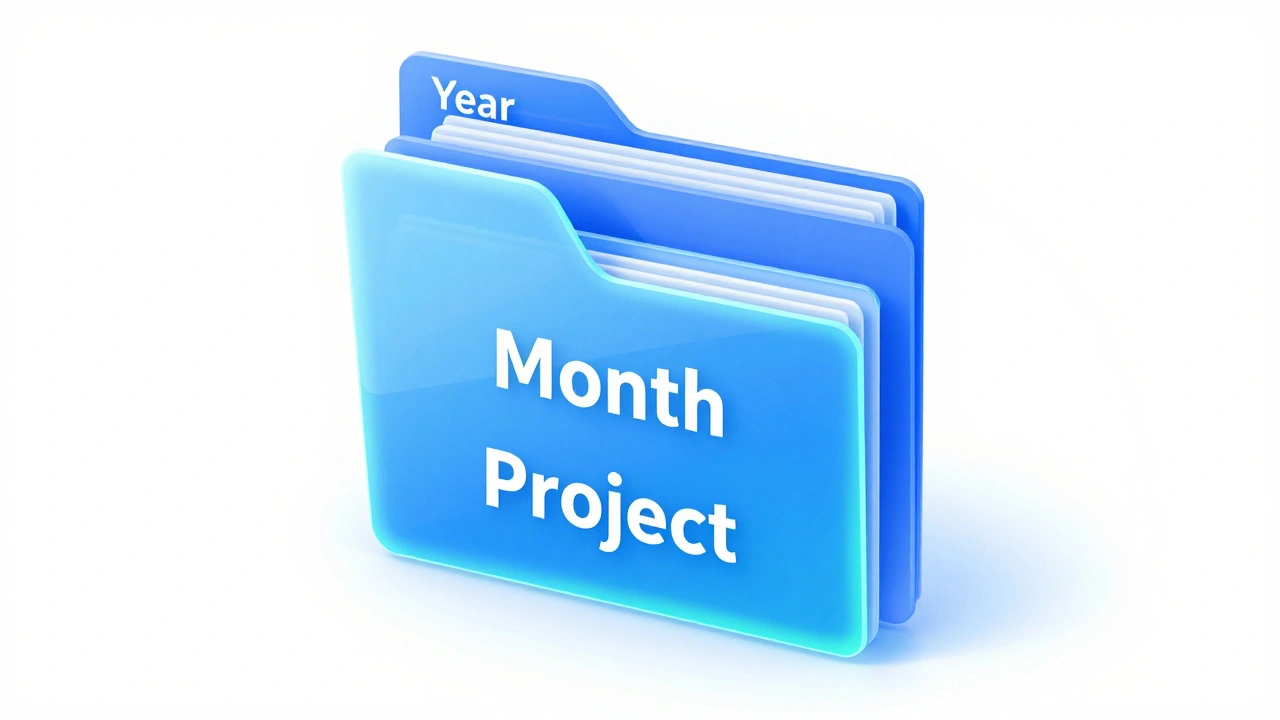
A battle-tested hierarchy for most photographers looks like this:
- Year Folder (e.g.,
2026) - Month Subfolder (e.g.,
04-April) - Project/Shoot Folder (e.g.,
2026-04-04-Smith-Brian-Wedding)
Inside the project folder, you can further divide the work into RAW, Selects, and Final Exports. This prevents you from accidentally deleting your original files while trying to clear out temporary edits. This structure works because it mimics how we naturally recall events: "I remember that was in the spring of 2026."
| Feature | Camera Default (Bad) | Standardized (Good) | Professional (Best) |
|---|---|---|---|
| Example Name | IMG_1234.JPG |
2026-04-04-Wedding.jpg |
2026-04-04-Smith-Brian-Wedding-001.jpg |
| Sortability | Random/Numeric | Chronological | Chronological & Client-based |
| Searchability | Zero | Low (Date only) | High (Client, Event, Date) |
| Context | None | Basic | Full Project Context |
Pro Tips for a Bulletproof Workflow
Consistency is the only thing that keeps a system from collapsing. If you name one folder 2026-04-04 and the next one April_4_26, you've just broken your own system. To avoid this, create a simple "Style Guide" document-a one-page PDF that lists your naming rules. If you ever hire a second shooter or a virtual assistant, you can send them this document to ensure they don't mess up your archive.
When it comes to the technical side of naming, avoid special characters. Stick to dashes (-) or underscores (_). Avoid spaces, slashes, or symbols like # or %, as these can cause errors when moving files between Mac and Windows or uploading to cloud storage. Also, use "padded zeros" for your sequence numbers. Instead of -1, -2, -10, use -001, -002, -010. This ensures that file 10 doesn't appear before file 2 in an alphanumeric list.
For those doing commercial or brand work, you might need to add a brand identifier. If you're shooting for a company with multiple sub-brands, add the brand name at the start: Nike-Running-2026-04-04-Shot01.jpg. This allows you to search for "Nike" and see every campaign across a decade instantly.
Integrating Metadata and Tagging
While file names are great, they can't hold everything. You can't put every single keyword in a filename without making it a paragraph. This is where Metadata comes in. Metadata is data embedded inside the image file itself, like EXIF and IPTC data.
Use your naming convention for the "where and when," and use metadata for the "what and who." For example, while the filename is 2026-04-04-Smith-Brian-Wedding-001.jpg, the metadata tags might include "Golden Hour," "Bride's Father," "Black and White," and "Emotional". This dual-layer approach means you can find a photo by searching for the client name in the folder, or by searching for "Golden Hour" in your editing software.
Common Pitfalls to Avoid
The biggest hurdle is the "I'll do it later" trap. Many photographers import images and plan to rename them once they've picked the best ones. This is a mistake. The moment you import, you should batch-rename your files. Most modern software allows you to rename thousands of files in seconds.
Another common error is being too verbose. You don't need 2026-04-04-Brian-Smith-Wedding-Ceremony-At-The-Church-Near-The-River-001.jpg. Keep it concise. If the folder is already named "Smith Brian Wedding," the filename only needs enough info to be identified if it's moved out of that folder. Stick to the essentials: Date, Client, Event, Number.
Why can't I just use the dates my computer assigns automatically?
Automatic dates (Date Modified/Created) can change if you move files to a new drive or if a software update touches the folder. A written date in the filename is permanent and doesn't rely on the operating system's metadata, which makes your archive much safer over the long term.
Should I rename my RAW files or just the JPEGs?
Ideally, both. Renaming your RAW files at the start of your workflow ensures that every version of that image (the original, the edited version, and the final export) shares a consistent identity. This makes it much easier to track down the original raw file if a client asks for a different crop a year later.
What is the best way to handle versioning (e.g., edits)?
Avoid using terms like "Final" or "New_Final," as you'll eventually have "Final_v2_ActuallyFinal." Instead, use version numbers or specific descriptors. For example, -v01, -v02, or -Edit and -B&W. This keeps the files sorted numerically and tells you exactly what change was made.
How do I handle clients with the same last name?
Always use the "Lastname-Firstname" format. If you have two "Smith" clients, Smith-Brian and Smith-Sarah will naturally sit next to each other in alphabetical order, making it easy to distinguish between them without hunting through different date folders.
Does the hyphen vs. underscore matter for SEO or compatibility?
For internal storage, both work. However, if you are uploading images to a website, search engines generally prefer hyphens (-) over underscores (_) because they treat hyphens as word separators. Using hyphens in your naming convention makes your images slightly more search-engine friendly from the start.
Next Steps for Your Workflow
If you're staring at ten years of messy files, don't try to fix everything in one day. Start with your current projects. Implement the YYYY-MM-DD naming and the three-tier folder structure today. As you go back to archive old work, spend 15 minutes a day renaming one old project.
For those working in a team, your first priority is to write that one-page Style Guide. Once the rules are in writing, the friction of "how should I name this?" disappears, and your digital asset library will finally start to grow in a way that is sustainable for the next decade of your career.