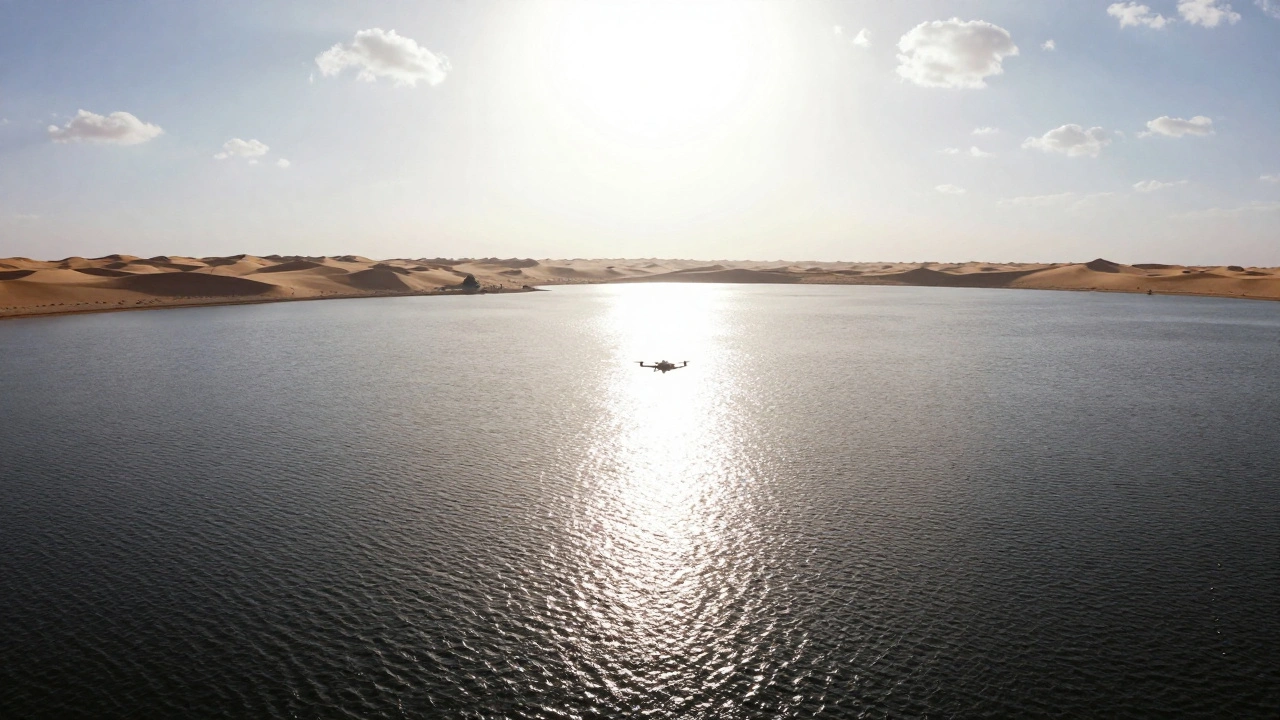
When you’re flying a drone over a sunlit lake or a bustling city at noon, you’ve probably noticed something frustrating: no matter how hard you try, your footage looks too sharp, too stiff, like a video taken on a cheap action cam. The clouds don’t glide - they jump. The water doesn’t flow - it stutters. And the sky? It’s just a blown-out white mess. This isn’t a camera problem. It’s a light problem. That’s where ND filters come in.
Why Your Drone Footage Looks Too Sharp
Most drone cameras have tiny sensors. That means they need very little light to expose a good image. In bright daylight, the camera automatically slams the shutter speed way up - say, 1/1000th of a second - just to keep the image from turning into a whiteout. Sounds fine, right? Except that’s the exact opposite of what cinematic video should look like. Cinematic motion has blur. Think of a car speeding past in a movie. You don’t see it as a series of frozen snapshots. You see a smooth streak. That’s because the shutter speed was slow enough to capture movement over time. The rule of thumb in film? Shutter speed = 2x the frame rate. So if you’re shooting at 24fps, your shutter speed should be around 1/50th. At 30fps? 1/60th. If your camera’s forced into 1/1000th because it’s too bright, you lose that natural motion. You get robotic, video-game-like footage. ND filters fix this. They’re darkened glass (or resin) that cuts light without changing color. Think of them like sunglasses for your drone’s camera. They let you slow down the shutter speed - even in full sunlight - so motion looks fluid, not jarring.How ND Filters Actually Work
An ND filter doesn’t alter color or contrast. It just reduces the amount of light hitting the sensor. That gives you room to lower the shutter speed, widen the aperture, or lower the ISO - all without overexposing the image. This is critical for three things:- Smooth motion blur - for natural-looking movement of clouds, water, or vehicles.
- Balanced exposure - keeping bright skies from washing out while preserving shadow detail in the ground.
- Color depth - overexposed footage loses color richness. ND filters let you capture vibrant blues, greens, and golds without blowing out highlights.
Types of ND Filters for Drones
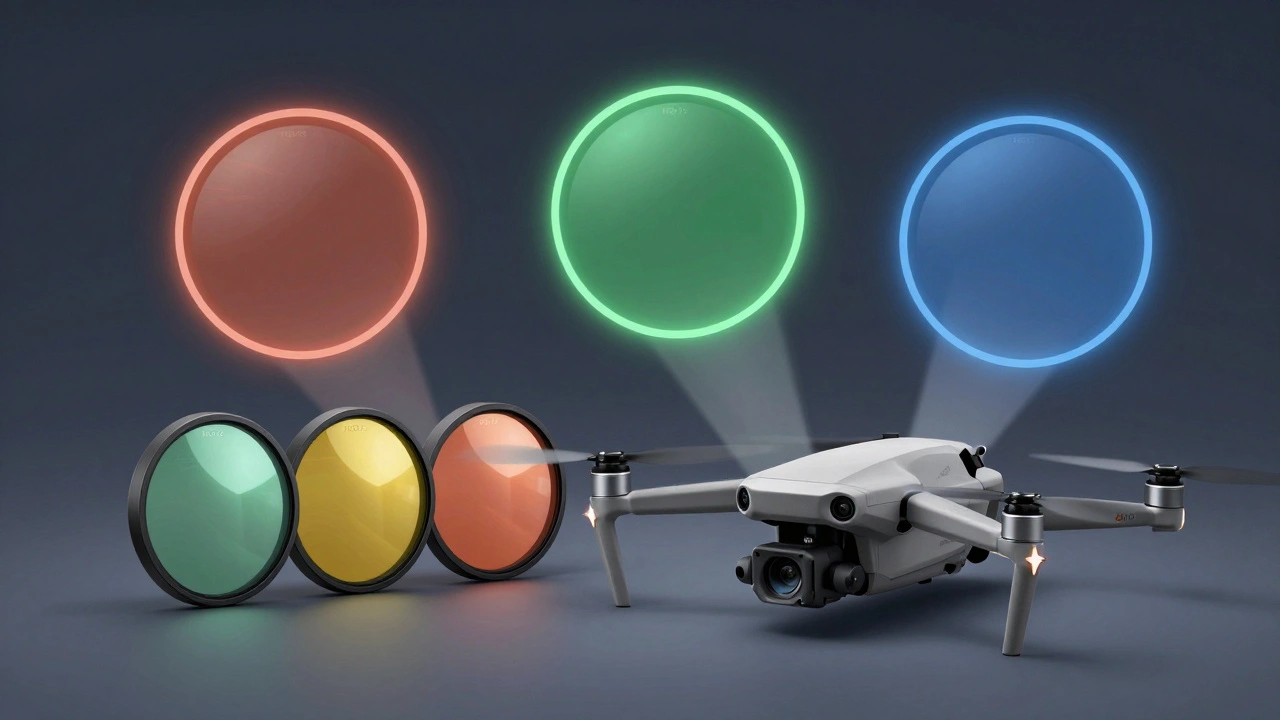
Not all ND filters are the same. There are three main types, each for a different job:- Fixed ND filters - These have one strength, like ND16 or ND64. They’re simple, reliable, and give zero color shift. Best for consistent lighting, like shooting the same location every day.
- Variable ND filters - You twist the ring to change the density, from ND2 to ND400. Super handy when light changes fast - like flying from shade into direct sun. But they can cause color casts or crosshatch patterns if used with wide-angle lenses.
- Graduated ND filters - Half dark, half clear. The dark part sits over the sky, the clear part over the land. Perfect for landscapes where the sky is five times brighter than the ground. No more washed-out clouds or dark, muddy earth.
Which ND Strength Do You Need?
ND filters are labeled by how much light they block: ND8, ND16, ND32, ND64, ND128, ND512. Each number represents a stop of light reduction:- ND8 (3 stops) - Best for early morning or late afternoon. Lets you shoot at 1/50th in golden hour without blowing out the sun.
- ND16 (4 stops) - The sweet spot for sunny days. Works perfectly for 30fps footage. Most pilots use this as their go-to.
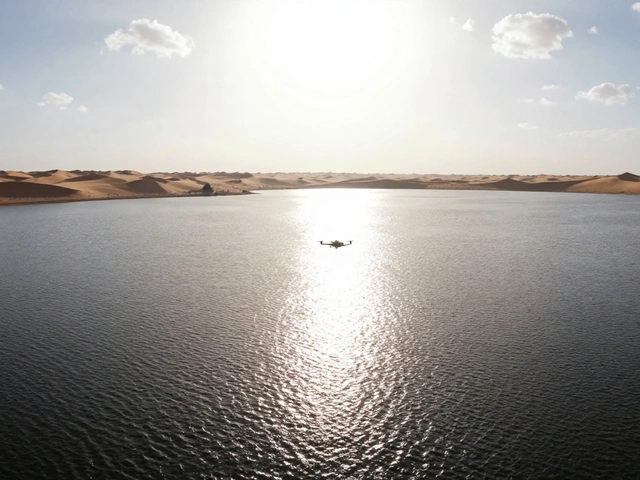
- ND32 (5 stops) - For bright midday sun. If you’re flying over snow, sand, or water, this helps control glare and keep shadows rich.
- ND64 (6 stops) - For high noon in desert or beach environments. Lets you shoot 24fps with motion blur even when the sun’s directly overhead.
- ND128 to ND512 (7-9 stops) - For extreme conditions. Think tropical sun, reflective lakes, or long-exposure effects like silky waterfalls. You’ll need a tripod or stable hover to use these - exposure times get long.
ND/PL Filters: The Double Duty Option
If you fly low over water, glass buildings, or wet roads, you’ve seen the glare. It’s like your camera is fighting a mirror. That’s where ND/PL filters come in. These combine a neutral density filter with a circular polarizer. The polarizer cuts reflections and boosts color saturation - especially in skies and water. The ND part lets you slow the shutter speed. Together, they’re a powerhouse combo. But there’s a catch: polarizers only work when the sun is at a 90-degree angle to your lens. If you’re flying straight toward or away from the sun, the effect fades. Also, they can darken corners on ultra-wide lenses. So they’re great for specific shots - not all-day use.Split ND Filters: For Multi-Camera Drones
Newer drones like the DJI Air 3 and Mavic 4 Pro have multiple cameras - one wide, one telephoto, sometimes even a thermal. Each camera has a different aperture and sensor sensitivity. If you put the same ND filter on all of them, one might be overexposed, another under. Enter split ND filters. These are custom-built for multi-camera systems. Each side of the filter has a different density. The wide lens gets ND32. The telephoto gets ND16. You install them as a set, and now every camera gets the right exposure, no matter which one you switch to. No more sudden exposure jumps between shots.Real-World Scenarios Where ND Filters Make All the Difference
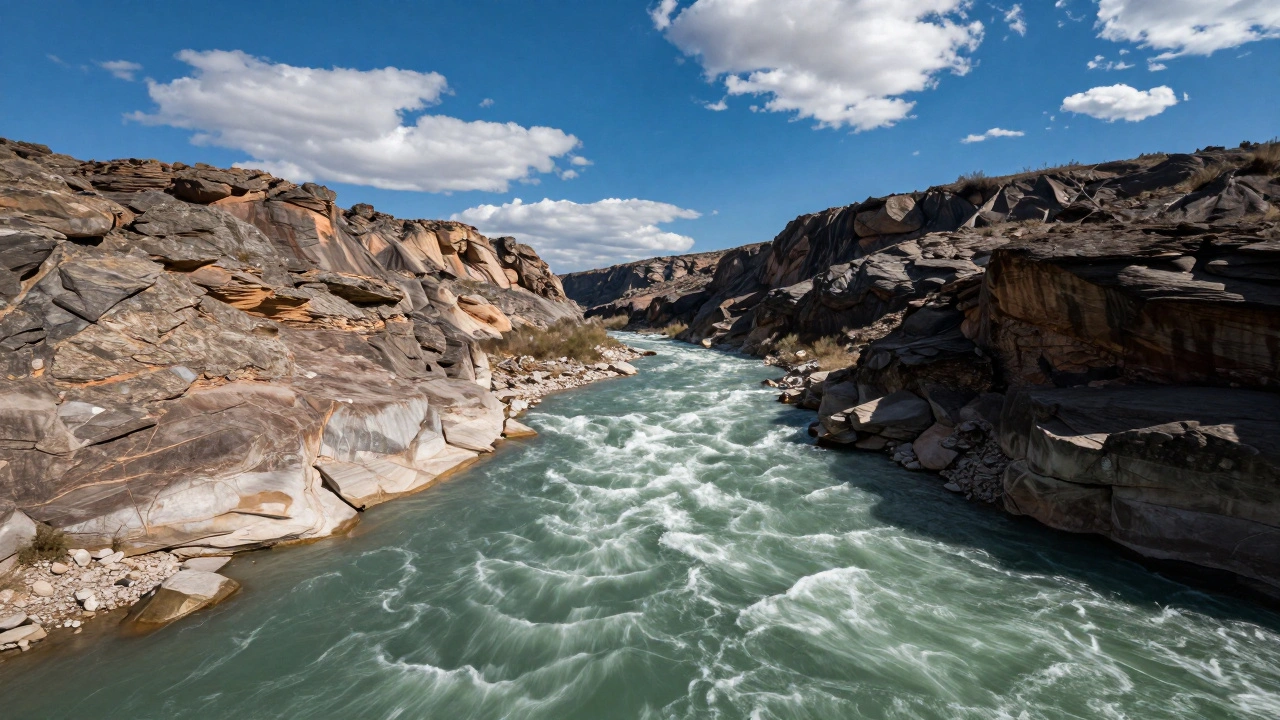
- Coastal shots - Without an ND filter, sunlight reflecting off water turns into a blinding glare. ND32 or ND64 cuts the reflection, reveals underwater texture, and lets you blur the waves into mist.
- Cityscapes at noon - Glass towers and asphalt roads reflect so much light that buildings look like flat white shapes. An ND filter lets you slow the shutter and capture the true contrast of shadows on facades.
- Tracking a car - You want motion blur on the wheels, not a frozen blur. ND16 lets you drop to 1/60th and get that cinematic streak.
- Waterfalls or rivers - You want that silky, dreamy look? ND64 lets you use a 1-second exposure, even in daylight.
- Golden hour - You don’t want to lose the warm tones. ND8 keeps exposure balanced so the sky stays orange, not white.
Brand Compatibility and Buying Tips
DJI makes official ND filters for every model - Mavic 3, Air 2S, Mini 4 Pro. They fit perfectly, have anti-reflective coatings, and are color-accurate. But they’re pricey. Aftermarket brands like Freewell Gear and PolarPro offer solid alternatives. Their ND16 and ND32 filters work just as well, often for half the price. Just make sure they’re designed for your drone’s lens diameter. A filter that’s too small won’t cover the lens. Too big? It’ll vignette. Pro tip: Buy a set. Most come as ND8, ND16, ND32, ND64. Use the ND16 as your daily driver. Keep the others for specific conditions. Don’t buy a variable filter unless you’re shooting in rapidly changing light.What Happens If You Don’t Use Them?
You’ll still get “good” footage. But it won’t look professional. It’ll look like every other drone video on YouTube - stiff, overexposed, and flat. The difference between footage with and without ND filters is night and day. Viewers don’t always know why one video feels more cinematic. But they feel it. ND filters aren’t a luxury. They’re the reason professional drone cinematography exists. They’re what turns a hobbyist clip into something that looks like it came from a Netflix documentary.Final Checklist: When to Use ND Filters
- ✅ Shooting in daylight (not overcast)
- ✅ Wanting motion blur on clouds, water, or moving objects
- ✅ Filming near reflective surfaces (water, glass, sand)
- ✅ Trying to maintain 1/50th or 1/60th shutter speed
- ✅ Needing to preserve sky detail without blowing out highlights
- ✅ Using a drone with multiple cameras (use split ND)
Do I need ND filters if I shoot in overcast weather?
Not usually. Overcast skies diffuse sunlight, reducing contrast and brightness. You can often shoot at your ideal shutter speed (1/50th or 1/60th) without an ND filter. But if you’re filming near water, snow, or reflective surfaces, even on cloudy days, a light ND8 or ND16 can still help control glare and deepen colors.
Can I use smartphone ND filters on my drone?
No. Smartphone filters are designed for phone lenses, which are tiny and have fixed apertures. Drone cameras have larger lenses, different focal lengths, and adjustable settings. Using the wrong filter can cause vignetting, color shifts, or even physical damage if it doesn’t fit the housing. Always use filters made for your specific drone model.
Why do some ND filters have a color cast?
Cheap filters sometimes use low-quality glass or coatings that tint the image - usually green, magenta, or blue. This is common with variable ND filters, especially at extreme settings. Stick to reputable brands like DJI, Freewell, or PolarPro. They test for color neutrality. If you notice a tint, it’s usually fixable in post, but it’s better to avoid it at capture.
Can I stack ND filters together?
Technically yes, but don’t. Stacking filters increases the chance of vignetting, color shifts, and reflections between glass layers. If you need more light reduction, use a single higher-strength filter (like ND64 instead of stacking ND16 + ND32). Quality matters more than adding up numbers.
How often should I clean my ND filters?
Clean them before every flight, especially if you’ve been near sand, saltwater, or dust. Use a microfiber cloth and lens cleaner designed for optics. Never use paper towels or your shirt. A dirty filter can cause haze, flare, or loss of contrast. Keep them in a hard case - not loose in your bag.