Why Culling Matters More Than You Think
Most photographers spend way too much time looking at photos they’ll never use. You take 800 shots at a wedding, 1,200 at a product shoot, or 500 at a family session-then you sit down to pick the best ones. And suddenly, it feels like a chore. That’s because you’re doing it wrong. Culling isn’t about deleting bad photos. It’s about finding the best ones-fast. The difference between a tired, overwhelmed photographer and a confident, efficient one? How they cull.
Here’s the truth: clients don’t want 500 images. They want 50 great ones. And if you give them 500, you’re not helping-you’re overwhelming them. The best photographers don’t just shoot well. They select better. And they do it in under an hour.
Two Ways to Cull: Additive vs. Subtractive
There are two main ways to go through your images. Most people use the subtractive method: start with everything, then delete the bad stuff. It sounds logical. But it’s exhausting. You’re stuck in rejection mode. Every image gets a mental "no"-and after 300 photos, your brain is fried.
The better way? Additive culling. Start with nothing. Only mark the images that are truly worth keeping. No "maybe" piles. No second-guessing. You’re not deleting-you’re selecting. This mirrors how you shoot: you’re always looking for the moment, the light, the expression. Why not carry that same energy into editing?
Photographers who switched to additive culling say it cut their selection time in half. Why? Because you’re not fighting your instincts. You’re following them.
Step One: Know Your Goal Before You Open the Folder
Before you even open Lightroom or Capture One, ask yourself: What’s this for?
- Is this for a client gallery?
- Is it for a wedding album?
- Is it for social media?
- Is it for your portfolio?
Each of these needs a different kind of selection. A wedding album needs emotional highs-candid laughs, quiet glances, tears. A corporate headshot gallery needs clean, consistent lighting and neutral expressions. Social media? You need punchy, scroll-stopping frames.
If you don’t know the goal, you’ll pick images that look good… but don’t serve the purpose. And that’s a waste of time.
Round One: The Fast Cull (Under 10 Minutes)
This is where most people get stuck. They try to be perfect on the first pass. Don’t. This round is about speed. You’re not looking for the best-you’re looking for the obvious rejects.
Here’s what you delete in this round:
- Blurred shots (even slightly)
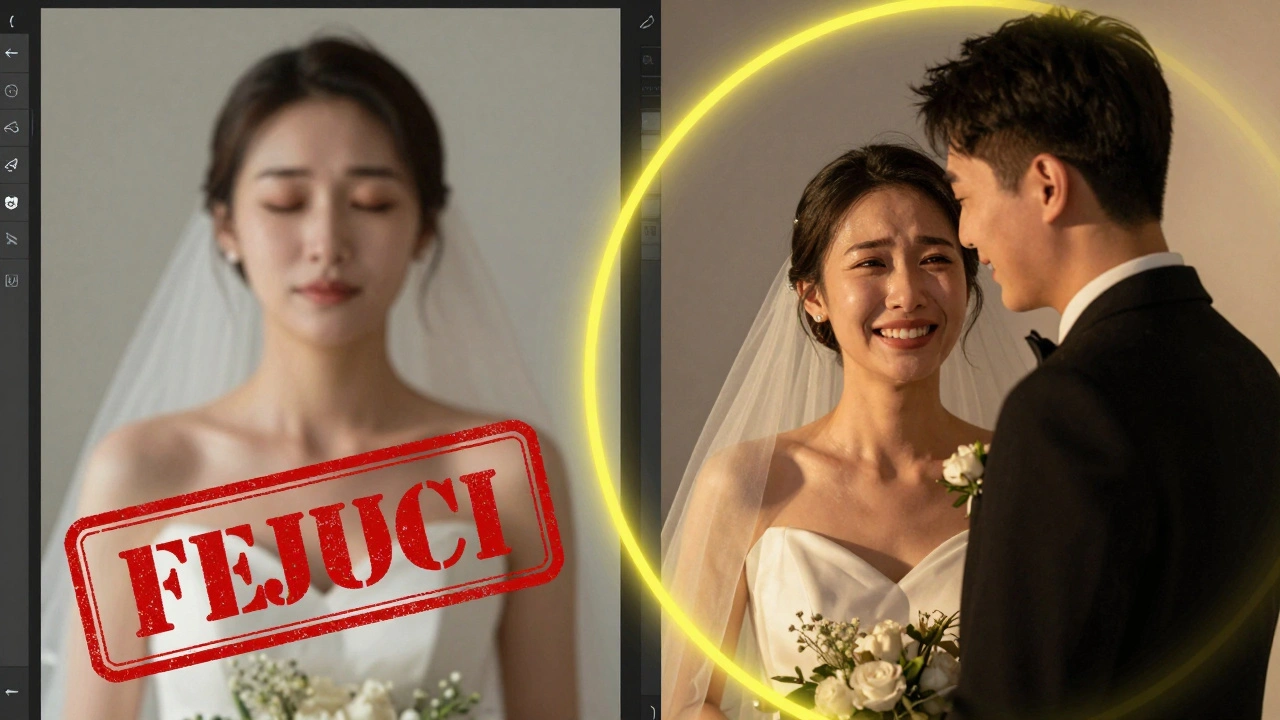
- Images with closed eyes
- Accidental shots (you hit the shutter while adjusting settings)
- Overexposed or underexposed frames with no recovery potential
- Duplicate shots taken milliseconds apart
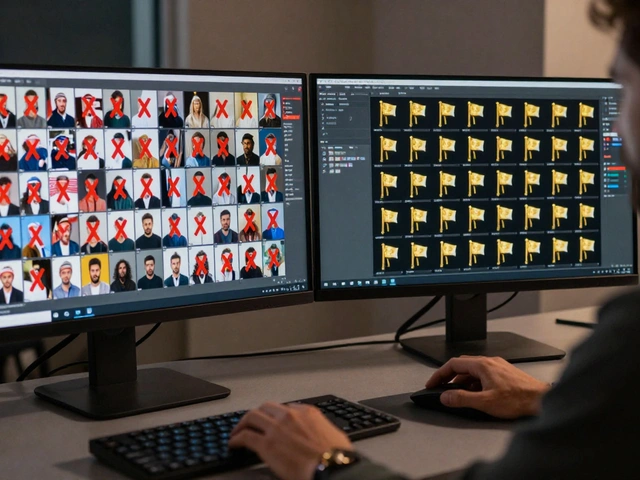
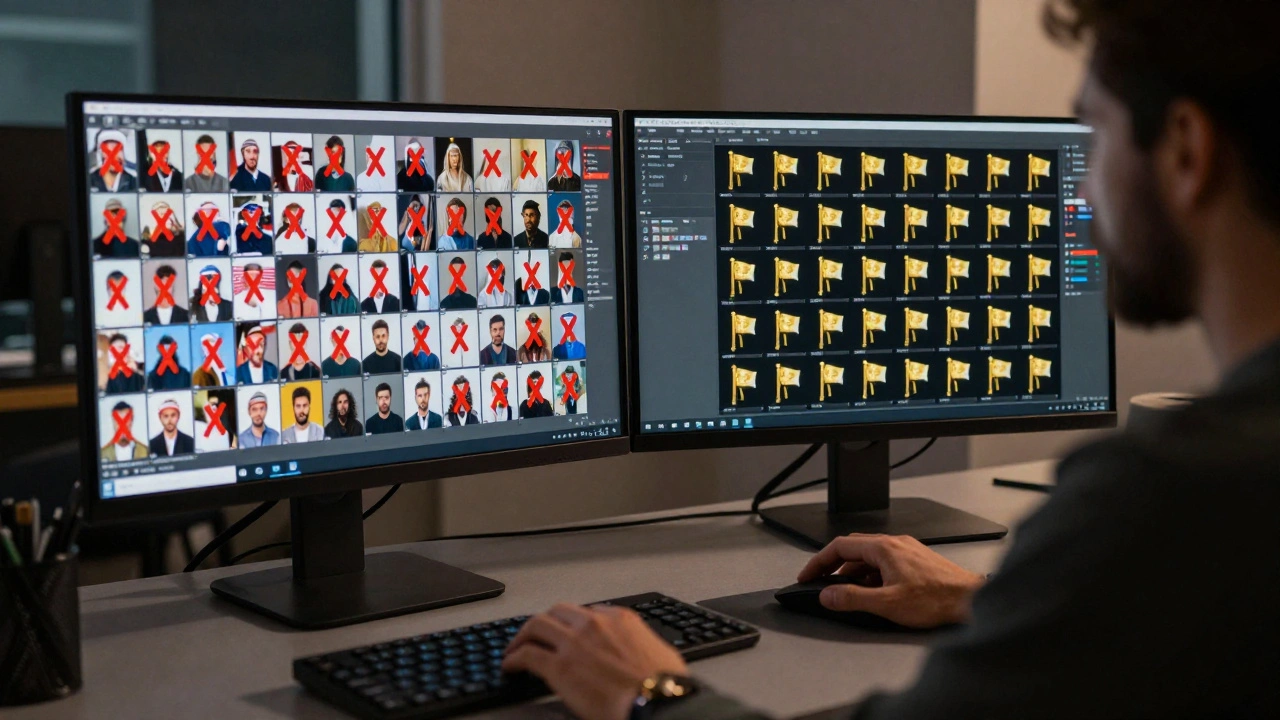
Use your software’s flagging system. Hit "X" to reject. Don’t look at them again. If you’re unsure, skip it. You’ll come back later.
Do this fast. Trust your gut. If it feels wrong in the first second, it is. You don’t need to zoom in. You don’t need to check focus. Not yet.
Round Two: The Refinement Pass
Now you’re left with maybe 150-200 images. This is where you start comparing.
Use the side-by-side view. Pick two similar shots-same pose, same lighting-and ask:
- Which one has better expression?
- Which one has cleaner background?
- Which one has sharper eyes?
- Which one feels more alive?
Zoom in to 100%. Check the eyes. If they’re not sharp, the image is dead. Even if the rest looks perfect, ditch it. Eyes are the heartbeat of a portrait.
Look for lighting consistency. Is one frame slightly warmer? Is there a weird color cast? If it’s distracting, remove it. You’re not just picking good photos-you’re building a cohesive story.
Round Three: The Ruthless Cut
Now you’ve got 50-80 images. Time to be brutal.
Ask yourself: Does this image add something new? If you’ve got three shots of the same smile, same angle, same lighting-keep only the best one. The others? Delete. Even if they’re technically fine.
Redundancy kills impact. A gallery with 10 similar shots feels lazy. A gallery with 5 perfect ones feels intentional. Clients notice.
Also, cut anything that’s "good enough." That’s the killer. "It’s not bad, so I’ll keep it." No. If it’s not exceptional, it’s noise. You’re not curating a collection-you’re curating a statement.
Tools That Make Culling 10x Faster
You don’t need fancy software. But you do need the right tools.
- Adobe Lightroom: Use flags (P for pick, X for reject) and color labels (red for final, yellow for maybe). Stick to one system.
- Capture One: Great for color grading during culling. Use the rating system (1-5 stars).
- ON1 Photo RAW: Fast preview, good for large batches.
- AfterShoot or Narrative Select: AI tools that auto-filter out blurry shots, closed eyes, and duplicates before you even start.
Pro tip: Don’t switch systems between projects. If you use stars for weddings, use stars for portraits. Consistency saves hours.
Work Smart: Cull in 30-Minute Bursts
Never cull for more than 30 minutes at a time. Your brain gets tired. Your judgment gets sloppy. You start keeping images just because you’re worn out.
Set a timer. Work hard. Then walk away. Come back later with fresh eyes. You’ll spot things you missed.
Also, cull once. Don’t cull, then cull again later. That’s a trap. It creates doubt. You’ll second-guess every choice. One pass. One decision. Done.
Think Like a Designer, Not a Collector
When you’re done, ask: Does this sequence tell a story?
A great gallery doesn’t just show what happened. It shows how it felt. Start with a strong opening shot. Build momentum. End with a quiet, emotional moment. That’s what people remember.
For print books, mark your hero shots-full-page, full-bleed images. Then pick supporting shots that flow around them. Think about pacing. White space matters. Not every frame needs to be a star.
The Real Secret: Shoot Less
Here’s the biggest game-changer no one talks about: take fewer photos.
Why do you have 1,200 shots? Because you shot like a machine. You didn’t pause. You didn’t look. You didn’t think.
Try this: Before each shot, ask: Is this the best angle? The best light? The best moment? If not, wait. If you’re not sure, don’t press the shutter.
Photographers who shoot 30% fewer images spend 60% less time culling. And their final galleries are stronger. Why? Because every shot was intentional.
You don’t need more photos. You need better ones.