You just finished a massive commercial campaign. The client is happy, the invoices are paid, and you’re ready to delete those 400GB of RAW files to free up space on your main drive. But wait. What happens when that client calls three years later asking for a specific crop? Or worse, what if your primary backup drive fails right now?
Many photographers treat their hard drives like temporary mailboxes rather than permanent libraries. This mindset leads to data loss, lost revenue, and hours spent hunting for missing assets. Proper archiving completed shoots isn’t just about storing files; it’s about building a system that ensures your work remains accessible, intact, and searchable for decades.
The Reality of Digital Decay
Digital media feels permanent, but it is surprisingly fragile. Unlike a printed photograph in an album, a file on a disk can vanish without warning. Hard drives have mechanical parts that wear out, SSDs have limited write cycles, and even cloud storage services change pricing models or shut down products over time.
According to industry standards from the Library of Congress, digital objects require active management to remain readable. If you store JPEGs on a drive from 2015, they might still open today, but where is the original RAW file with all its color profile data? Without a structured approach, your portfolio becomes a graveyard of orphaned files.
- Mechanical Failure: HDDs typically last 3-5 years under regular use. After that, failure rates spike.
- Bit Rot: Over time, magnetic particles or charge states in storage media degrade, causing silent data corruption.
- Format Obsolescence: Proprietary file formats (like certain video codecs) may become unsupported by software updates within 5-10 years.
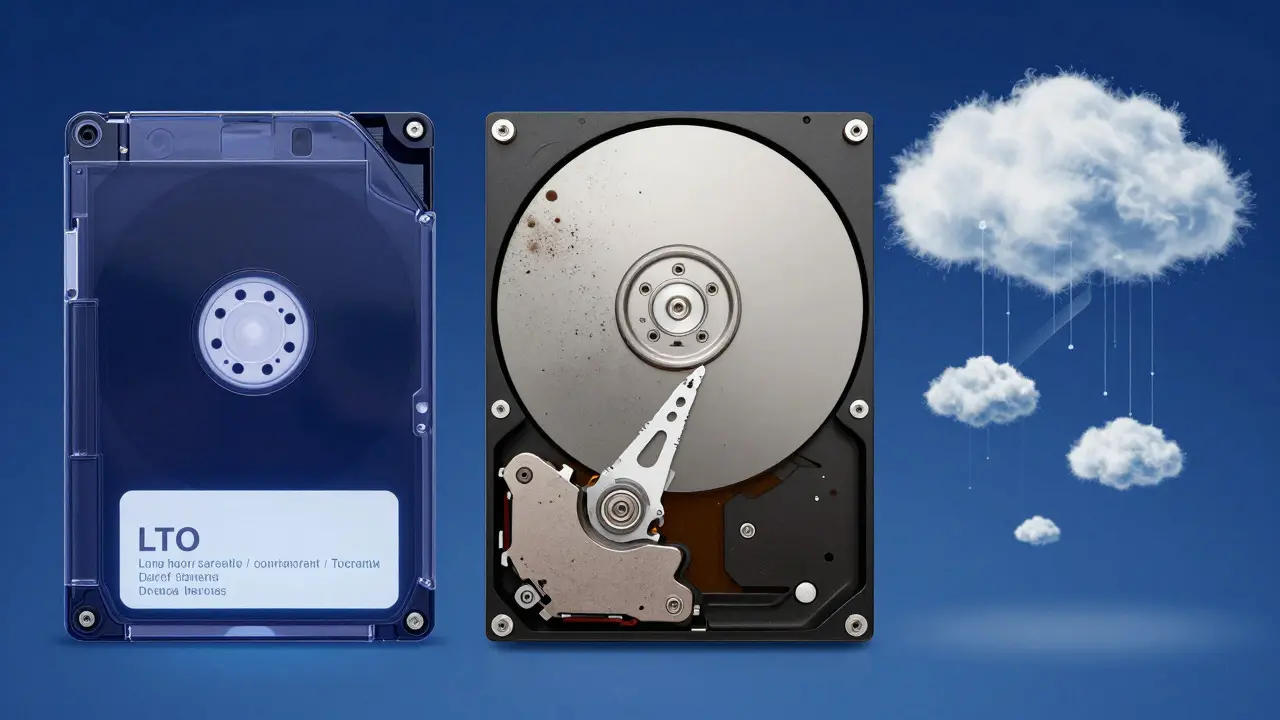
Choosing Your Storage Media: Tape vs. Disk vs. Cloud
There is no single "best" medium. The right choice depends on your budget, volume, and access needs. Most professional workflows use a hybrid approach.
| Media Type | Cost per TB | Access Speed | Lifespan | Best For |
|---|---|---|---|---|
| LTO Tape | $50 - $80 | Slow (Sequential) | 15-30 Years | Cold Storage, Massive Archives |
| Enterprise HDD | $100 - $150 | Fast (Random) | 3-5 Years | Active Editing, Warm Backup |
| Cloud Object Storage | $0.02 - $0.05 / GB/mo | Moderate (Internet Dependent) | Indefinite (Managed) | Redundancy, Remote Access |
LTO (Linear Tape-Open) is a standard for high-capacity magnetic tape storage used primarily for long-term data archiving. It is the gold standard for cold storage because tapes are offline, immune to ransomware, and incredibly durable if stored properly. A single LTO-9 tape holds 18TB of compressed data. While writing to tape is slow, reading specific files requires seeking, which takes time. However, for archives you only touch once a year, this trade-off is worth it.
Cloud Object Storage, such as Amazon S3 Glacier or Backblaze B2, offers a different value proposition. You don't buy hardware; you pay for retention. This eliminates the risk of physical drive failure entirely. The downside? Egress fees. If you need to download 10TB of files back to your local machine, the internet transfer costs can be significant. Use cloud storage as your third copy, not your primary working environment.
The 3-2-1 Backup Rule Applied to Archiving
Most photographers know the 3-2-1 rule: Keep 3 copies of your data, on 2 different types of media, with 1 copy offsite. But how does this apply specifically to *completed* shoots versus active projects?
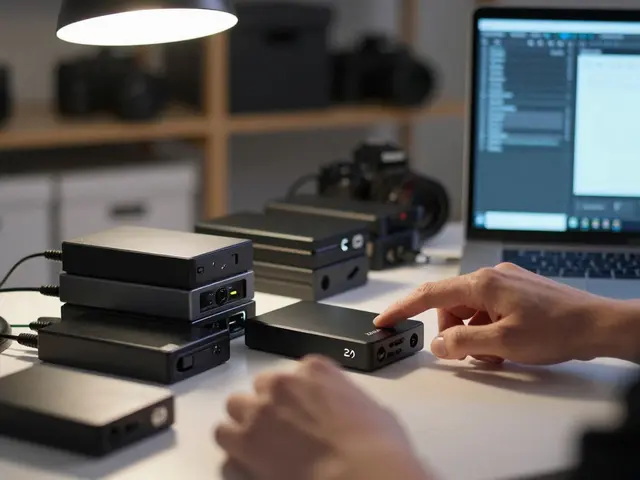
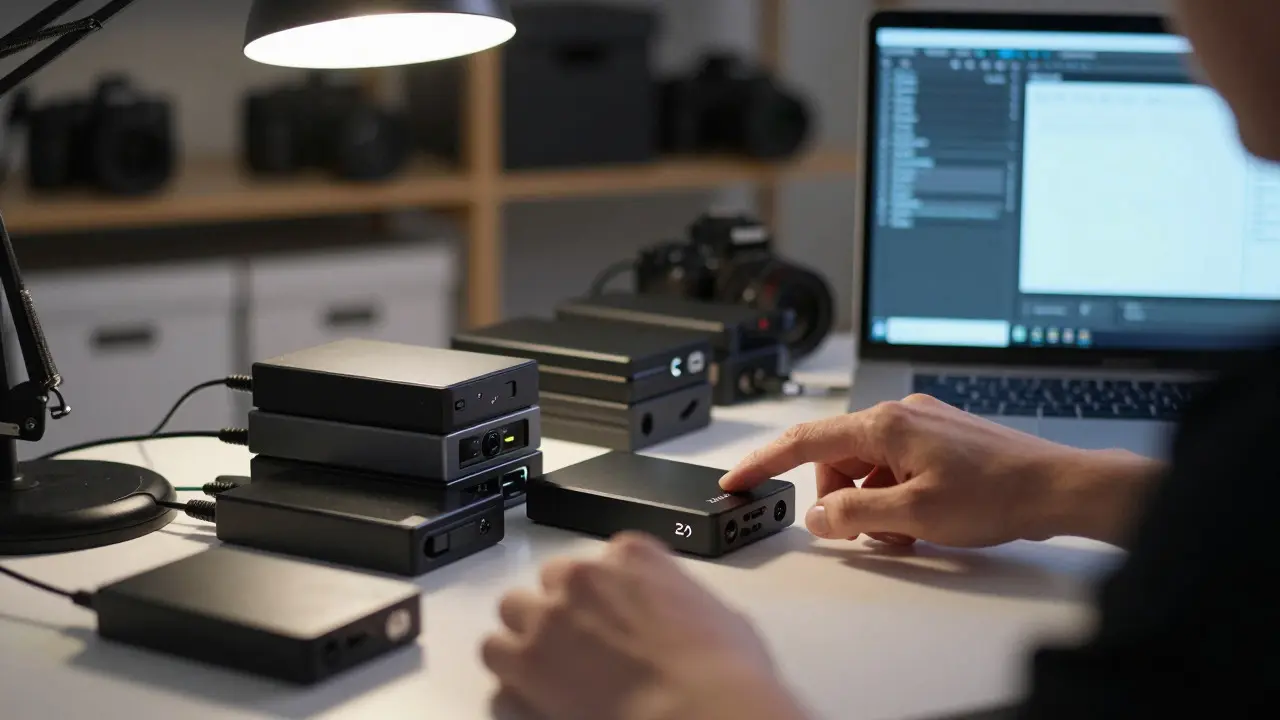
- Copy 1 (Local Archive): Store the final deliverables and selected RAW files on a dedicated external HDD or NAS (Network Attached Storage). This should be a separate drive from your daily editing rig. Label it clearly. Do not use this drive for anything else.
- Copy 2 (Tape Archive): Write the same data to LTO tape. This is your insurance policy against fire, theft, and local drive failure. Store these tapes in a climate-controlled location, ideally away from your studio.
- Copy 3 (Cloud Mirror): Upload the archive to cloud object storage. This provides geographic redundancy. If your house floods, your cloud copy survives. If the cloud provider has a regional outage, your local and tape copies survive.
This setup ensures that no single point of failure wipes out your history. It also separates your "working