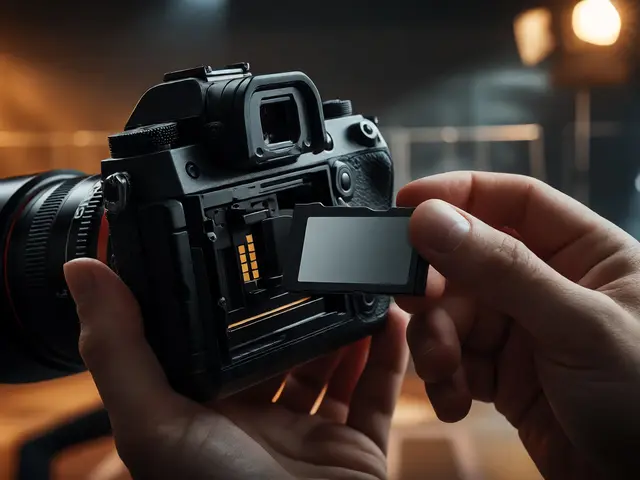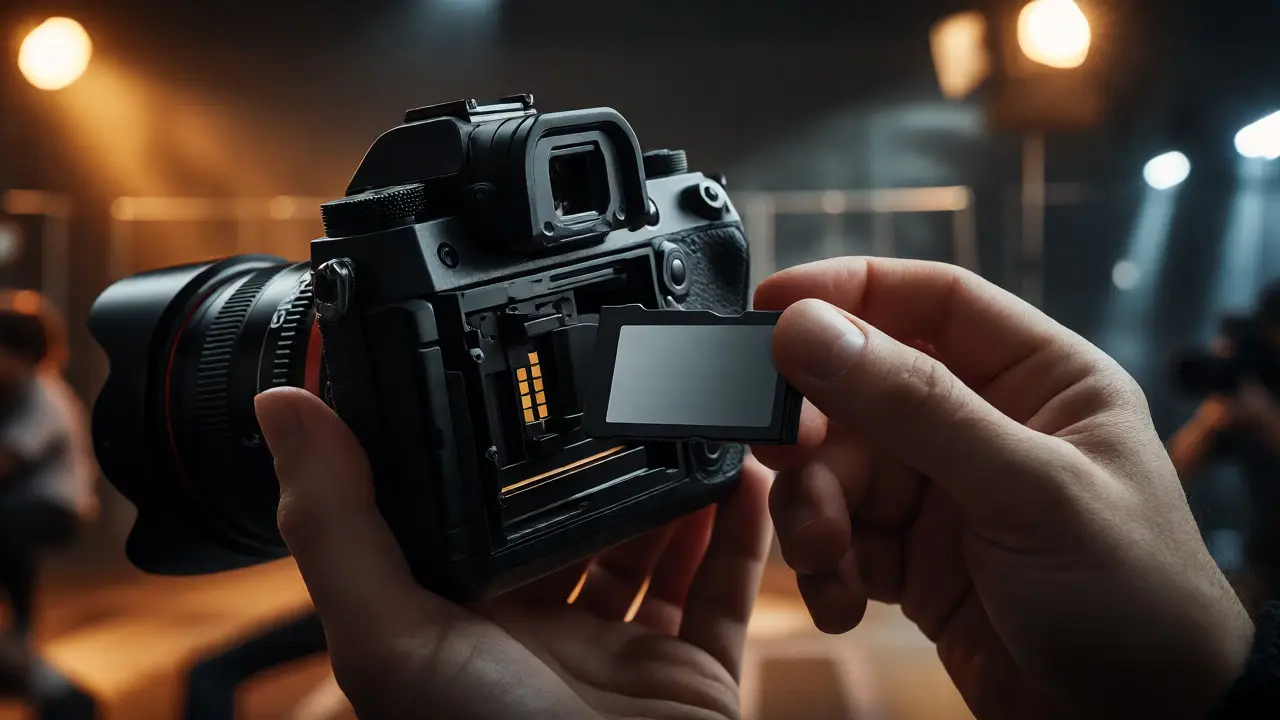
You’re at the peak of action. The light is perfect, the subject is moving fast, and you hold down the shutter button. Then-silence. Or worse, a blinking error on your LCD screen. Your memory card is a removable data storage device used to save digital photos and videos in cameras just failed you. It’s not just annoying; it’s a potential career-ender if you missed that once-in-a-lifetime shot.
Choosing the right storage isn’t about picking the most expensive option or the one with the biggest number on the box. It’s about matching the tool to the job. Do you need raw burst capability? Are you shooting 4K video? Do you prioritize long-term archival safety over write speeds? This guide breaks down exactly what matters when buying memory cards in 2026, cutting through the marketing jargon to help you make a smart, reliable choice.
Understanding Card Types: SD vs. CFexpress vs. XQD
The first hurdle is physical compatibility. Your camera dictates the format, but knowing why these formats exist helps you understand their limits. For years, the Secure Digital (SD) family was the undisputed king of consumer photography. But as sensors grew from 12 megapixels to 50+ and video resolution jumped from HD to 8K, SD cards hit a bandwidth ceiling.
CFexpress is a high-performance memory card standard based on PCIe technology, designed for professional cameras requiring rapid data transfer emerged as the successor for high-end gear. Unlike SD cards, which rely on older bus interfaces, CFexpress uses the same internal architecture as computer SSDs. This means massive throughput. If you shoot sports or wildlife with a mirrorless flagship like the Sony A9 series or Canon R3, CFexpress Type B is likely mandatory. It handles sustained bursts without choking.
Then there’s XQD is a high-speed flash memory card format developed by SanDisk, Sony, and Nikon, primarily used in earlier professional Nikon and Sony cameras. You might still see this in slightly older pro bodies. It’s faster than SD but slower than CFexpress. If your camera takes XQD, don’t panic-it’s still reliable-but know that future-proofing is harder since manufacturers have largely moved to CFexpress.
| Feature | SDXC UHS-II | CFexpress Type B | microSDXC |
|---|---|---|---|
| Max Read Speed | ~312 MB/s | ~1700+ MB/s | ~170 MB/s |
| Best For | Hobbyists, DSLRs, Mirrorless entry-level | Pro Sports, 8K Video, High Burst Rates | Drones, Action Cams, Compact Cameras |
| Cost per GB | Low | High | Very Low |
| Durability | Moderate | High | Low (easily lost) |
Decoding Speed Ratings: Don’t Fall for Marketing Tricks
Packaging is full of big numbers. "Up to 200MB/s!" sounds great until you realize that’s the read speed-the speed at which your computer pulls files off the card. That has zero impact on how fast your camera can take pictures. What matters is the write speed, specifically sustained write speed.
Camera manufacturers use specific standards to guarantee minimum performance. Look for these logos:
- V30 / V60 / V90: These are Video Speed Class ratings. V30 guarantees 30MB/s continuous write, enough for 4K video. V90 guarantees 90MB/s, essential for high-bitrate 4K or 8K recording.
- C10 / U3: Older markers for basic HD video and stills. If you shoot RAW, aim for U3 minimum.
- PCIe Gen 3/4: For CFexpress cards, generation matters more than MB/s claims. Gen 4 offers double the bandwidth of Gen 3.
Here’s a practical rule of thumb: Calculate your camera’s maximum burst buffer. If your camera shoots 20 frames per second at 45MB per RAW file, it needs to write 900MB every second. A V60 SD card writing at 60MB/s will fill its buffer in seconds and then slow to a crawl. You’d be better off with a faster card or shooting JPEGs. Check your camera manual for recommended card types; ignoring them leads to dropped frames.

Capacity: How Much Space Do You Actually Need?
Bigger isn’t always better. Carrying a 512GB card feels safe, but it introduces risk. If that single card fails or gets corrupted during a shoot, you lose everything on it. Professional photographers often follow the "half-and-half" rule: split the day’s images across two smaller cards rather than filling one giant one.
Consider your file sizes. A modern 45MP RAW file averages 50-60MB. A 128GB card holds roughly 2,000-2,500 images. Is that enough for a wedding? Maybe. For a safari trip where you shoot thousands of frames daily? No. But do you really want to delete 500 good shots because you ran out of space mid-day?
For video shooters, capacity is critical. ProRes 422 HQ at 4K consumes about 400GB per hour. An 8K RAW clip can eat 1TB in under an hour. In these cases, large capacity (256GB+) is non-negotiable, but you must pair it with a robust backup workflow immediately after the shoot.
Reliability: Brands, Wear Levels, and Failure Modes
Not all memory cards are created equal. Cheap no-name brands often use lower-grade NAND flash chips. They might work fine for casual snapshots, but under heavy load, they fail. Stick to reputable manufacturers like Sony a Japanese multinational conglomerate known for its TOUGH series of ruggedized memory cards, SanDisk an American company acquired by Western Digital, famous for Extreme PRO line of memory products, and ProGrade Digital a company specializing in high-performance memory cards for professional content creators.
Why trust them? Because they test extensively. SanDisk’s Extreme PRO cards, for example, are tested for temperature extremes, shock, vibration, waterproofing, magnetism, and X-rays. While marketing lists these features, the real value is consistency. A card that writes at 150MB/s consistently is worth more than one that spikes to 200MB/s but drops to 40MB/s after ten seconds.
Also, check the warranty. Many pro-grade cards come with limited lifetime warranties. Keep your receipts. If a card dies within three years, you can usually get a replacement. Note that the warranty covers the hardware, not the data recovery service. Always assume data loss is possible and back up accordingly.
The Workflow: Formatting, Backups, and Longevity
Buying the right card is only half the battle. Using it correctly determines its lifespan. Here are three non-negotiable habits:
- Format in Camera: Never rely on your computer to format cards. File systems vary (exFAT vs. FAT32), and cameras create specific directory structures. Formatting in the camera ensures the file system matches exactly what the camera expects, reducing corruption risks.
- The 3-2-1 Backup Rule: After a shoot, copy images to two different locations (e.g., laptop and external drive). Keep one copy offsite (cloud or a drive stored elsewhere). Never delete from the card until you’ve verified both backups.
- Don’t Overfill: Flash memory slows down when nearly full. Aim to keep at least 10-20% free space for optimal write performance and wear leveling.
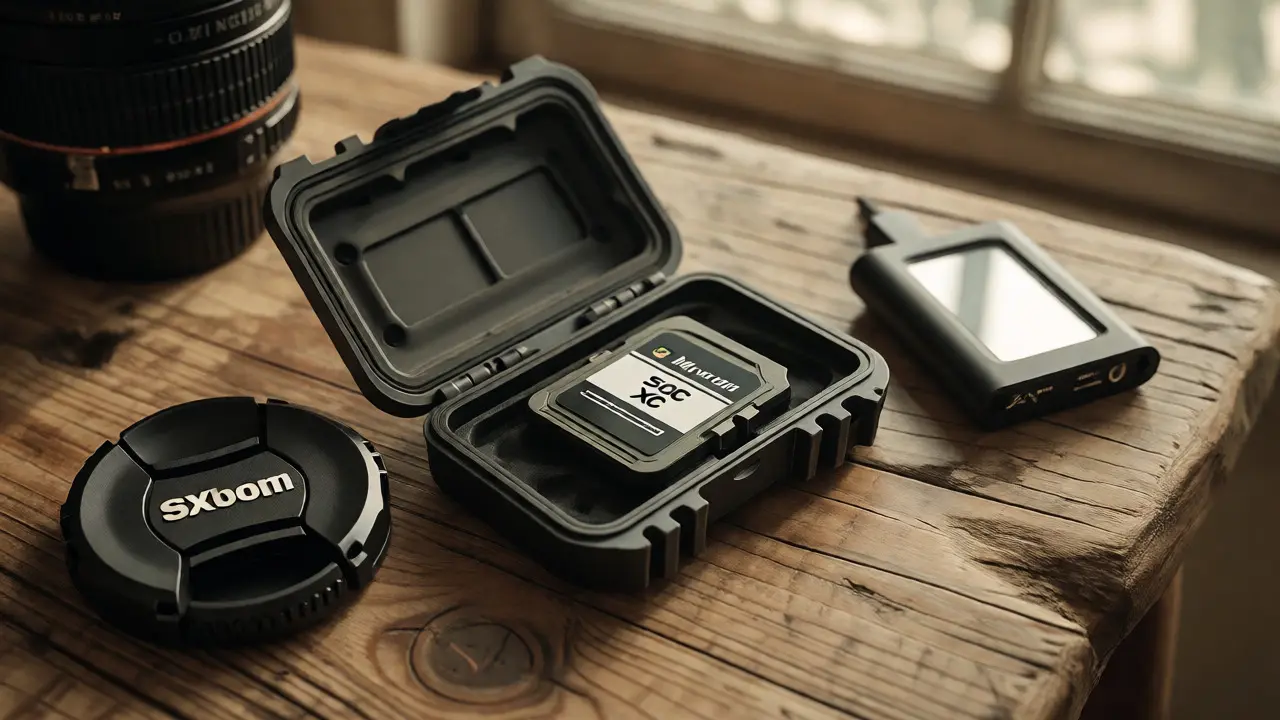
How long do cards last? Technically, millions of write cycles. Practically, heat and moisture kill them faster. Store cards in protective cases away from direct sunlight. If a card feels hot after a long video session, let it cool before ejecting. Thermal stress degrades the controller chip over time.
Frequently Asked Questions
Can I use a microSD card in my DSLR or mirrorless camera?
Yes, most cameras with SD slots accept microSD cards via an adapter. However, adapters add a point of failure. If the contact pins misalign, you could lose data. For critical shoots, stick to native-sized SD or CFexpress cards. Use microSD only for drones, action cams, or as a temporary emergency solution.
What happens if I pull the memory card out while the camera is writing?
You risk corrupting the current file and potentially the entire file system index. The camera may show a "Card Error" message upon reinsertion. To fix it, try formatting the card in-camera. If the card is physically damaged or the controller failed, you may need data recovery software or services. Always wait for the access light to stop blinking before removing the card.
Is CFexpress backward compatible with XQD slots?
Generally, yes. Most cameras that support XQD received firmware updates allowing them to read/write CFexpress Type B cards. Check your specific camera model’s support page to confirm. However, an XQD card will not fit into a CFexpress-only slot if the physical dimensions differ significantly, though Type B is similar in size to XQD.
Do expensive memory cards actually improve image quality?
No. Image quality is determined by the sensor, lens, and processing engine. A $20 card produces the exact same pixels as a $200 card. The difference lies in reliability, speed (how many shots you can take before the buffer fills), and durability. You pay for peace of mind and workflow efficiency, not sharper photos.
How do I know if my memory card is dying?
Warning signs include significantly slower write speeds than usual, frequent "Card Error" messages, missing folders or files, or the camera refusing to recognize the card intermittently. Some advanced tools allow you to check the card's S.M.A.R.T. status (if supported by the reader) to see remaining life percentage. When in doubt, replace it.